Carrying out function test
3
9
• Position the RaceChip and the wiring harness safely in the engine bay. Do not x
anything in place yet.
• Switch the ignition on. DO NOT start the engine.
• Check for the following:
- Control lights on the dashboard light up and go out as normal.
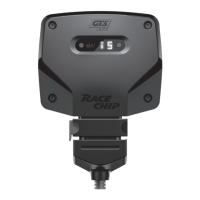
- The Power ON and Bluetooth indicators light up on the Digital User Interface of
your RaceChip (see Overview of the RaceChip).
• If all the above happens, you can start the engine. It should start as normal and should
react to the throttle when idling.
• Switch off the engine and ignition.
3 Installation
Step 4 of 7 – Connecting the RaceChip and fi rst function test
• If your car will not start as normal, please refer to Trouble Shooting for hints and tips.
• Our Customer Service is of course always ready to help. See Contact for details.
• If the Digital User Interface lit up as soon as it was connected, this means that there
was still power in the system during the installation.
• In some cases, this can lead to an error message during the rst function test. Please
refer to Trouble Shooting for a solution.
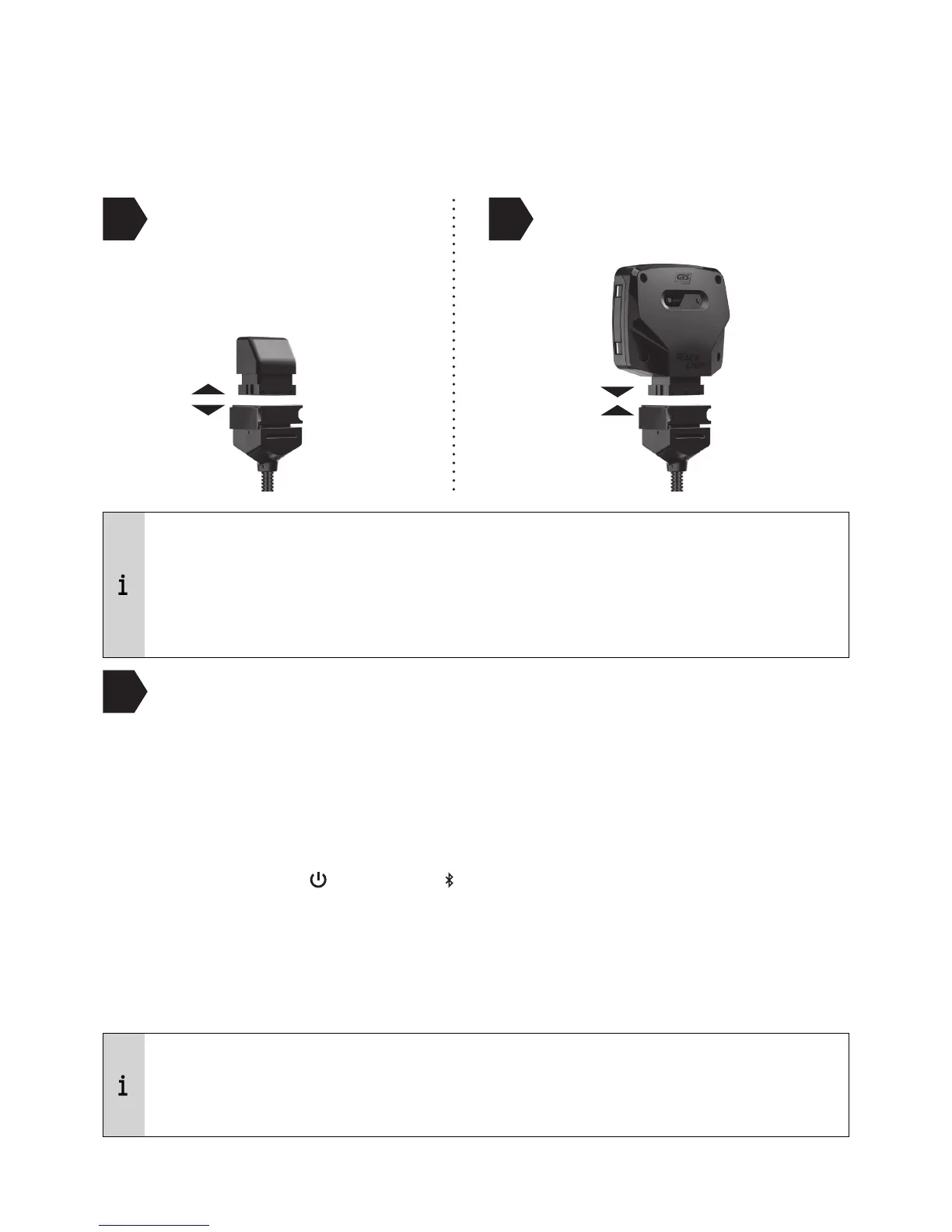
Disconnect the deactivation
plug from the wiring harness
Connect the RaceChip
1
2


 To Next Page