64
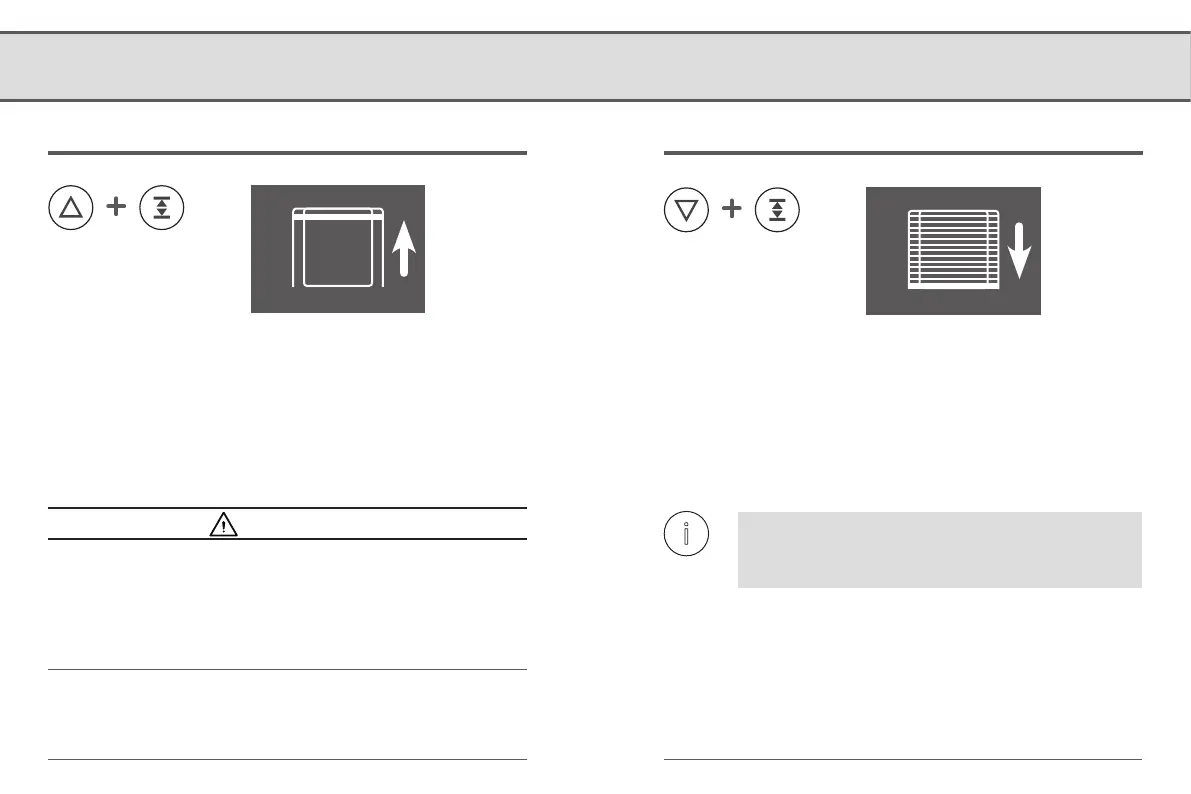
Setting the upper end point
Simultaneously press and hold both buttons. The roller shutter travels in the desired direction and the indicator light flashes green. When a button
is released, the shutter stops and the position reached is stored as an end point. The indicator light continuously lights up for approx. 5 seconds to
confirm this.
Setting the lower end point
ATTENTION!
Setting the wrong upper end point may lead to overload or
damage the RolloTron DECT or the drive.
● Do not set the upper end point right up to the limit stop.
● Release the button promptly and never allow it to extend
beyond the respective end point.
The belt must not be too loose when it reaches the
lower end point. Tighten the belt slightly until it is
tensioned by the weight of the roller shutter.
9.1 Setting the end points


 To Next Page