66
DECT
DECT
1.
9.2 DECT log-on / log-off
Logging on the RolloTron DECT Logging off the RolloTron DECT
1 second
DECT
1 second
Checking the connection status
2. During this time, start the DECT log-on to the FRITZ!Box.
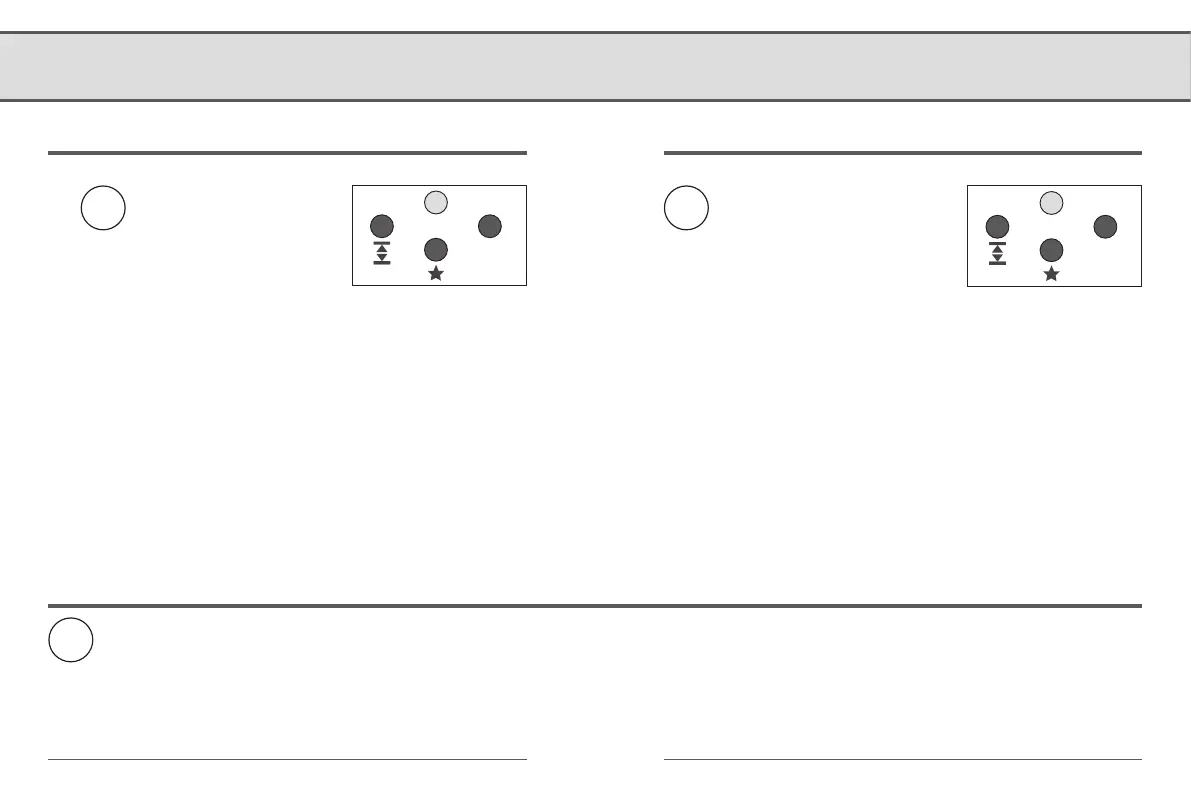
The “Info” or “DECT” LED flashes.
Indicator lights on the RolloTron DECT
● Flashing green
The log-on mode is active
● Flashing green (5 seconds)
The log-on was successful.
● Flashing red (5 seconds)
The log-on has failed
Indicator lights on the RolloTron DECT
● Flashing red
The log-off mode is active
● Flashing green (5 seconds)
The log-off was successful
● Flashing red (5 seconds)
The log-off has failed
DECT
Then the log-on mode of the
RolloTron DECT remains active for
1 minute.
or
start the log-off process on the
FRITZ!Box.
Briefly press the DECT button on the
RolloTron DECT.
Indicator light on the RolloTron DECT
● Flashing green (5 seconds)
When a connection is active
● Flashing red (5 seconds)
NO connection
< 1 second
DECT


 To Next Page