68
DECT
DECT
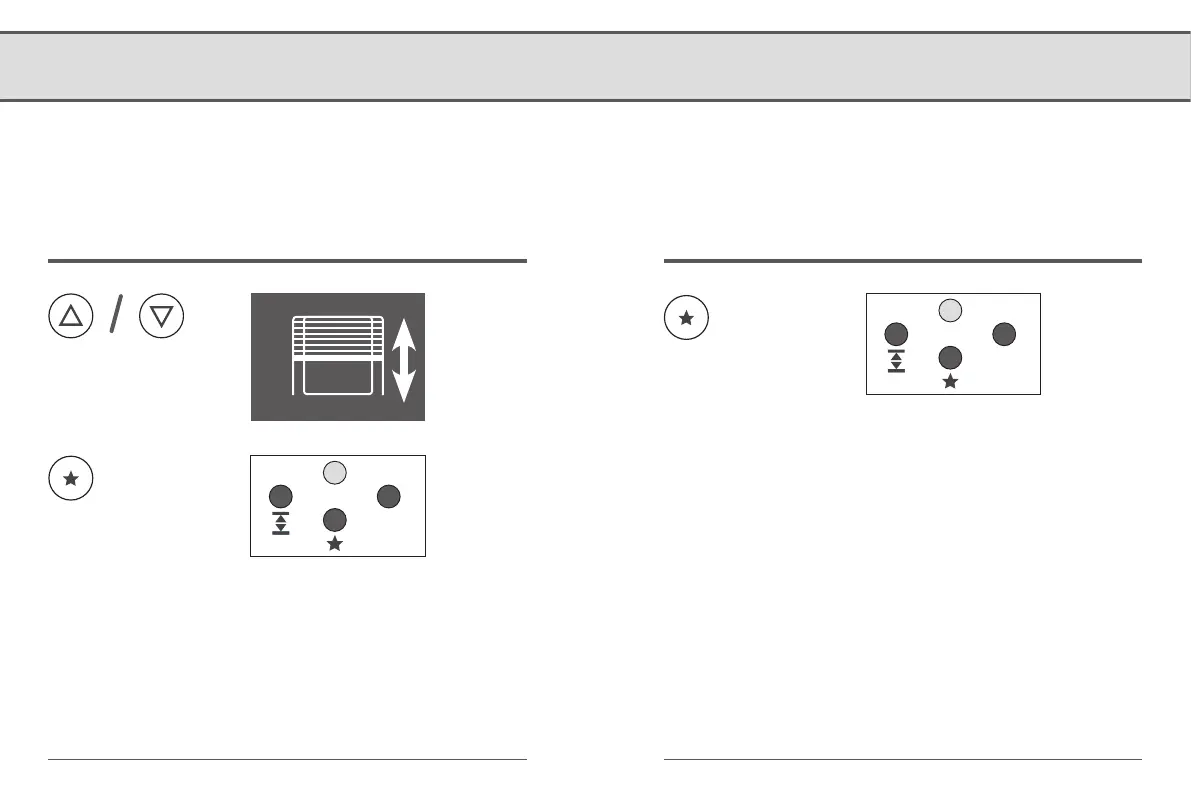
9.4 Setting the favourite position
If you do not want the RolloTron DECT to close to the lower
end point, you can use this function to configure an arbitrary
position (e.g. as ventilation position).
Activating / deactivating the favourite positionMoving to and saving the favourite position
Press the button for
more than two sec-
onds. The green indica-
tor light flashes for
approx. 5 seconds.
Briefly press the button
each time.
2 seconds
Short
Indicator light
● Flashing green (5 seconds)
Favourite position is active
● Flashing red (5 seconds)
Favourite position is deactivated


 To Next Page