Radial Engineering Ltd. Headbone User Guide
True to the Music
4
QUICK START
Before making any connections, ensure that your ampli-
ers are turned off, the Headbone power supply is discon-
nected, and volume controls are set to zero.
Throughout this manual, references are made to “guitar
level signals” and “speaker level signals”. The Headbone
passes both types and it is important to use the proper
cables.
A guitar level signal requires a good quality shielded
cable to work well. High quality guitar cables with proper
shielding will help reduce system noise and radio inter-
ference.
Speaker level signals require good quality unshielded
speaker cables. We recommend using a minimum of 14
AWG cables for speaker cable runs under 6 feet. Larger
gauge cables should be used for longer runs. Never use
shielded guitar cables for speaker connections.
1. Begin by connecting your guitar to the Headbone’s ¼” Buffered Input.
This will allow you to test the system more effectively during the initial
setup. For unbuffered (Direct) input use, please go to the section that
discusses this on page 7.
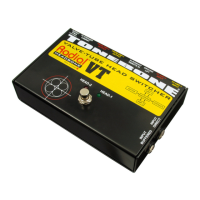
2. The Headbone VT is designed for tube amps exclusively.
Make sure both ampliers have their impedance set to
match the speaker cabinet impedance. If your speaker
cabinet is rated at 8 Ohms both amps should be set to 8
Ohms. If you are unsure about this, consult a qualied
technician. Always use good quality, heavy gauge speaker
cables to ensure the best possible power transfer.
i
i


 To Next Page