EasyManua.ls Logo

Radio Shack 3200026 - User Manual

Radio Shack 3200026
24 pages
Print Icon
To Next Page IconTo Next Page
Loading...
3200026
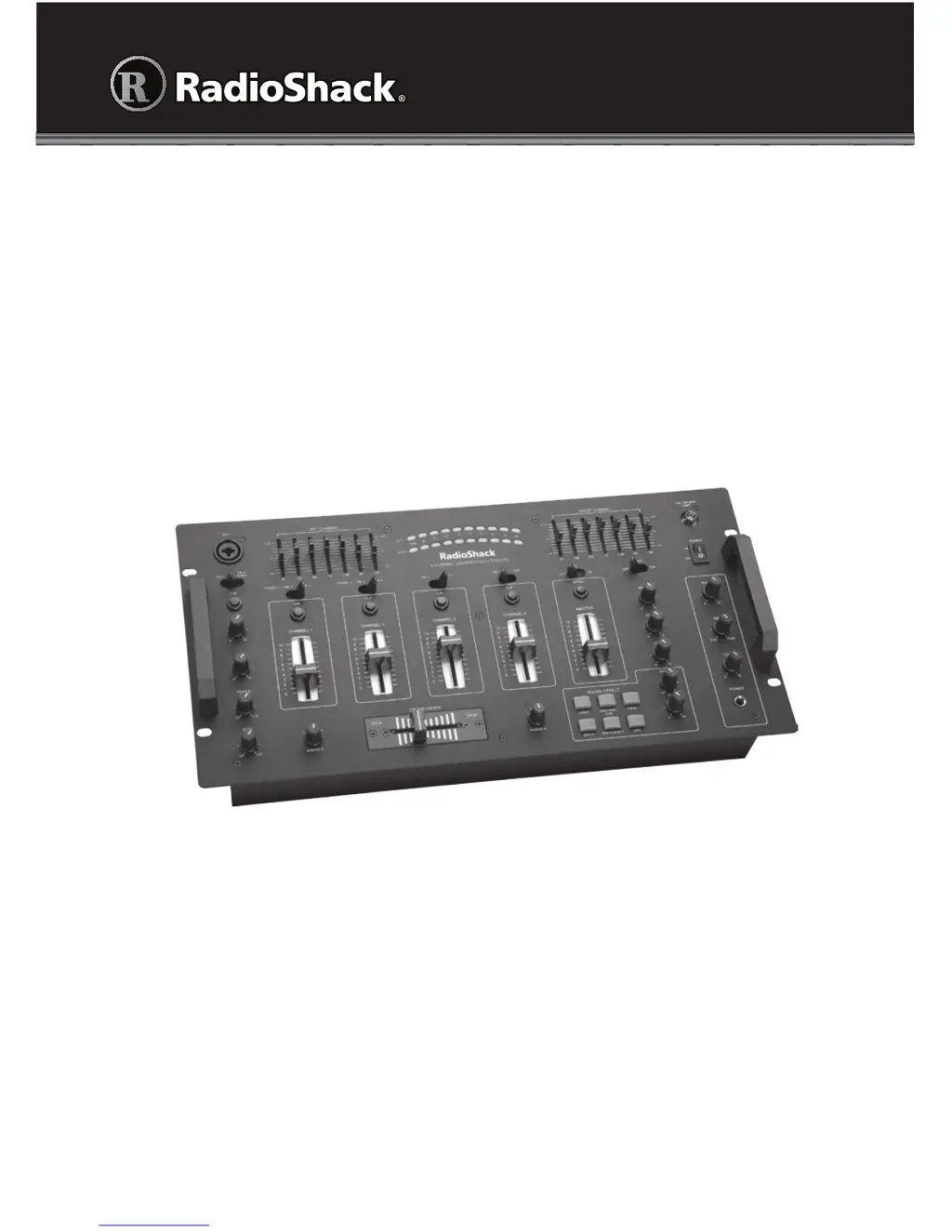
User’s Guide
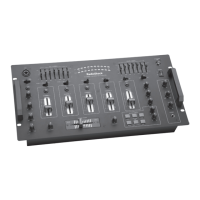
Thank you for purchasing your Stereo 4-Channel Mixer with Sound Effects from
RadioShack. Please read this user’s guide before installing, setting up, and using
your new Mixer.
Stereo • 4-Channel
Mixer with Sound Effects

Questions and Answers

  • T
    tanyawilsonJul 31, 2025
    How to fix Radio Shack 3200026 Music Mixer when it won't turn on?
    • R
      robertajenkinsJul 31, 2025
      If your Radio Shack Music Mixer won't turn on, first check the AC power connection to ensure it's properly connected and the outlet is working. Next, verify the power connections to the rest of your system, including the amplifier/receiver and input sources. Finally, inspect the fuse and replace it if necessary.
  • K
    Kenneth HannaAug 8, 2025
    What to do if there is no signal from input sources on Radio Shack 3200026 Music Mixer?
    • J
      Jasmine MyersAug 9, 2025
      If you're not getting a signal from your input sources on your Radio Shack Music Mixer, check the mixer's control settings and the settings on your input sources. Also, ensure that the mixer and input sources are properly connected. Verify that the TALKOVER/ON/OFF switch is not set to TALKOVER and confirm that the input source is powered on.
  • E
    Eric MyersAug 16, 2025
    Why do I hear microphone feedback (squealing) on my Radio Shack 3200026 Music Mixer?
    • A
      Alyssa MorrisAug 16, 2025
      If you're experiencing microphone feedback (squealing) with your Radio Shack Music Mixer, try moving the microphone farther away from the output speakers. Alternatively, consider using a directional microphone.
  • S
    Stephanie WilliamsAug 23, 2025
    How to stop humming noise from PHONO source on Radio Shack 3200026 Music Mixer?
    • T
      Tina HeathAug 23, 2025
      If you hear a humming noise from the PHONO source on your Radio Shack Music Mixer, ensure that the ground wire from PHONO 1 or PHONO 2 is securely connected to the mixer's GROUND terminal.

Summary

Whats Included

Important Safety Instructions

Left Channel Controls

Left Channel EQ Adjustment

Adjusts channel frequencies by +/- 12dB.

Right Channel EQ

Right Channel EQ Adjustment

Adjusts channel frequencies by +/- 12dB.

Echo Controls

Echo Effect Settings

Adjusts echo delay, repeat, and level.

Sound Effects

Sound Effect Controls

Controls pitch and level of sound effects.

Crossfader Operation

Output Connections

Main Outputs (AMP, BOOTH)

Connect to amplifier or powered speakers via RCA or balanced.

Recording Output

Connect to recording device line input.

Input Connections

Line and Phono Inputs

Connect various audio sources to LINE and PHONO jacks.

Microphone and Ground

Connect microphones and turntable ground wire.

Connecting Outputs

AMP and Balanced Output

Connect mixer output to amplifier input.

Record Output Connection

Connect mixer's REC output to recording device input.

Connecting Inputs

Line and Phono Input Connections

Connect line-level and low-level sources to mixer.

Ground Connection

Connect turntable ground wire to GROUND terminal.

Connecting Microphones

MIC 1 and MIC 2 Jack Connections

Connect microphones to MIC 1 (top) and MIC 2 (back).

Connecting Power

Connecting a Lamp

Connecting Headphones

Headphone Volume Control

Adjust headphone listening volume using CUE control.

Using Your Mixer

Presetting Input Signal Levels

Set input levels to avoid overdriving channels.

Presetting Audio Input Sources

Set input signal levels for each channel.

Mixing Your Inputs

Combine multiple audio sources for playback.

Presetting Audio Input Sources

Setting Input Sources and Levels

Select input sources and adjust channel volumes.

Presetting Microphone(s)

Microphone Level Adjustment

Set MIC 1/2 levels for optimal signal with TALKOVER.

Checking the Sound

Sound Playback and Adjustment

Play source, adjust volume, and EQ for desired output.

Mixing Your Inputs

Playing One Input Source

Set ASSIGN A, CROSS FADER, and source volume.

Monitoring a Second Input Source

Headphone Monitoring

Listen to second source via headphones while mixing.

Switching to a Second Input Source

Crossfader Mixing

Use CROSS FADER to fade between sources.

Using Microphone(s)

Microphone Level and Tone Controls

Adjust MIC levels, TREBLE, and BASS for microphones.

Talkover Function

Adjust microphone volume relative to other sources.

Using the Seven Band Equalizer

EQ Control Adjustment

Boost or cut frequencies for CHANNELS 1-4.

Using ECHO Effects

Adjust Echo Delay, Repeat, and Level

Fine-tune echo parameters for desired effect.

Using Sound Effects

Sound Effect Pitch and Level

Control sound effect pitch (SPEED) and level (F/X).

Monitoring and USB Usage

Headphone Monitoring Setup

Control booth volume and headphone monitoring.

Using the USB Port

Connect PC/Mac for audio input or recording.

USB Port Usage

Inputting and Recording via USB

Connect PC/Mac for audio input or recording via USB.

Replacing the Fuse

Service and Repair

Troubleshooting

Common Issues and Solutions

Addresses no power, no signal, humming, and feedback.

Specifications

Tone Control (MIC)

Equalizer Control Details

FCC Information

Limited Warranty

Radio Shack 3200026 Specifications

General IconGeneral
BrandRadio Shack
Model3200026
CategoryMusic Mixer
LanguageEnglish

Related product manuals