07
Getting
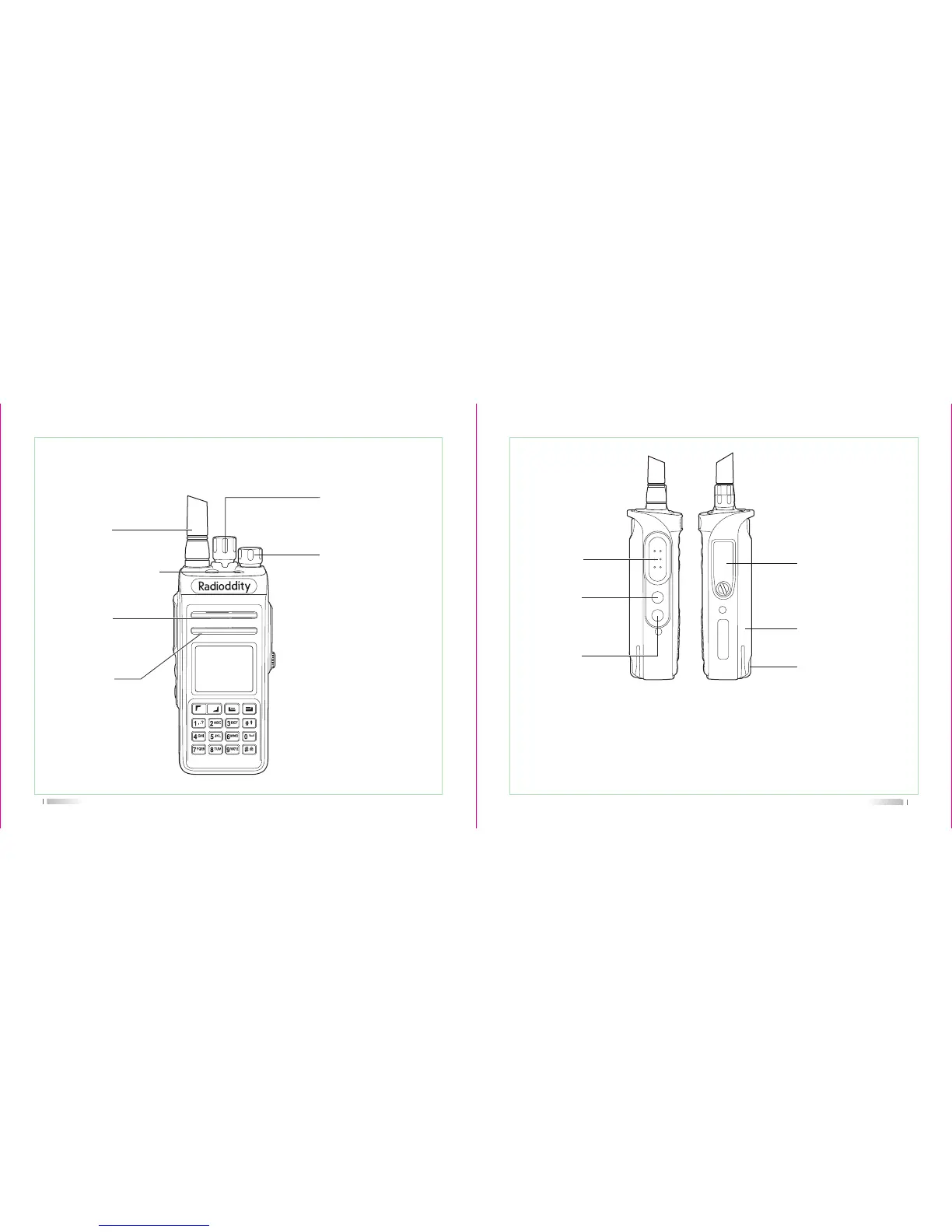
LED indicator
Power/volume
Speake
Microphon
Channel-selecting knob
the indicator light turns
red when transmit, turns
green when receive.
Antenn
sound
sound
Select the working channel,
total 16 channels.
To power on/off and adjust the
volume. Rotate it clockwise, a
"click" sound is heard and a
"Du" tone prompts the radio
power on, continue to rotate
it to adjust the volume. Rotate
it counter-clockwise until a
"click" sound is heard, it
powers off.
08
Notice: Either Long -press or Short-press of Side-key 1/Side-key 2/Side-key 3 can be
set by program software for the following functions:
1. None-function 2. Radio activate 3. Radio check 4. Radio remote kill
5. High/low power selective 6. Monitor 7. All warning tone on/off 8. Zone selective
9. Scan on/off 10. VOX 11. PTT 12. PTT13. PTT 14. PTT 15. PTT 16. Error rate
17. Talk around 18. 1750 zone
PTT switch
Mic/Speaker jack/
Programming
•••••
Li-ion battery
Used to connect headset or
external programmable via
PC programming software.
for charging the
Side key 1
Programmable
Side key 2
Programmable



 To Next Page