Visit Radioddity.com For Downloads And Help
05
Visit Radioddity.com For Downloads And Help
06
Chapter 2. Getting to know your radio
Constant Green
Constant Red
Constant Green
Standby(no-load)
Charging
Fully Charged
LED indication Charging status
Constant Red
Constant Green
Charging
Fully Charged
LED indication Charging status
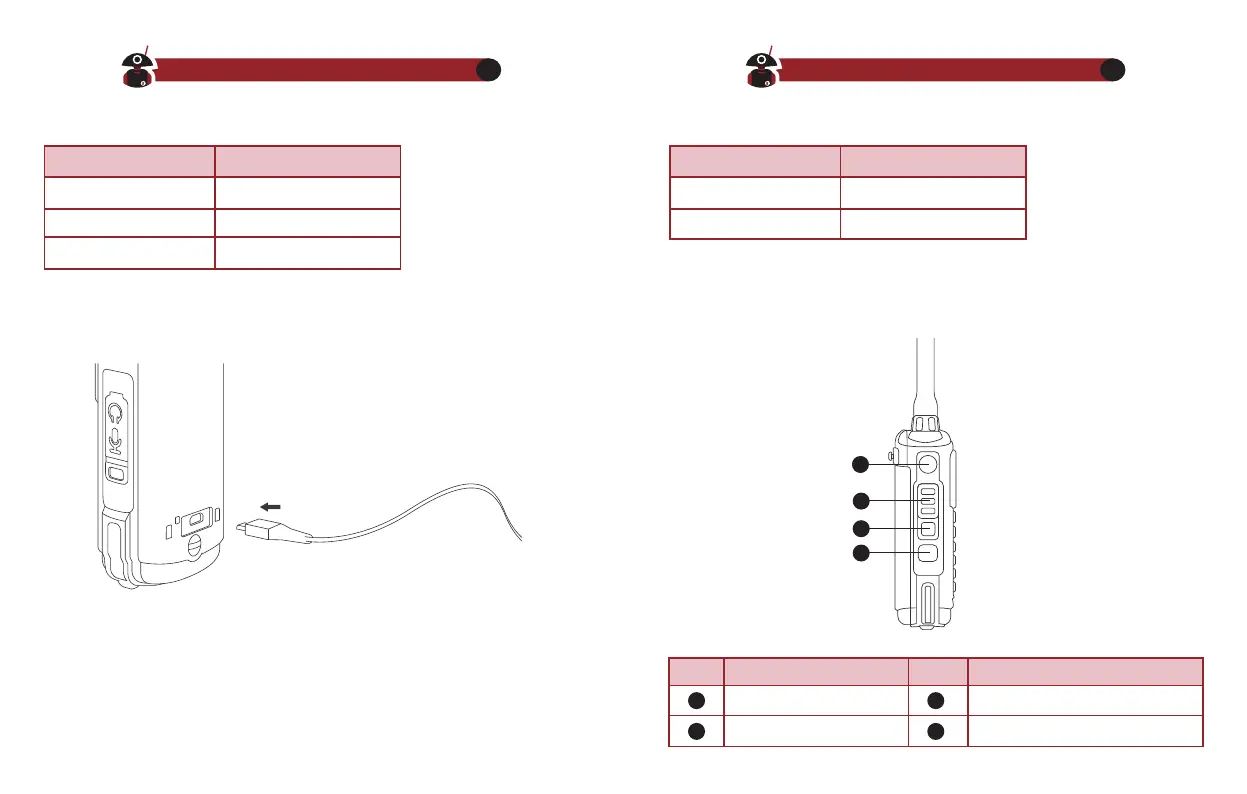
PF1 Key(LAMP Key)
PTT-1
PTT-2
PF2 Key(Programmed Key)
NO. Part Name NO. Part Name
Charger LED indicator and charging status Battery LED Indicator and battery status
USB Charging
1. Plug the USB charging cable into the charging port on the back of the
battery.
2. The indicator light turns to red, the charging begins.
3. The indicator light turns to green, the charging is completed.
1
2
3
4
1
2
3
4










 To Next Page