iR2022 User Manual
2
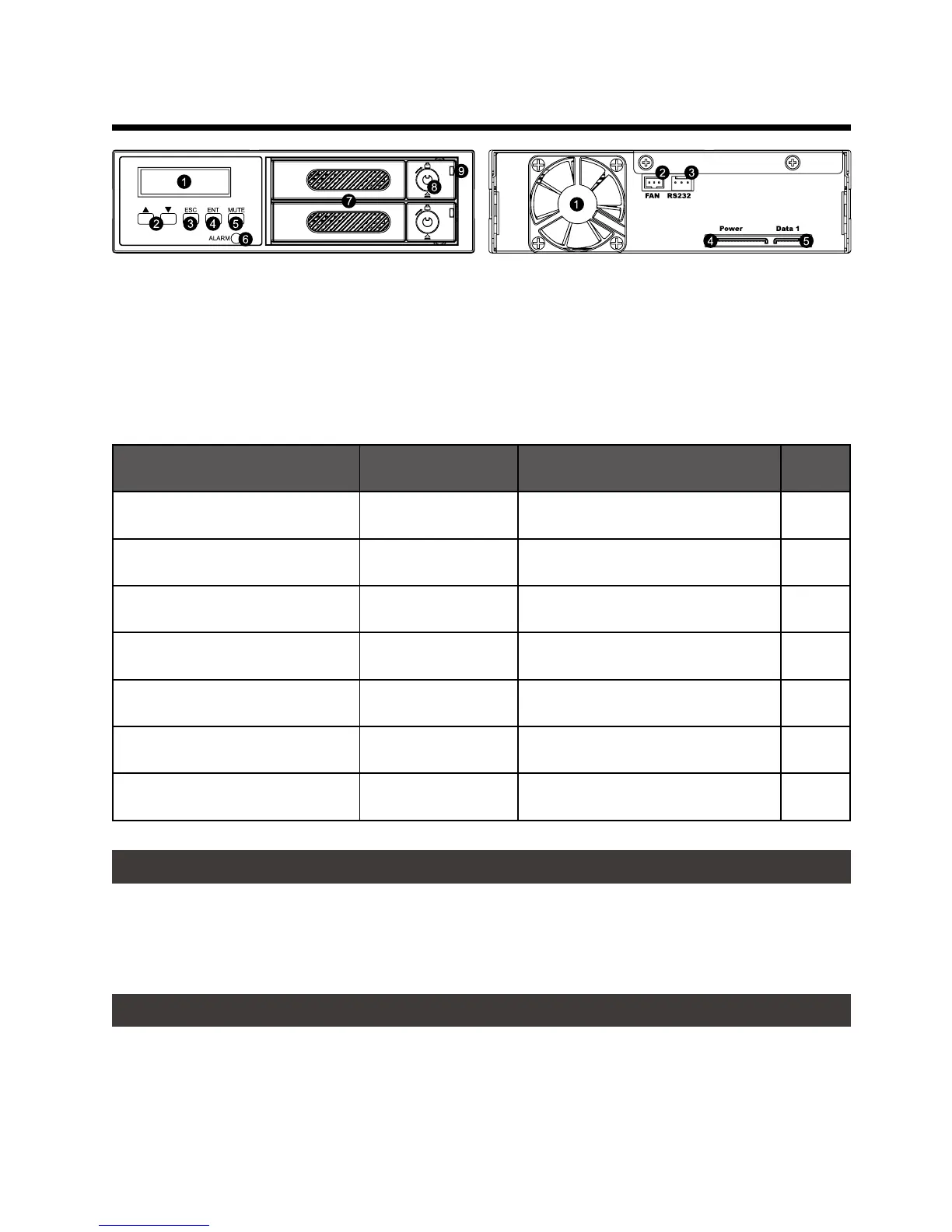
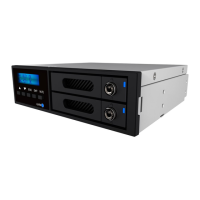
Product View, Front and Back
LED Indicators
:
1. LCD Display
2. UP/DOWN Buttons
3. ESC Button
4. Enter Button
5. Mute Button
1. Cooling Fan
2. Fan Connector
3. RS232 Port
4. 15-pin SATA Power Connector
5. 7-pin SATA Connector
Status System Indication HDD/SSD Indication Buzzer
Fan Failure (Stop Rotating) Solid Purple ─ ─ ON
Overheat (≥50℃ ) Solid Purple ─ ─ ON
HDD Failure Solid Purple Solid Red ON
Standing-by Solid Blue Solid Blue ─ ─
Formating / Accessing Data Solid Blue Flashing Blue-Purple ─ ─
Rebuilding (Source) Solid Blue Solid Blue ─ ─
Rebuilding (Target) Solid Blue Flashing Red ─ ─
6. Power/False Indicator
7. Removable Drive Tray
8. HDD Tray Key Lock
And Tray Open Button
9. HDD Status Indicator
2. Operation Information
Operating Temperature :
5 ~ 35 ℃ (41 ~ 95 ℉ )
Storage Temperature : -10 ~ 70
o
C (14 ~ 158
o
F)
Line Voltage : 5V DC
3. Hardware Requirements and Precautions
1. Computers or servers must be with SATA I, SATA II, or SATA III.
2. Hard drive must be with SATA I, SATA II, or SATA III.
3. You are strongly advised to set the storage mode before using your iR2022.
Note:
The default (Factory) setting is the RAID 1 mode.


 To Next Page