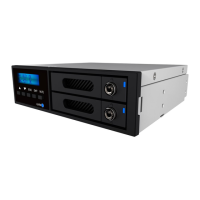
iR2022 User Manual
10
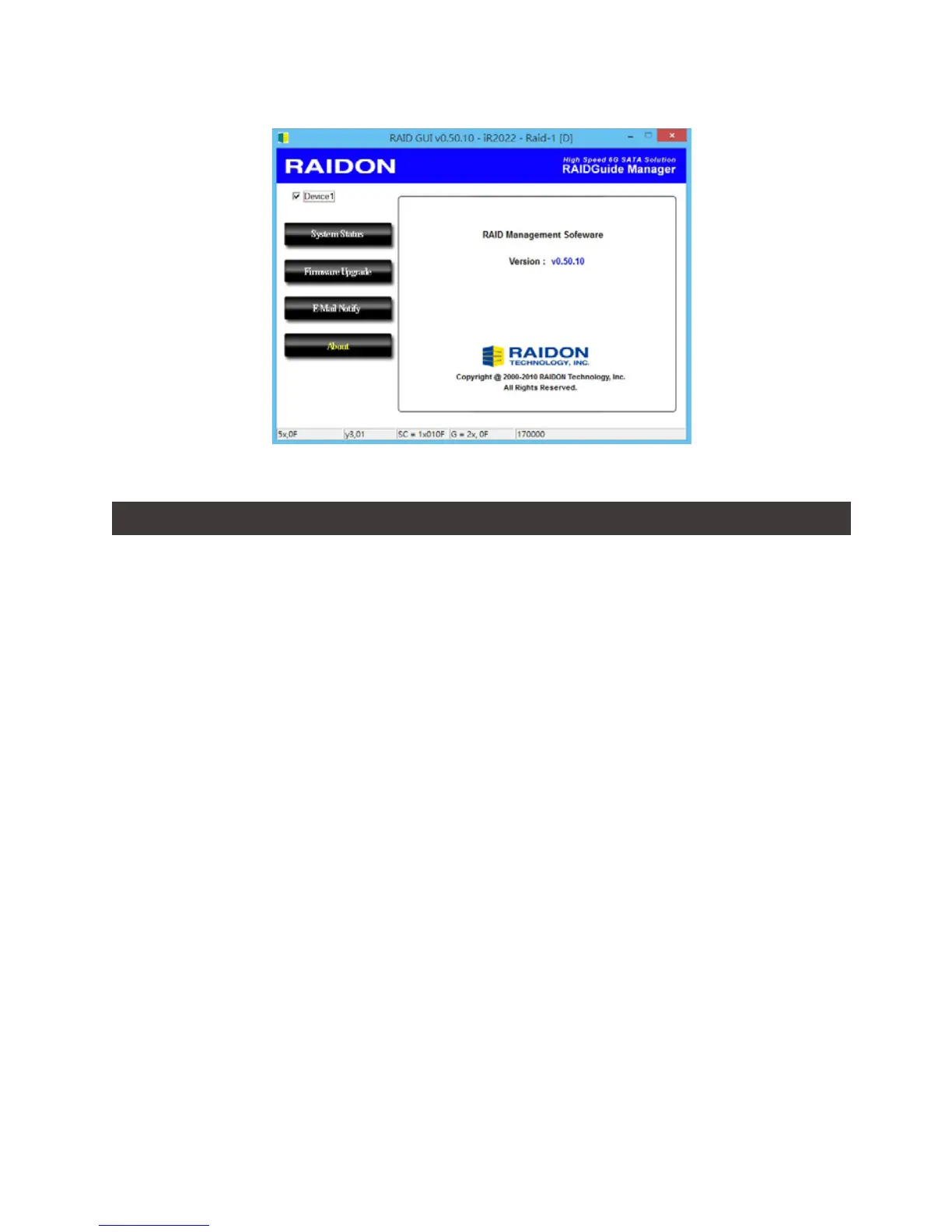
The GUI Management Software Version:
Unstable system after installing iR2022
Q1.
A:
Q2.
A:
After installing iR2022, we are unable to start the computer or the computer doesn’t recognize
iR2022.
1. Please check whether if the readings of iR2022 LCD appears normal.
2. Please check whether if the SATA Cable properly connects to the computer and whether if
the two hard disks are functioning properly.
3. If all the devices work properly but user is still unable to start the computer, it might be the
system incompatibility problem. If such incompatibility takes place, please contact to our
Customer Service Department to supporting@raidon.com.tw.
Computer works ne, but iR2022 doesn’t perform right in reading/writing messagesproperly.
Please rst check whether if iR2022 is executing the auto REBUILDING work.
If it works for REBUILDING, your iR2022 is a good device. And if it doesn’t, please follow the
following two ways to nd out the possible root cause:
1. Please examine if your SATA cable is too long and will attenuate signal, or whether if the Two
SATA cables fail to meet the cable specication requirements.
2. If the two cables meet the requirements at both the specication & length, please turn o the
computer, remove the two hard drives from iR2022, and directly connect the hard drives to
computer, format them, and then try to read/write data into them.
You may nd out that the hard disk (s) are with unacceptable bad sector quanty.
10. Questions & Answers


 To Next Page