7
The Hot Swappable hard drive and Auto Rebuilding features are available.
O-line Back up:When the data is stored in iR2022, user can remove one of the hard drives as
back up drive for data such as system operation le, secured les, seldom modied les or image
and music les. The user can periodically insert the hard drive back into iR2022 to execute automatic
backup to protect the system from being hit by computer virus or to avoid the risk of having both hard
drives failing at the same time.
When one of the two hard drives fails in iR2022, it will issue an alert of a hard drive failure message
in both LCD display and the monitoring software. User can remove the failed hard drive from the
system while the system is still in operation without shutting down the machine. If the failed hard
drive is replaced shortly, the system will automatically execute the Auto Rebuilding function without
aecting the system operation and also any operation command from the user.
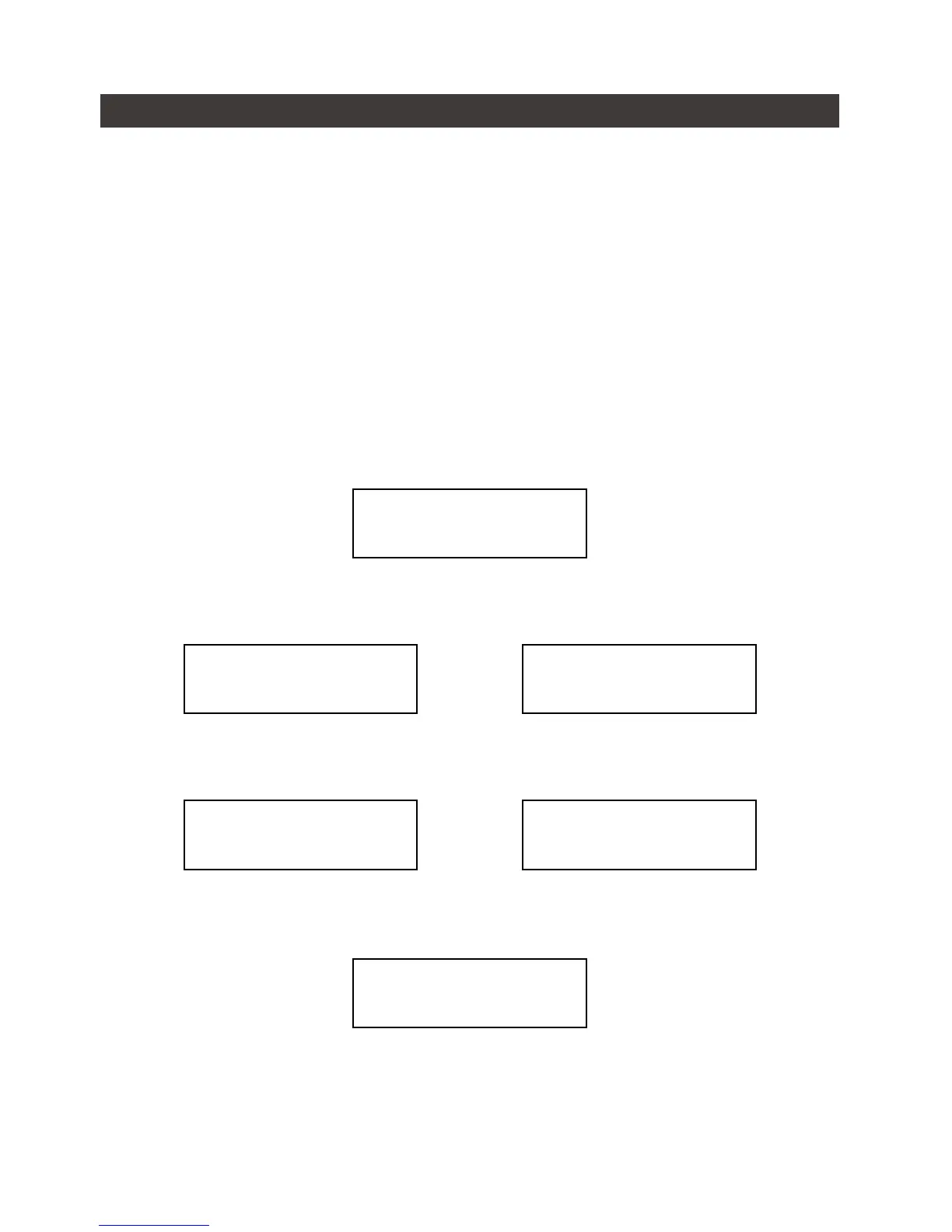
When the iR2022 detects one hard drive missing or failure, the Buzzer starts BEEPING and the LCD
displays the following messages:
After replacing a new hard disk with the failed one, LCD displays the following messages:
After few seconds from your inserting a new hard drive, LCD displays the data rebuilding progress:
When iR2022 completes its rebuilding, LCD again displays the following messages:
8. Data Rebuilding Operation
Pri HDD : OK
Sec HDD : OK
RAID-1 degraded
Pri : X Sec : O
Pri HDD : OK
Sec HDD : Insert
Rebuilding
Sec → Pri 32%
Pri HDD :Insert
Sec HDD : OK
Rebuilding
Pri → Sec 32%


 To Next Page