Need help?
Do you have a question about the Raidon InTANK iR2022 and is the answer not in the manual?
Details on setting up RAID 1 for data mirroring and redundancy.
Details on setting up RAID 0 for increased performance and capacity.
Using the GUI to automatically detect and display iR2022 status information.
Instructions on how to update the iR2022 firmware using the GUI software.
Configuring email alerts for drive malfunctions or removals.
Troubleshooting steps for system startup or recognition issues after installing iR2022.
Diagnosing and resolving problems with iR2022 read/write performance.
Explains behavior and capacity changes related to HDD failures in RAID modes.
Discusses power interruptions and potential data loss during auto rebuilding.
 General
| Model | iR2022 |
|---|---|
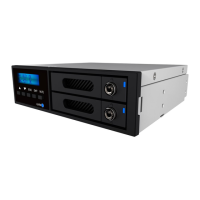
| Type | RAID Enclosure |
| Drive Bays | 2 |
| Material | Aluminum |
| Compatibility | Windows, Mac |
| Color | Black |
| RAID Levels | RAID 1, 0, JBOD |
| Supported Drive Types | 3.5" SATA HDD |
| Cooling | 4 cm Fan |

 To Next Page