Oslostrasse 5, CH – 4023 Basel
Tel. +41 [0]61 333 70 33, Fax +41 [0]61 333 70 32
www.easyrain.net info@easyrain.net
Brunner Bewässerung - Arrosage
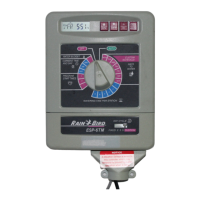
Gebrauchsanweisung Steuerung ESP-TM 7
Set Current Time
Turn the dial to "HR."
The display shows the hour that is currently set,
either AM or PM.
Press or to set the current hour.
Turn the dial to "MIN."
The display shows the minute currently set.
Press or to set the current minute.
1
2
3
4
5
6
ESP-TM Installation and Operation Page 11
Set Current Day
Setting the current day varies somewhat depending on
whether you are using a custom schedule or a fixed
schedule.
Custom Schedule
Make sure the Schedule Slide switch is set to "C."
Turn the dial to "DAY."
The display shows the day of the week that is
currently set (for example, "MO" for Monday).
Press or to change the display to the current
day of the week.
3
2
1
4
ESP-TM Installation and Operation Page 12
All manuals and user guides at all-guides.com

 To Next Page
 Loading...