EasyManua.ls Logo

Rain Bird ESP-LXD - Troubleshoot Manual

Rain Bird ESP-LXD
38 pages
Print Icon
To Next Page IconTo Next Page
Loading...
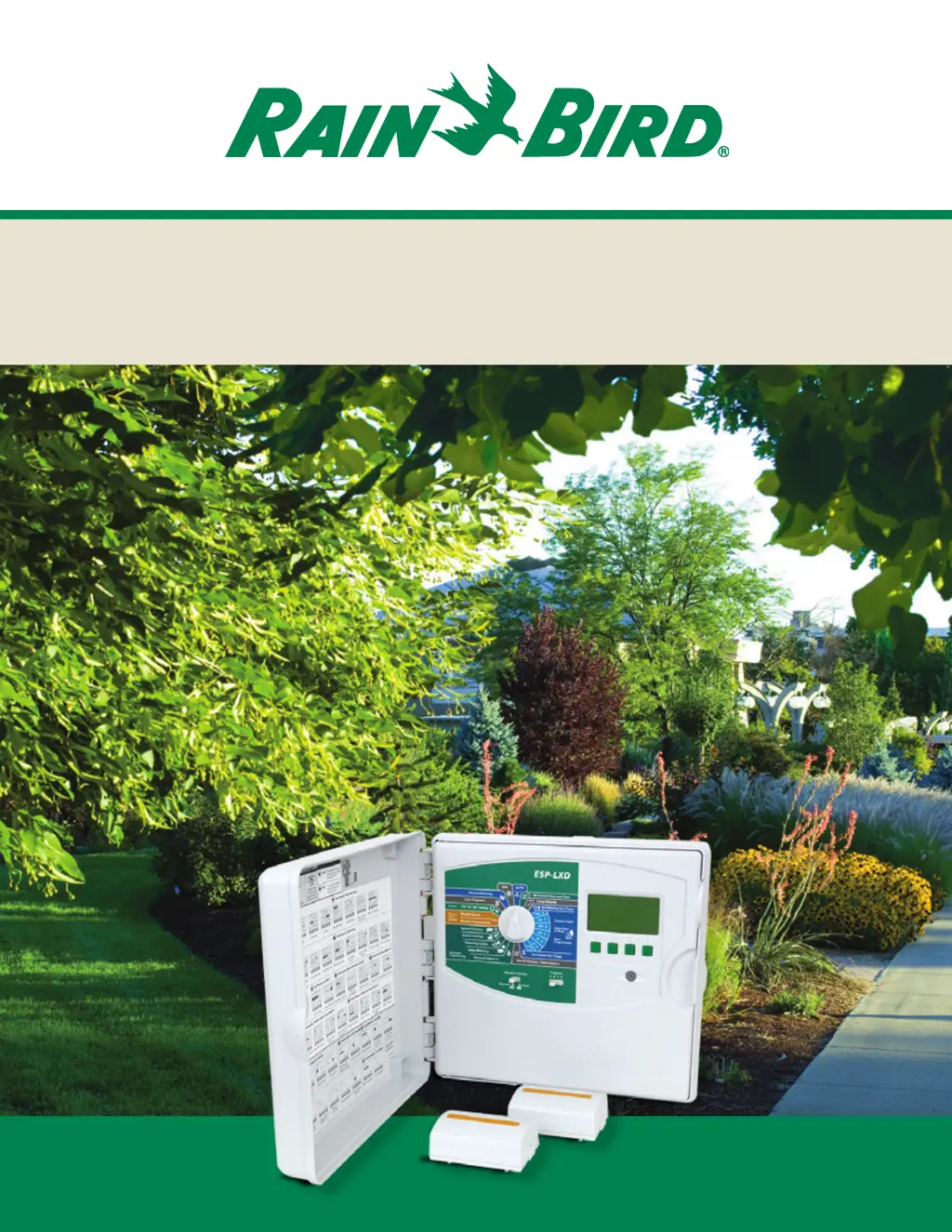
ESP-LXD 2-Wire Decoder Control System
Installation & Troubleshooting Guide

Other manuals for Rain Bird ESP-LXD

Questions and Answers

  • D
    denisegonzalesDec 1, 2025
    How do I fix a blank display on my Rain Bird Control Systems?
    • D
      Daniel BakerDec 1, 2025
      A blank display can occur due to several reasons. First, plug in a 9V battery into the battery slot on the back of the controller front panel. If information is now visible on the display it is not damaged and working correctly. See other potential causes. If no information is displayed, remove the decoder module. If the alarm light on the front panel turns on after 1 minute but no information is in the display, the LCD is damaged and the front panel should be replaced. Another reason may be that primary power to the controller has been lost or turned off. This can be verified by checking the status lights on the decoder module. If both status lights on the module are dark the primary power is likely off. Find primary power source to the controller and turn it on. If the power breaker is t...
  • A
    Ashley EdwardsAug 25, 2025
    How do I make my Rain Bird Control Systems stations run in numerical order?
    • L
      Lynn FordAug 25, 2025
      The station sequencing may be set to Sequence by Station Priority instead of the default. The ESP-LXD offers 2 station sequencing modes: Sequence by Station Numbers (default) – Station selection criteria: a) Non-Irrigation Priority; b) Station number low to high; c) Program assignment ABCD. Sequence by Station Priority (automatically used if FloManager is On) – Station selection criteria: a) Station Priority Non-Irrigation, High, Medium, Low; b) Station Run Time longest to shortest; c) Station number low to high; d) Program Assignment ABCD. To change Station Sequencing mode turn dial to Station Settings and select Station Sequencing. Use the +/- softkeys to change the selection.
  • F
    fergusonglennAug 25, 2025
    How do I remove the knock-outs on my Rain Bird ESP-LX Series Controller plastic cabinet?
    • L
      Laura ThomasAug 26, 2025
      These plastic knock-outs are designed to be removed by applying force to the center at the dimple. Prior to installing the cabinet, place on a flat surface with the knock-out facing up. Locate the dimple in the center of the knock-out you wish to remove. Place the tip of a large Phillips screwdriver in the dimple. Use a rubber or wooden mallet to firmly strike the top of the screwdriver. The knock-out should pop out in a single piece. If it breaks, use pliers to remove the pieces. Do not use a flat-bladed screwdriver around the outside of the knock-out as this could crack the case.
  • J
    Jade HarrisAug 27, 2025
    How to fix a red alarm light on my Rain Bird Control Systems?
    • E
      Eric BellAug 27, 2025
      If the red alarm light is on, it indicates an alarm condition. Turn the dial to Auto, press the Alarm button, review the alarm conditions displayed, and then address each issue reported.
  • S
    stanleynguyenAug 27, 2025
    What to do if my Rain Bird Control Systems shows a Flow Alarm?
    • N
      Nicholas CaseAug 27, 2025
      If a flow alarm occurs, FloWatch has detected a high or low flow condition. Turn the dial to Flow and Smart Module - Module Status, select Flow Smart Module, then View Flow Alarms. Review the station or FloZone flow alarms. After noting the identified stations or FloZones, clear the Flow Alarms and test the system.
  • M
    Michelle VincentSep 23, 2025
    Why doesn't my weather sensor stop manual watering on my Rain Bird Control Systems?
    • R
      Rebecca BradleySep 23, 2025
      Manual station, program or test program operation (from the front panel or a remote) is allowed regardless of the weather sensor state. To see the current state of a weather sensor, turn the dial to Test All Stations / Check System and select Wthr Sensor Status. The status of each sensor is displayed.
  • G
    Gary StoneSep 18, 2025
    Why can't I restore my Rain Bird Control Systems programming from the backup cartridge?
    • M
      Morgan AtkinsSep 18, 2025
      Programming cannot be restored to a different firmware version of the controller. ESP-LXD controller programming backed-up to the PBC-LXD Programming Backup Cartridge can only be restored to an ESP-LXD the same vintage of firmware. ESP-LXD’s with date codes of December 2010 or earlier have a different firmware vintage than ESP-LXD’s with a date code of January 2011 or later. Contact Rain Bird Technical Services or Global Support Plan for assistance.
  • A
    alvin97Sep 23, 2025
    What does 'No 2-Wire Module' mean on my Rain Bird Control Systems?
    • T
      Tamara NormanSep 23, 2025
      The ESPLX2-M50 Module is not properly attached to the controller module slots. Check the upper status light on the ESPLX2-M50 module. It should be solid green if it is properly connected to the controller. Remove and reinstall the module making sure it is fully seated in the module slots.
  • S
    Shannon WashingtonSep 12, 2025
    What to do if my Rain Bird Control Systems displays '2-Wire Path Off'?
    • M
      Mary McclureSep 12, 2025
      This alarm indicates that the 2-wire path has been manually turned off. To resolve this, turn the dial to Off, press the 2-Wire Path button, and turn the 2-wire path On.
  • D
    Daniel OlsonSep 8, 2025
    What should I do if a station valve isn't working on my Rain Bird Control Systems?
    • S
      smithjohnSep 8, 2025
      If a station valve isn't operating, turn the dial to Manual Watering and select Start Station. Select the station, ensure it has a run time, and press run. Check to see if the valve is operating and if it isn’t address the valve issue. Also, make sure that the station does have run time for a program with start days and a start time.

Summary

ESP-LXD Controller and Modules

ESPLXD-M50 Decoder Module

Details the core ESPLXD-M50 module, including FloWatch and FloManager features.

Installation and Protection

Lightning Surge Protection (LSP-1)

Details the critical importance and installation of LSP-1 surge protectors for system safety.

Grounding Requirements

Outlines grounding requirements for the controller, modules, and surge protectors.

Rain Bird ESP-LXD 2-Wire Decoder Controller Installation Checklist

Flow and Station Management Features

Flow Sensor Sizing and Installation

Flow Sensor Sizing Guide

Provides a guide for selecting appropriate flow sensors based on operating ranges.

System Diagnostics

Troubleshooting 2-Wire Path and Ground Faults

2-Wire Path Break;Open Circuits

Troubleshooting steps for open circuits and breaks in the 2-wire path cable.

2-Wire Path Short Circuits

Diagnosing and resolving short circuits in the 2-wire path cable.

Earth Ground Faults

Methods for detecting and isolating earth ground faults in the 2-wire path.

Troubleshooting Controller Alarms

Common Controller Alarms

Explains common controller alarms, their causes, and specific solutions.

Module and Communication Alarms

Addresses alarms related to module configuration, power, and 2-wire communication issues.

Troubleshooting Station and Program Operation

Station Valve and Master Valve Operation

Diagnosing non-operating station valves and master valves.

Troubleshooting Module, Display, and Sensor Issues

Rain Bird ESP-LXD Specifications

General IconGeneral
TypeModular
Weather Sensor CompatibilityYes
Wi-Fi CompatibleNo
Cycle and soakYes
Sensor inputYes
Enclosure ratingNEMA 3R
DisplayLCD
Programming OptionsFlexible
Programs6
Station run time1 min to 4 hrs
Battery backupNo
Dimensions10.5 x 8.5 x 4.5 inches

Related product manuals