EasyManua.ls Logo

Rain Bird ESP-LXD - Troubleshoot Manual

Rain Bird ESP-LXD
38 pages
Print Icon
To Next Page IconTo Next Page
Loading...
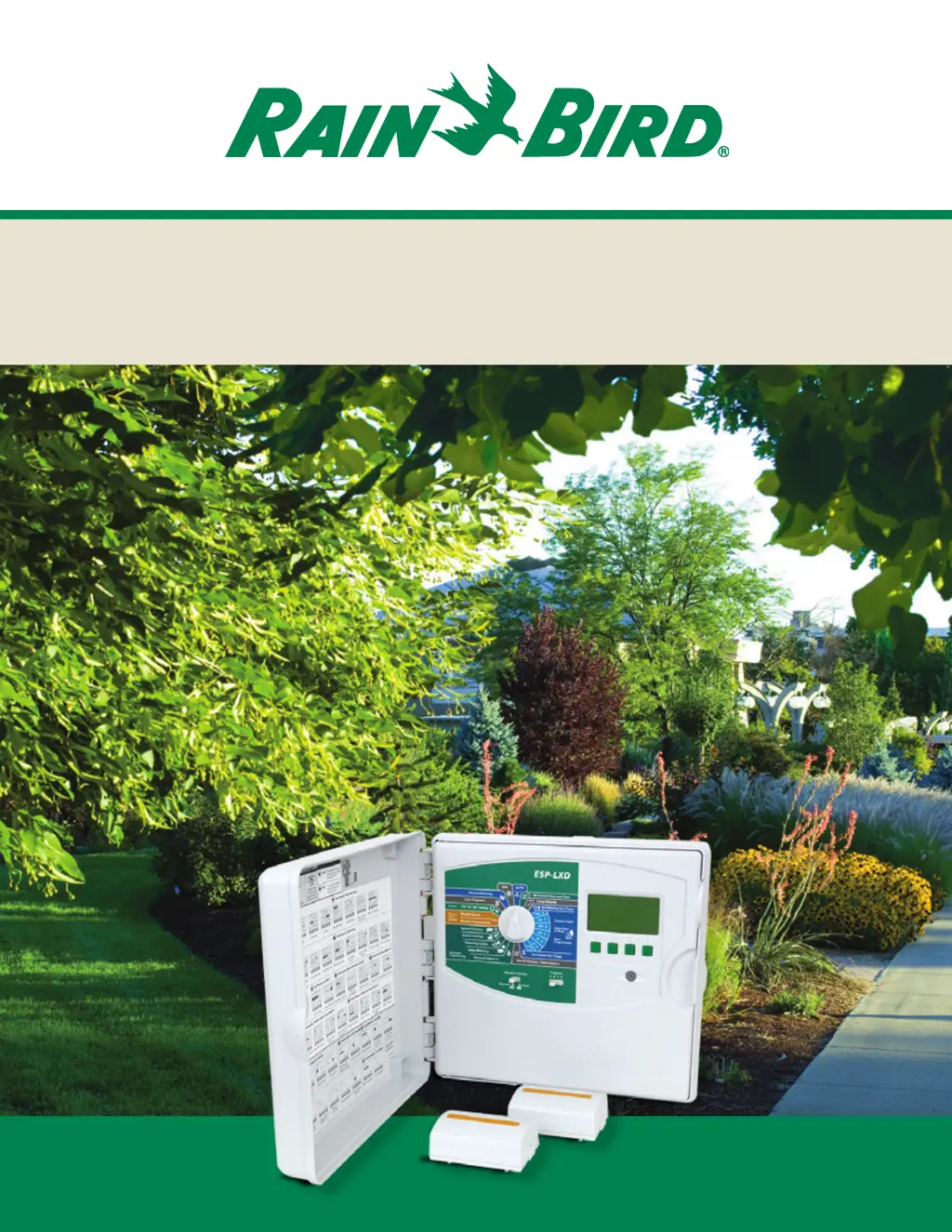
ESP-LXD 2-Wire Decoder Control System
Installation & Troubleshooting Guide

Other manuals for Rain Bird ESP-LXD

Questions and Answers

  • S
    Scott GutierrezSep 12, 2025
    Why are irrigation functions disabled due to no power on my Rain Bird Control Systems?
    • B
      Brian WilliamsSep 13, 2025
      This problem can arise from a couple of issues. First, there may be no primary power to the controller transformer. Check the power input to the controller transformer. The display is being powered by the 9v backup battery. Another reason may be that the front panel ribbon cable is disconnected. Check both ends of the ribbon cable to make sure it is firmly connected to the backplane and front panel.
  • E
    Elizabeth ConwayAug 23, 2025
    How do I adjust the number of stations running at once on my Rain Bird Control Systems?
    • J
      joe16Aug 23, 2025
      The number of stations operating simultaneously might be due to incorrect SimulStation configurations. To adjust this, turn the dial to Station Settings and select SimulStations. Select LXD SimulStations and adjust the maximum number of simultaneous irrigation stations you want to allow to operate across all programs at any time. Non- Irrigation SimulStations control stations with Non-Irr Priority. You can also select PGM SimulStations and adjust the maximum number of simultaneous irrigation stations you want to allow to operate simultaneously within the currently selected program. Move the Program slide switch to select the other programs (ABCD).
  • B
    brittney25Sep 9, 2025
    What does 'Missing SM75' mean on my Rain Bird Control Systems?
    • D
      Deborah CarterSep 9, 2025
      The 'Missing SM75' alarm indicates that an ESPLXD-SM75 75-Station Module that was installed in the ESP-LXD Controller has been removed. The programming information for these stations has been preserved. Reinstall a 75-Station Module to restore the stations and programming supported by this expansion module.
  • D
    Daniel OlsonSep 8, 2025
    What should I do if a station valve isn't working on my Rain Bird Control Systems?
    • S
      smithjohnSep 8, 2025
      If a station valve isn't operating, turn the dial to Manual Watering and select Start Station. Select the station, ensure it has a run time, and press run. Check to see if the valve is operating and if it isn’t address the valve issue. Also, make sure that the station does have run time for a program with start days and a start time.
  • M
    Mary DorseySep 4, 2025
    What does 'Zero Learned Flow' mean on my Rain Bird Control Systems and how do I fix it?
    • D
      dbrownSep 4, 2025
      The Learn Flow Utility has recorded a zero (0) flow rate for one or more stations. To investigate, turn the dial to Flow and Smart Module - Module Status, select Flow Smart Module, View Flow Rates, View Station Rates. Check for stations that have a 0 flow rate and are labeled Learned.
  • C
    Cynthia PittsSep 2, 2025
    Why won't my Rain Bird Control Systems programs run automatically?
    • C
      ccoxSep 2, 2025
      This issue is often due to incomplete programming. Turn the dial to Test All Stations / Check System, select Confirm Programs, then Program Summary. Missing programming parameters are identified by an N. For programs to run automatically, you need to program Start Days, Start Times, and Station Run Times.
  • B
    bryan84Sep 1, 2025
    How to resolve 'Duplicate Decoder Address' alarm on Rain Bird Control Systems?
    • R
      Robert KirkSep 1, 2025
      This alarm means that duplicate decoder addresses have been entered. To resolve this, note the duplicate decoder addresses posted in the alarm screen, then verify and enter the correct decoder addresses.
  • S
    sthompsonAug 30, 2025
    Why does my Rain Bird Control Systems show a 'No Decoder Addresses' alarm?
    • T
      Tina DavidsonAug 31, 2025
      This alarm indicates that decoder addresses have not been entered for any stations. To fix this, turn the dial to Setup Wizards and select Station Setup. Then, enter the address (see label on each decoder) for each station. Note that addresses are also required for Master Valves, Weather, and Flow Sensors.
  • S
    stanleynguyenAug 27, 2025
    What to do if my Rain Bird Control Systems shows a Flow Alarm?
    • N
      Nicholas CaseAug 27, 2025
      If a flow alarm occurs, FloWatch has detected a high or low flow condition. Turn the dial to Flow and Smart Module - Module Status, select Flow Smart Module, then View Flow Alarms. Review the station or FloZone flow alarms. After noting the identified stations or FloZones, clear the Flow Alarms and test the system.
  • J
    Jade HarrisAug 27, 2025
    How to fix a red alarm light on my Rain Bird Control Systems?
    • E
      Eric BellAug 27, 2025
      If the red alarm light is on, it indicates an alarm condition. Turn the dial to Auto, press the Alarm button, review the alarm conditions displayed, and then address each issue reported.

Summary

ESP-LXD Controller and Modules

ESPLXD-M50 Decoder Module

Details the core ESPLXD-M50 module, including FloWatch and FloManager features.

Installation and Protection

Lightning Surge Protection (LSP-1)

Details the critical importance and installation of LSP-1 surge protectors for system safety.

Grounding Requirements

Outlines grounding requirements for the controller, modules, and surge protectors.

Rain Bird ESP-LXD 2-Wire Decoder Controller Installation Checklist

Flow and Station Management Features

Flow Sensor Sizing and Installation

Flow Sensor Sizing Guide

Provides a guide for selecting appropriate flow sensors based on operating ranges.

System Diagnostics

Troubleshooting 2-Wire Path and Ground Faults

2-Wire Path Break;Open Circuits

Troubleshooting steps for open circuits and breaks in the 2-wire path cable.

2-Wire Path Short Circuits

Diagnosing and resolving short circuits in the 2-wire path cable.

Earth Ground Faults

Methods for detecting and isolating earth ground faults in the 2-wire path.

Troubleshooting Controller Alarms

Common Controller Alarms

Explains common controller alarms, their causes, and specific solutions.

Module and Communication Alarms

Addresses alarms related to module configuration, power, and 2-wire communication issues.

Troubleshooting Station and Program Operation

Station Valve and Master Valve Operation

Diagnosing non-operating station valves and master valves.

Troubleshooting Module, Display, and Sensor Issues

Rain Bird ESP-LXD Specifications

General IconGeneral
TypeModular
Weather Sensor CompatibilityYes
Wi-Fi CompatibleNo
Cycle and soakYes
Sensor inputYes
Enclosure ratingNEMA 3R
DisplayLCD
Programming OptionsFlexible
Programs6
Station run time1 min to 4 hrs
Battery backupNo
Dimensions10.5 x 8.5 x 4.5 inches

Related product manuals