13
Seasonal Adjust
Increase or decrease watering duration (Run
Times) for all Zones.
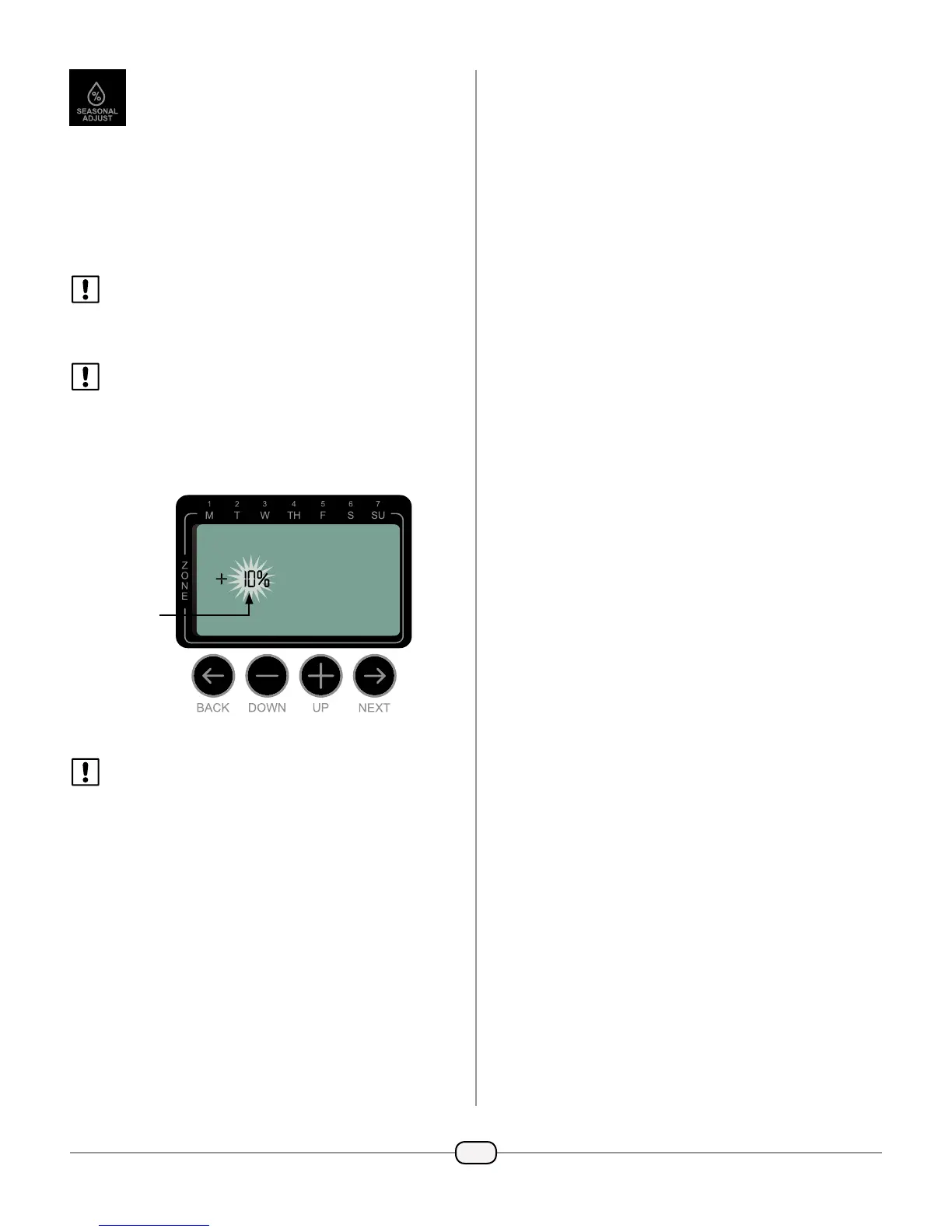
Press the SEASONAL ADJUST button.
Press
+
or
–
to increase or decrease the
SEASONAL ADJUST percentage setting.
NOTE: The SEASONAL ADJUST value can be
adjusted from -90% to +100%. For example,
a +50% adjustment means a Run Time of 10
minutes will become 15 minutes.
NOTE: If “Use Weather Correction Data” is
enabled in the app, then adjusting the seasonal
adjust at the timer will only make a change for
the day. The adjustment will change back to the
seasonal adjust setting controlled by the app
the next day.
NOTE: SEASONAL ADJUST applies to ALL
programmed irrigation schedules.
Press AUTO to resume normal operation.
SETTING


 To Next Page
 Loading...