Pro2-Series 3D Printer
/ Quick Start Guide
H. Dual-Extruder Print - Start First Print
The Pro2/Pro2 Plus units are preleveled in
the factory, but we recommend verifying
that the leveling has not changed during
shipping.
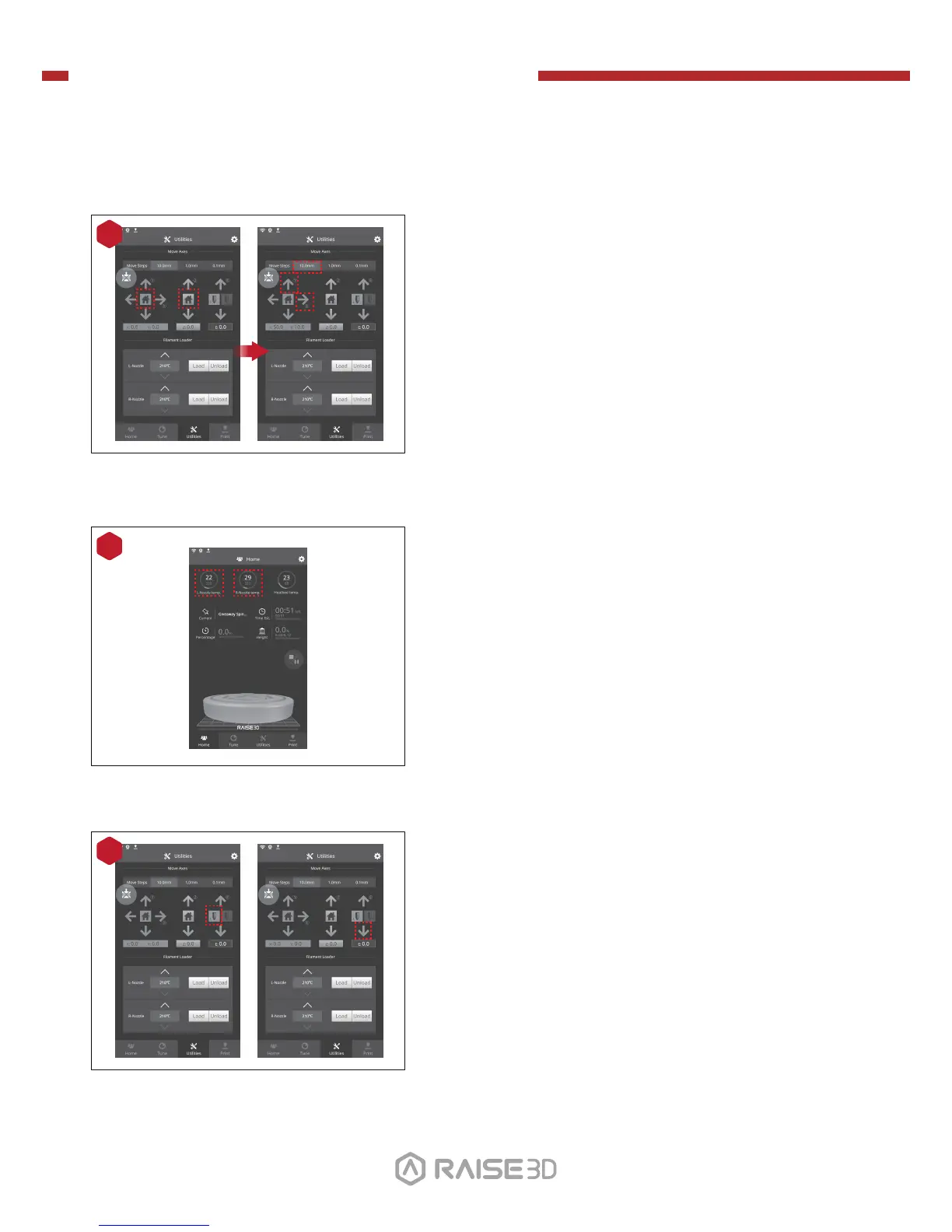
First, home the X/Y Axis by selecting the
"home" button, then Z axis "home" button.
If the homing procedures complete without
issues, reposition the print head.
Select "10mm" for "Move Steps" and move X
to 50mm, Y to 10mm.
1
01 02
03 04 05 06
07 08 09 10
11 12 13 14
15 16 17 18
19 20 21
22
23 26
Press the left nozzle button and the downward
arrow.
3
2
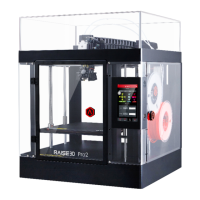
Press the nozzles button in Ultilities page and
set the temperature to be 180 degrees. Wait
until nozzles heat up to the set temperature.
24 25


 To Next Page