How to Replace the Thermocouple – V1.0 Date:07/27/2020
- 16 / 17 -
www.raise3d.com
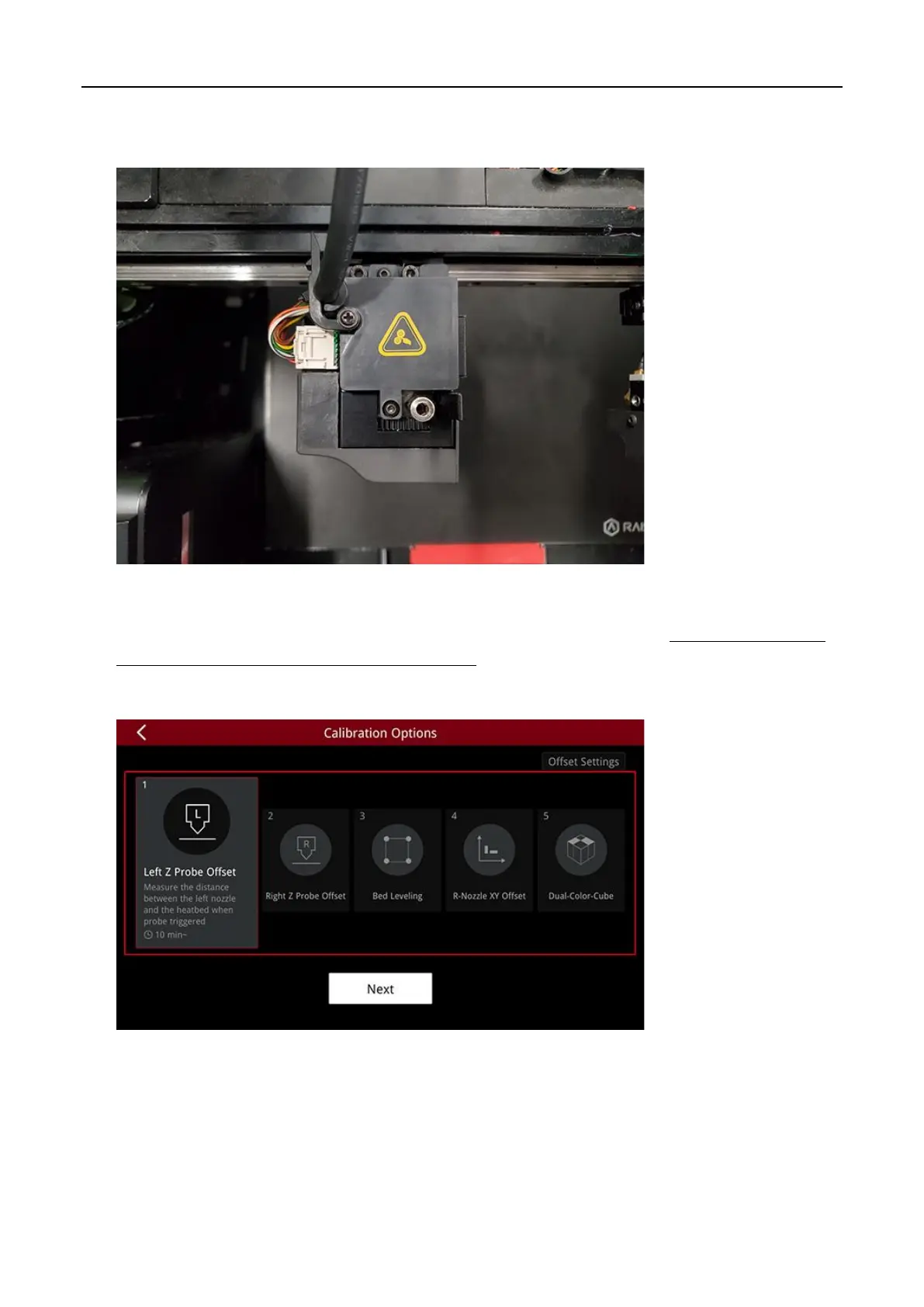
27. Insert the extruder connection cable back into the extruder, and press the retaining buckle to hold
the cable in place.
28. Turn on the printer and run the five-step wizard. It is recommended to adjust the height of the left
and right nozzles as well. (For more information please refer to the tutorial: Manual E2 – How to
Adjust the Height of Left and Right Nozzle – V1.0).
Note:
You can find the “Offset Calibrations” at “Settings>Machine>Maintenance>Offset
Calibration”.
– END –



 To Next Page