How to Replace a Build Surface – V1.1 Data:06/16/2020
- 2 / 3 -
www.raise3d.com
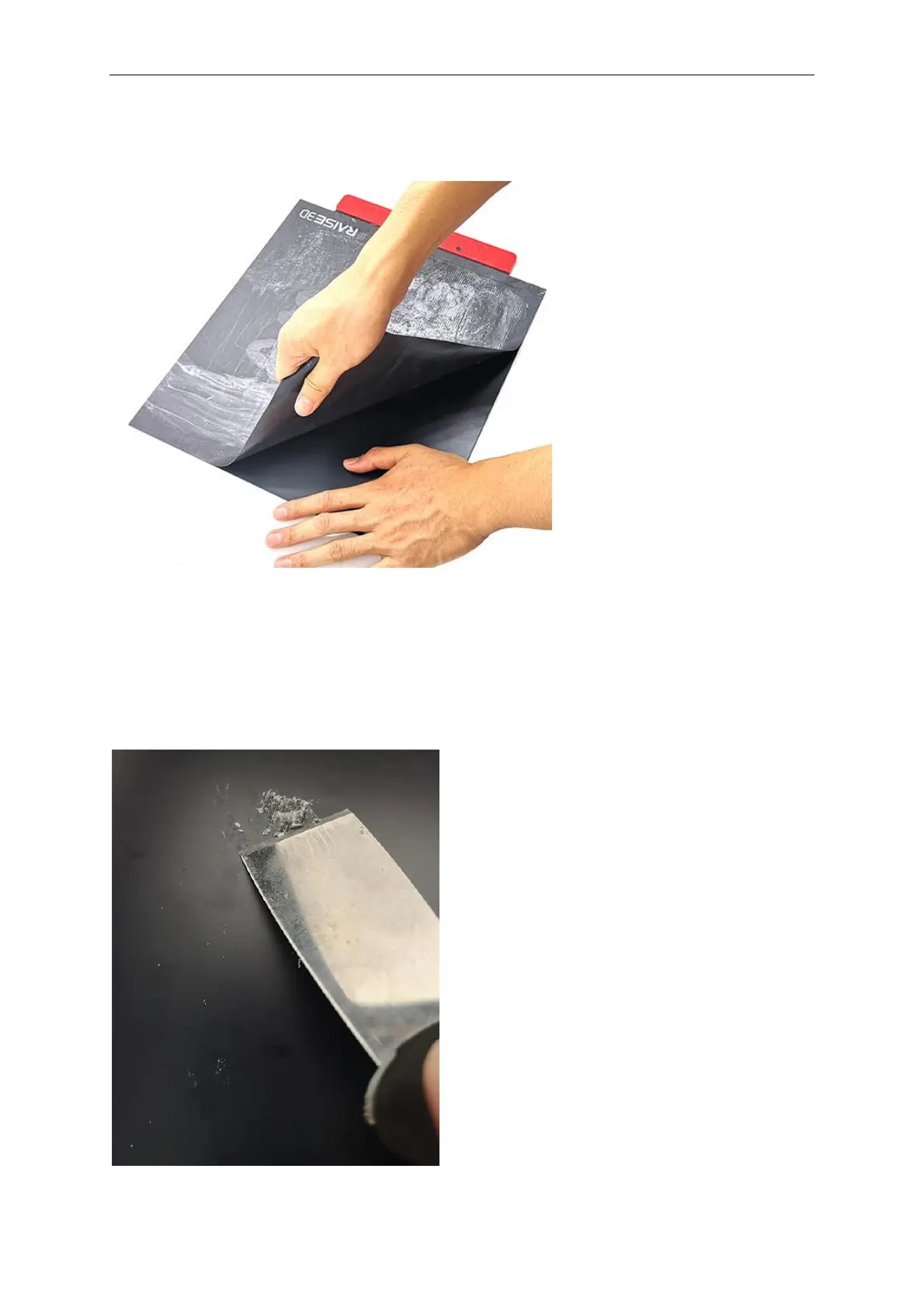
2. Securely press and hold the build plate with one hand and peel back the used Raise3D build
surface from the plate with the other hand.
Step II: Cleaning the Build Plate
3. Once the build plate is peeled from the old build surface, check for any residual glue. If there
are any residual glue, scrape the glue to make the build plate clean. Be careful not to scratch or
to gouge the surface.
Note:
If the glue is too hard to be removed by the scraper, reinstall the plate and set the bed
temperature to 110℃. After 30 minutes, try to remove the glue with the scraper again.



 To Next Page