How to Replace a Build Surface – V1.1 Data:06/16/2020
- 3 / 3 -
www.raise3d.com
Step III: Reinstalling the Build Plate
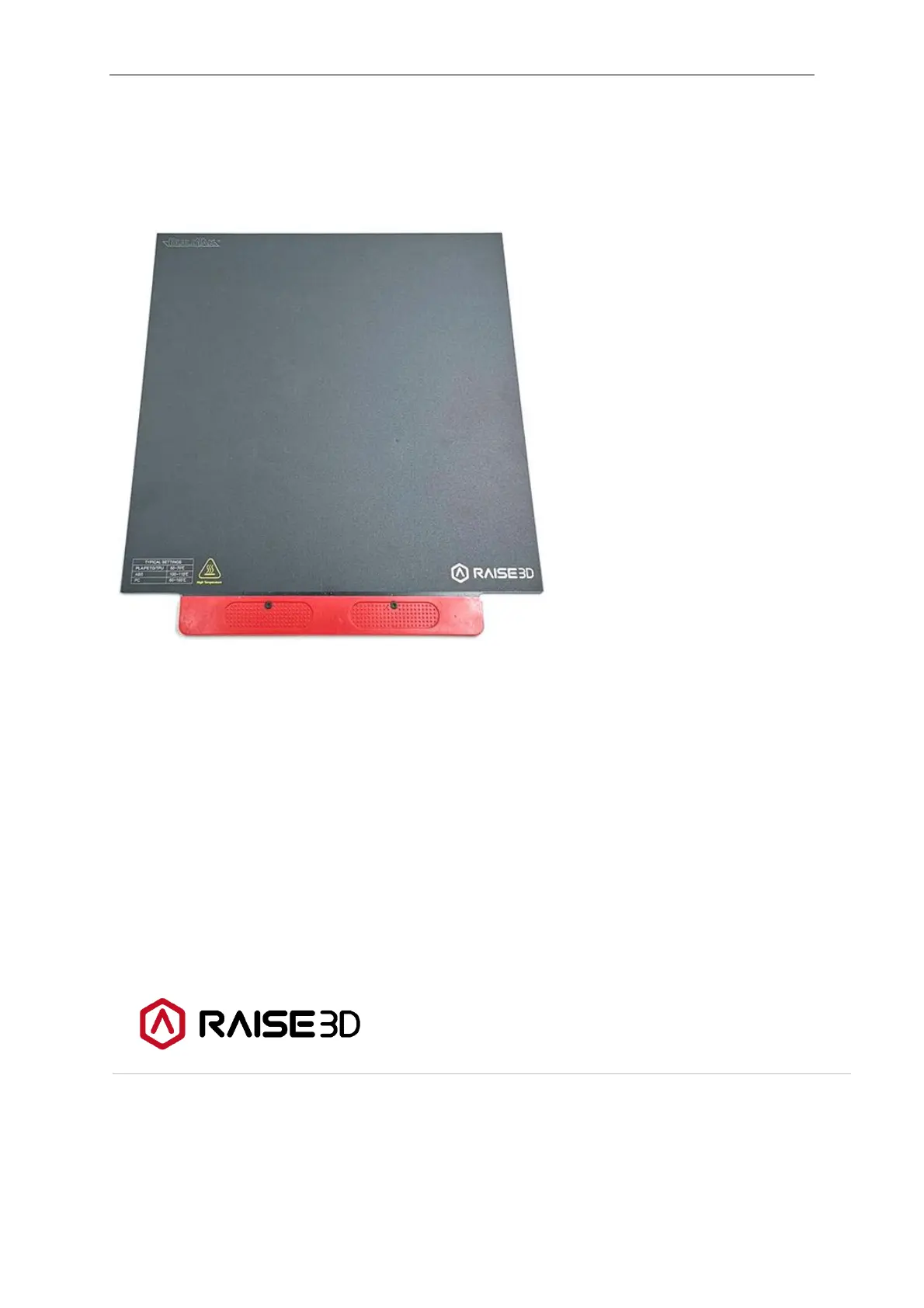
4. Remove the protective film from the back of build surface and install it to the build plate.
Note:
Carefully scratch the build surface until there are no air bubbles.
5. Reinstall the build plate. After the build plate is reinstalled, recalibrate the distance between
the nozzle and build plate.
- END -
America | Asia | Europe
Sales & Business: sale@raise3d.com
Technical Support: help.raise3d.com
For any other inquiries: inquiry@raise3d.com



 To Previous Page