Pro2-Series 3D Printer
/ Quick Start Guide
B. Hardware Installation (continued)
Open the front door, and remove the starter
box and filament box from the base of the
printer.
Open these packages, and compare with the
following contents list.
7
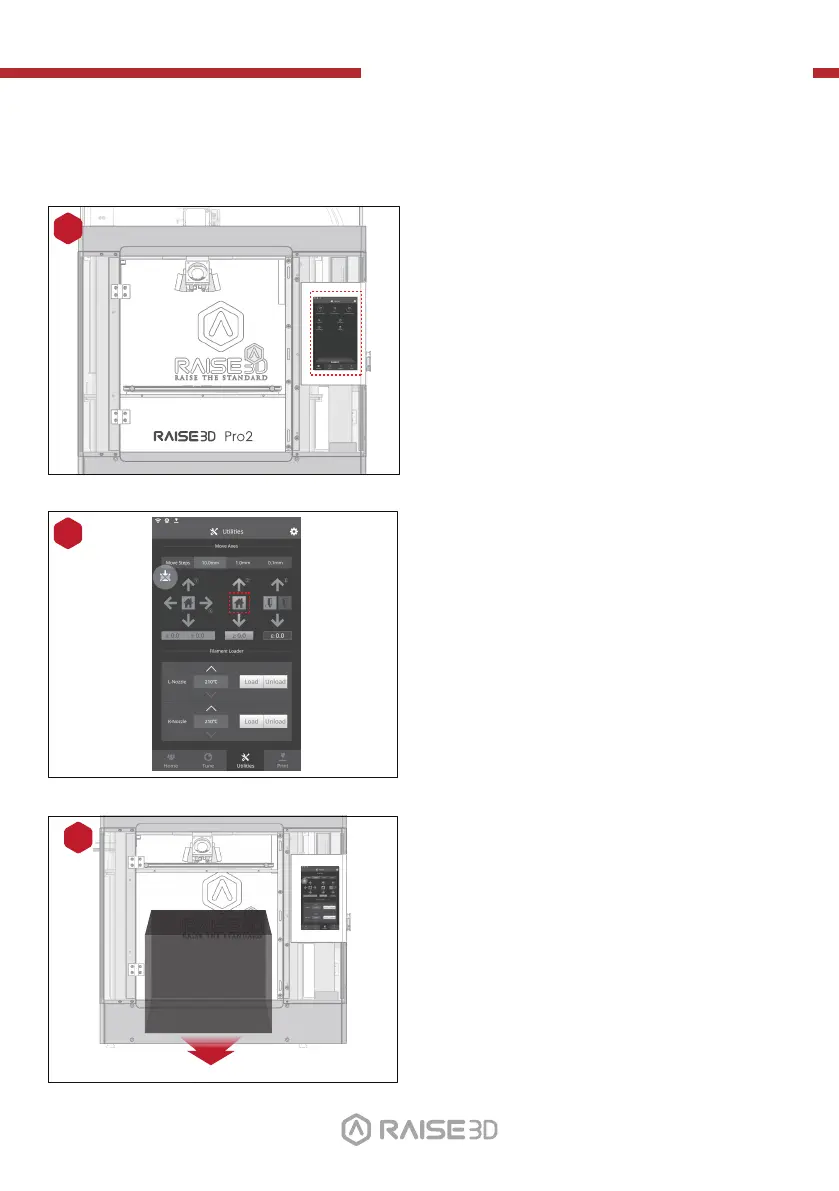
Once the unit has been powered, the printer
will go through a start-up sequence. Your
Raise3D printer will take approximately 60
seconds to boot up. When the touch screen
displays the "Home" screen, the printer is
ready.
5
Open the "Utilities" tab, and press the Z
Homing button.
OK the request, and the print bed will begin to
“home” or move to the origin position.
This will also allow you to access your
accessory packages.
6
01 02
03 04 05 06
07 08 09 10
11 12 13 14
15 16 17 18
19 20 21 22
23 2624 25
27



 To Next Page