Pro3 Series 3D Printer
/ User Manual
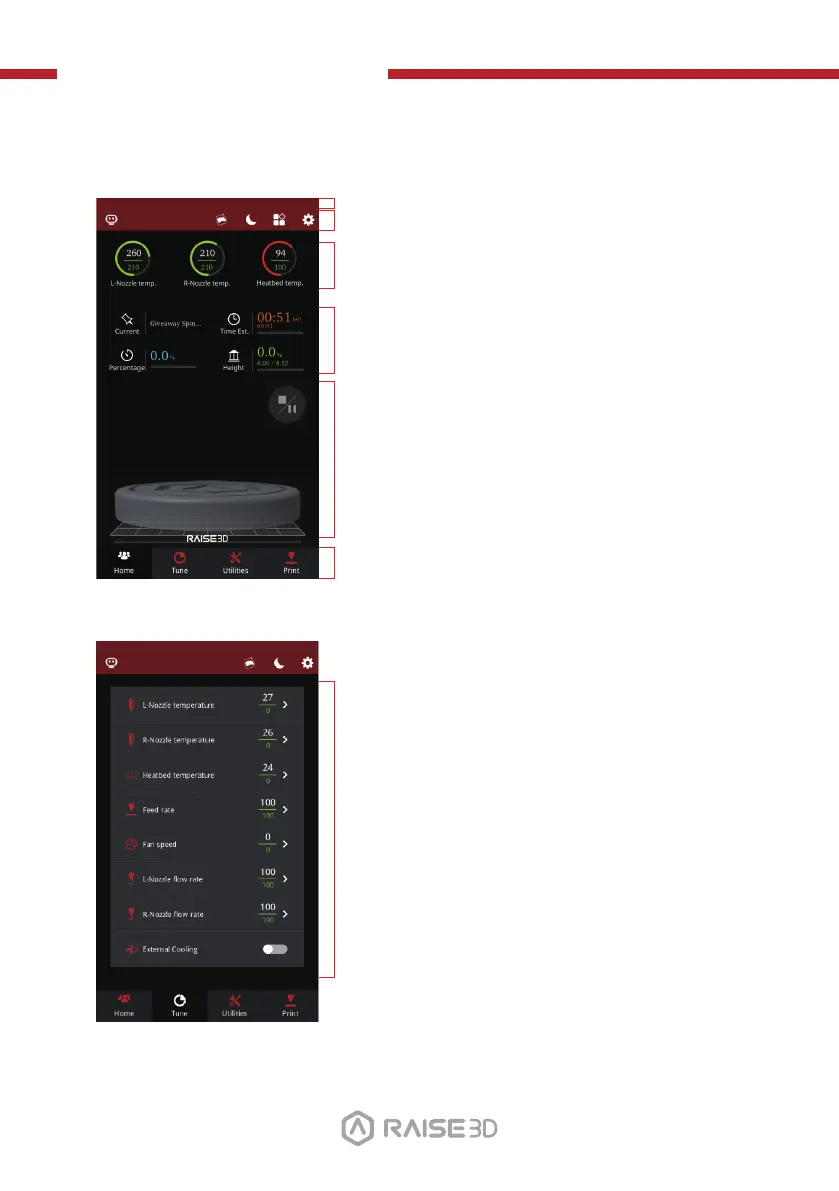
L. User Interface
· Status Bar, EVE
· Menu title, Settings button
· Taskbar
· Current model name, total print time, current
· Visual display of current model
· Pause/ Resume button
· Stop button
printing status and height
Home
· Hot End and heated bed temperatures
Tune
· Printing parameters and adjustments
37



 To Next Page