Beijing Raisecom Science & Technology Co., Ltd
ISCOM2126 EMS User Manual 3
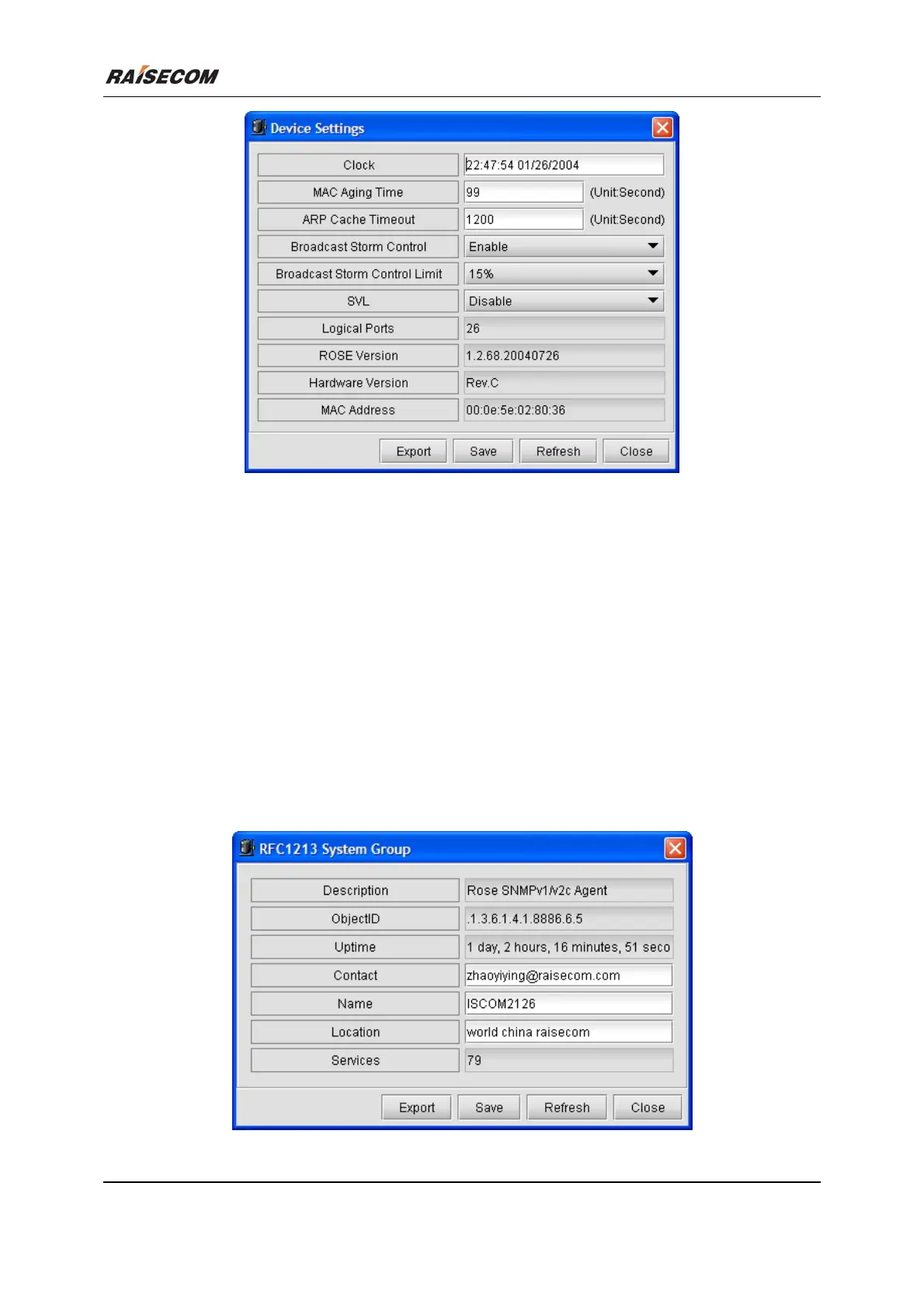
Figure 2-2 The Device Settings dialog box
2.3 RFC1213 System Group
Click [Main Menu\Device\RFC1213 System Group] to launch the RFC1213 System Group dialog
box. It enables you to view and configure RFC1213 System Group information of Switch. The following
figure is an example of this window.
Related commands:
See chapter 3 of “ISCOM126 Switch Command Notebook” for
show snmp contact
show snmp location
snmp-server contact
snmp-server location
commands.
Figure 2-3 RFC1213 System Group








 To Next Page