Beijing Raisecom Science & Technology Co., Ltd
ISCOM2126 EMS User Manual 22
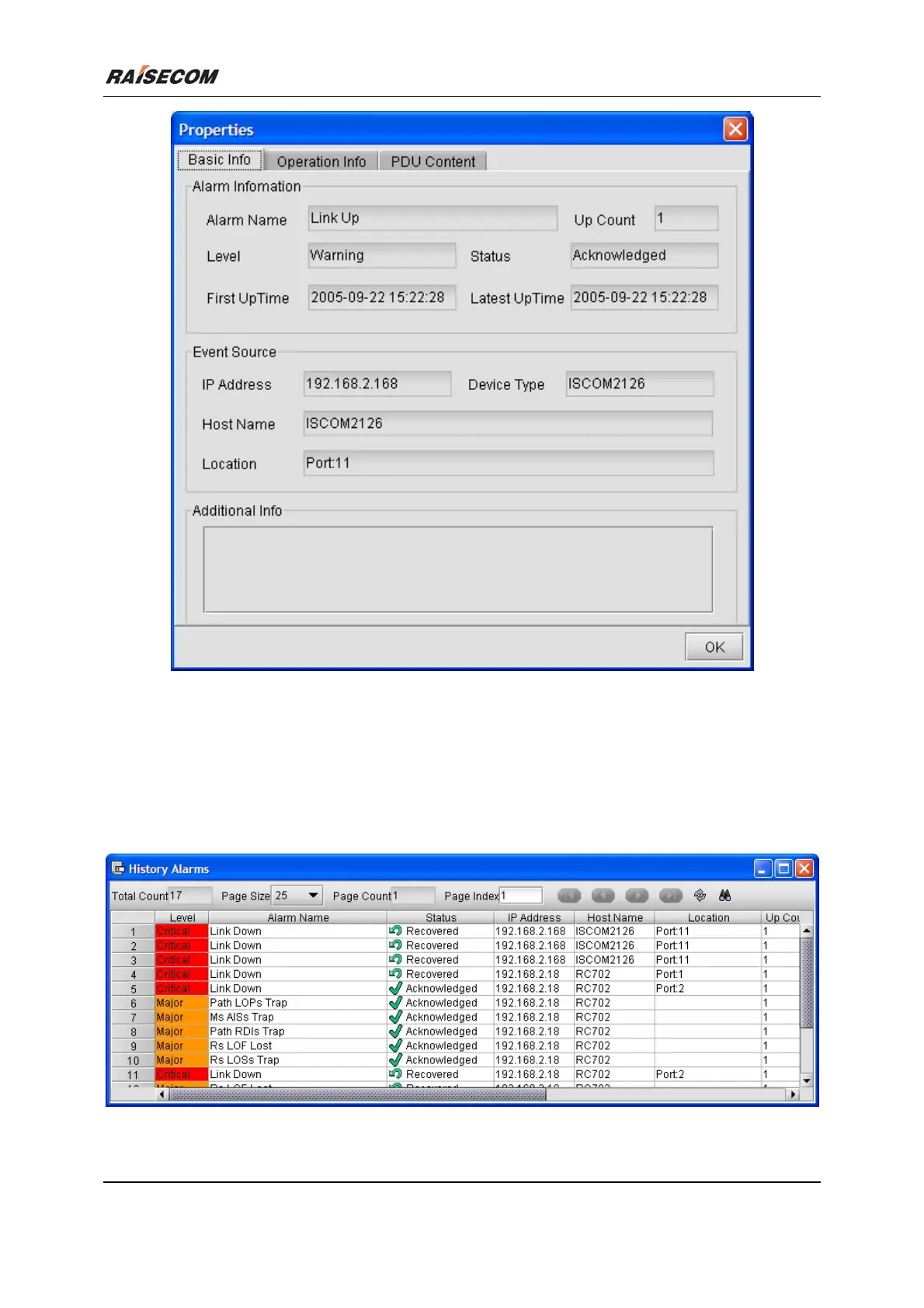
Figure 3-2 The Current Alarm Property window
3.2 View Historical Alarm
Open the Historical Alarm Management window
Double click the “Component Tree” within NView platform, and select the [History Alarm
Management].
Figure 3-3 The Historical Alarm Management window








 To Next Page