Beijing Raisecom Science & Technology Co., Ltd
ISCOM2126 EMS User Manual 5
2.5 QOS Configuration
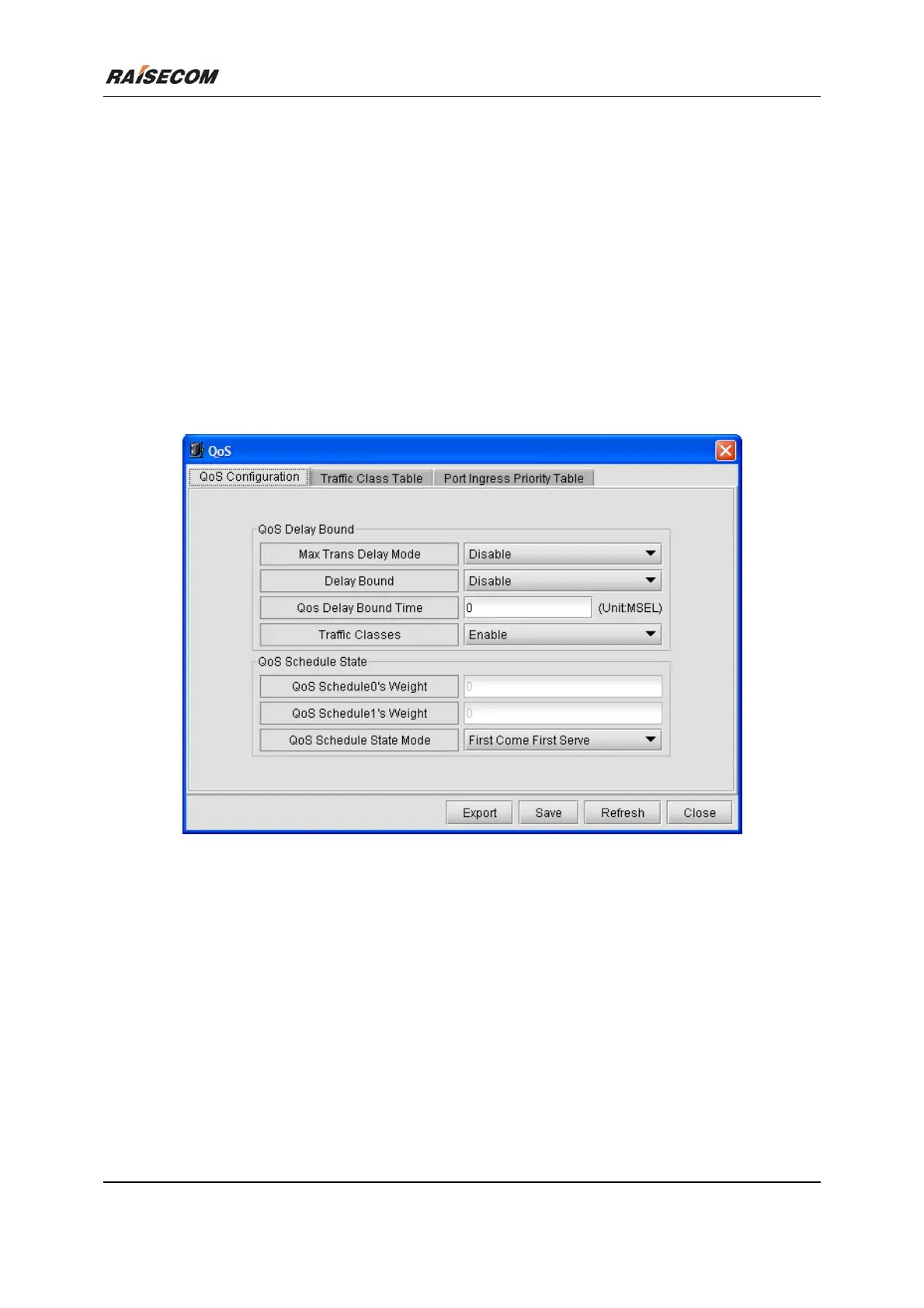
Click [Main Menu\Device\QOS] to launch the QOS dialog box. It enables you to view and configure
the QOS information. The following figure is an example of this window.
Related commands:
See chapter 3 of “ISCOM126 Switch Command Notebook” for
qos cosq
qos port-prio
qos max-trans-delay
qos delay-bound
qos delay-bound-time
qos map priority queue
commands.








 To Next Page