EasyManua.ls Logo

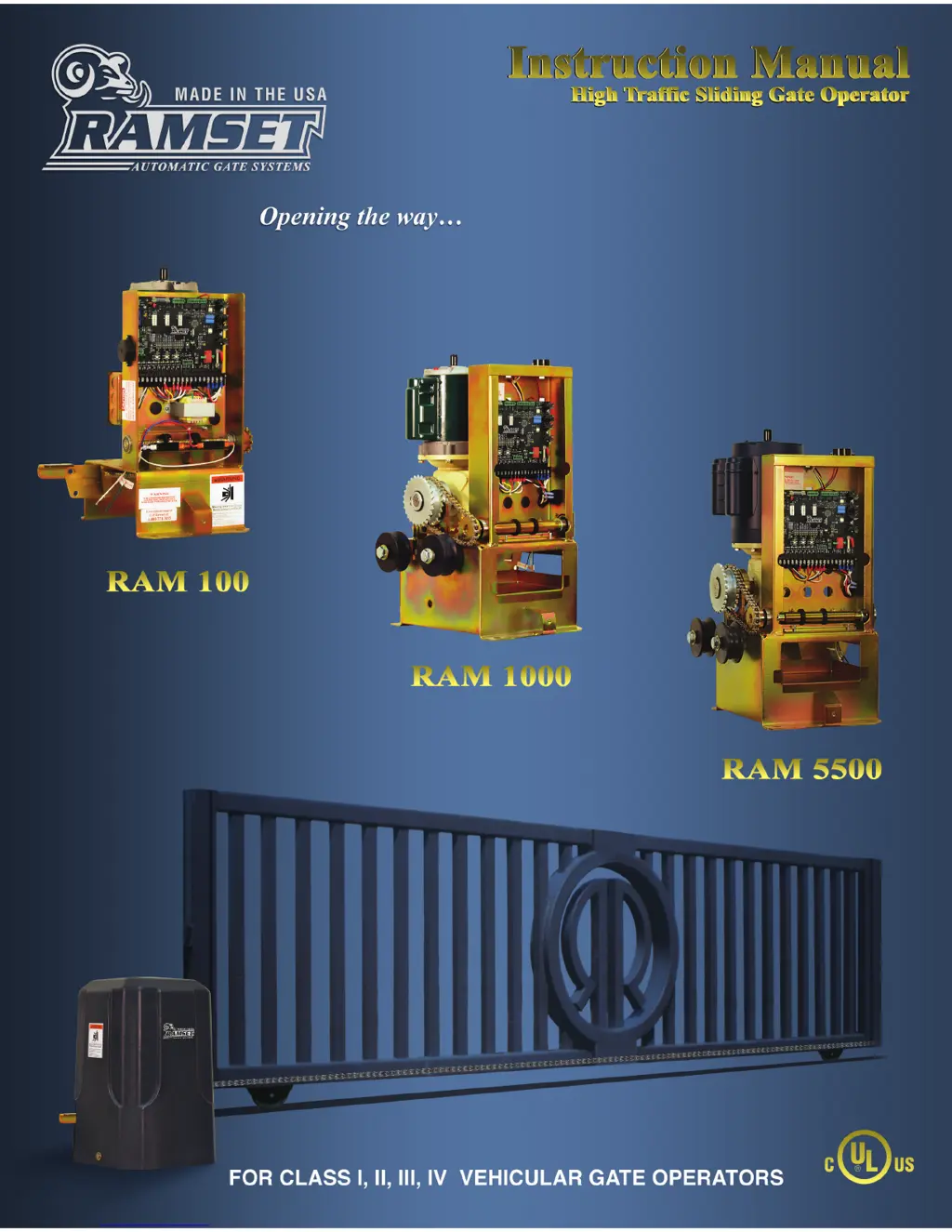
RAMSET RAM 1000 - User Manual

Default Icon
31 pages
Print Icon
To Next Page IconTo Next Page
Loading...
RAM 100 • 1000 • 5500
RAMSET
www.ramsetinc.com

Questions and Answers

Summary

Important Safety Requirements & Instructions

Responsibilities of Installers and Technicians

Installation

Guidelines for installing gate operators, considering gate type, weight, and travel.

Safety

Primary concern for gate operator installation, adhering to codes and using compliant accessories.

Important Safety Requirements by UL Standards

UL Gate Classification

Recommended Electrical Connection

Details on required electrical connections, circuit breaker, and conduit for gate operators.

Recommended Wire Gauge

Table detailing recommended wire gauges for different models and distances.

General Specifications

RAM 100 Installation Specifications

Concrete Pad Construction

Step-by-step guide for constructing the concrete pad for operator mounting.

RAM 100 Front Installation

Foot Pedal Release

Instructions and warnings for using the foot pedal release mechanism.

RAM 1000; RAM 5500 Installation Specifications

Concrete Pad Construction

Guide for constructing the concrete pad for RAM 1000/5500 operator mounting.

RAM 1000; RAM 5500 Types of Installations

Front Installation

Details for front installation of RAM 1000/5500 gate operators.

Center Installation

Details for center installation of RAM 1000/5500 gate operators.

Rear Installation

Details for rear installation of RAM 1000/5500 gate operators.

Loop Sensor Installation

Gate Travel Adjustment

Instructions on adjusting gate travel limits using adjustment nuts.

Entrapment and Safety Protection

Intelligate LED Layout

Pushbutton Controls

Primary;Secondary Installation

Guide for setting up primary and secondary gate operator installations.

Dip Switch Configuration

Dip Switch S4 - A

Configuration settings for dip switches A1-A4, including gate duration and left/right installation.

Dip Switch S6 - B

Configuration settings for dip switches B1-B8, covering prewarn, constant warn, and delays.

Dip Switch S5 C

Configuration settings for dip switches C1-C8, including ERD and slow operation.

Rotary Switch S8

Manual adjustments for ERD sensitivity using rotary switch S8.

Slide Switch S9

Switch for selecting between automatic and manual ERD adjustments.

Dip Switch S7

Bypass settings for foot pedal and stop input plugs.

Terminal Strip Connections

Terminal 2 - Safety

Safety terminal for stopping the gate, used with various sensors.

Terminal #8 - Edge

Edge terminal for stopping the gate upon sensing an obstruction.

Terminal # 9 and 10 - Limit 1 & Limit 2

Limit terminals to stop the gate at fully open or closed positions.

Terminal # 19 and 20 - AC Hot & Neutral

Terminals for powering the operator with 115 VAC and 230 VAC.

Plug Connections

Foot Pedal

Connection for the foot pedal switch input.

Primary;Secondary Connection

Connection for synchronizing movement between two gates.

Accessory Connections

Connections for loops, relays, lights, alarms, and sirens.

Monitored Anti-Entrapment Device

Connection for monitored anti-entrapment devices.

Wiring Diagrams

Gate Open Light;Siren

Wiring diagram for gate open light or siren.

Constant Warn or Prewarn

Wiring diagram for constant warn or prewarn lights/sirens.

Parts Diagram RAM 100

Parts Diagram RAM 1000 RAM 5500

Bill of Materials

Gate Entrance Safety Precautions

Important Information for the Homeowner

Troubleshooting Table

RAMSET RAM 1000 Specifications

General IconGeneral
Operating Voltage24V DC
Maximum Gate Weight1000 lbs
Maximum Current Consumption5A
Maximum Gate Length5 m
Motor TypeDC Motor
Battery BackupYes
Operating Temperature-20°C to +60°C

Related product manuals