6
A
B
C
D
E
F
The
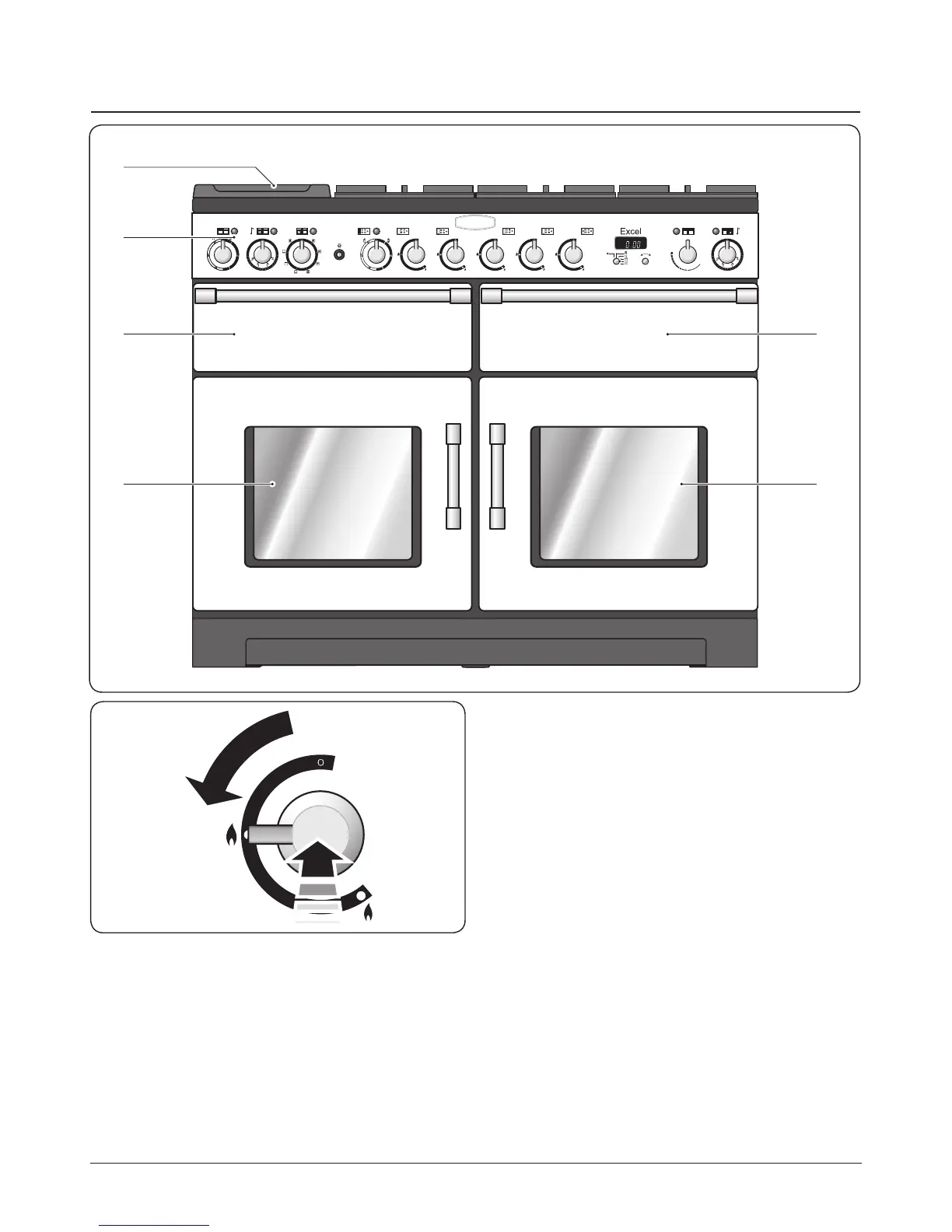
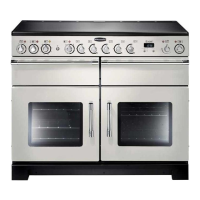
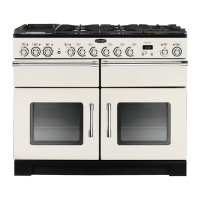
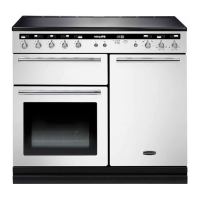
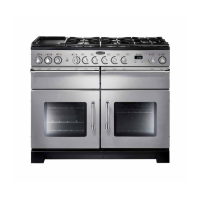
110 dual fuel cooker (Fig. 2.1) has the following features:
A. Four hotplate burners with a wok burner and ceramic
multi-zone hotplate
B. Control panel
C. Glide-out grill
D. Multifunction oven
E. Slow cook oven
F. Fan oven
Hotplate Burners
The drawing by each of the control knobs indicates which
burner that knob controls. Each burner has a Flame
Supervision Device (FSD) that prevents the ow of gas if the
ame goes out.
When a hotplate control knob is pressed in, sparks will be
made at every burner – this is normal. Do not attempt to
disassemble or clean around any burner while another
burner is on, otherwise an electric shock could result.
To light a burner, push in and turn the associated control
knob to the high position, as indicated by the large ame
symbol (
H
), (Fig. 2.2). The igniter should spark and light the
2. Cooker Overview
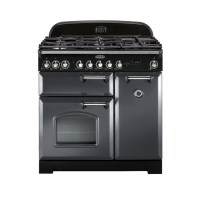
Fig. 2.1
Fig. 2.2
DocNo.020-0006 - Overview - 100DF - Prof+


 To Next Page