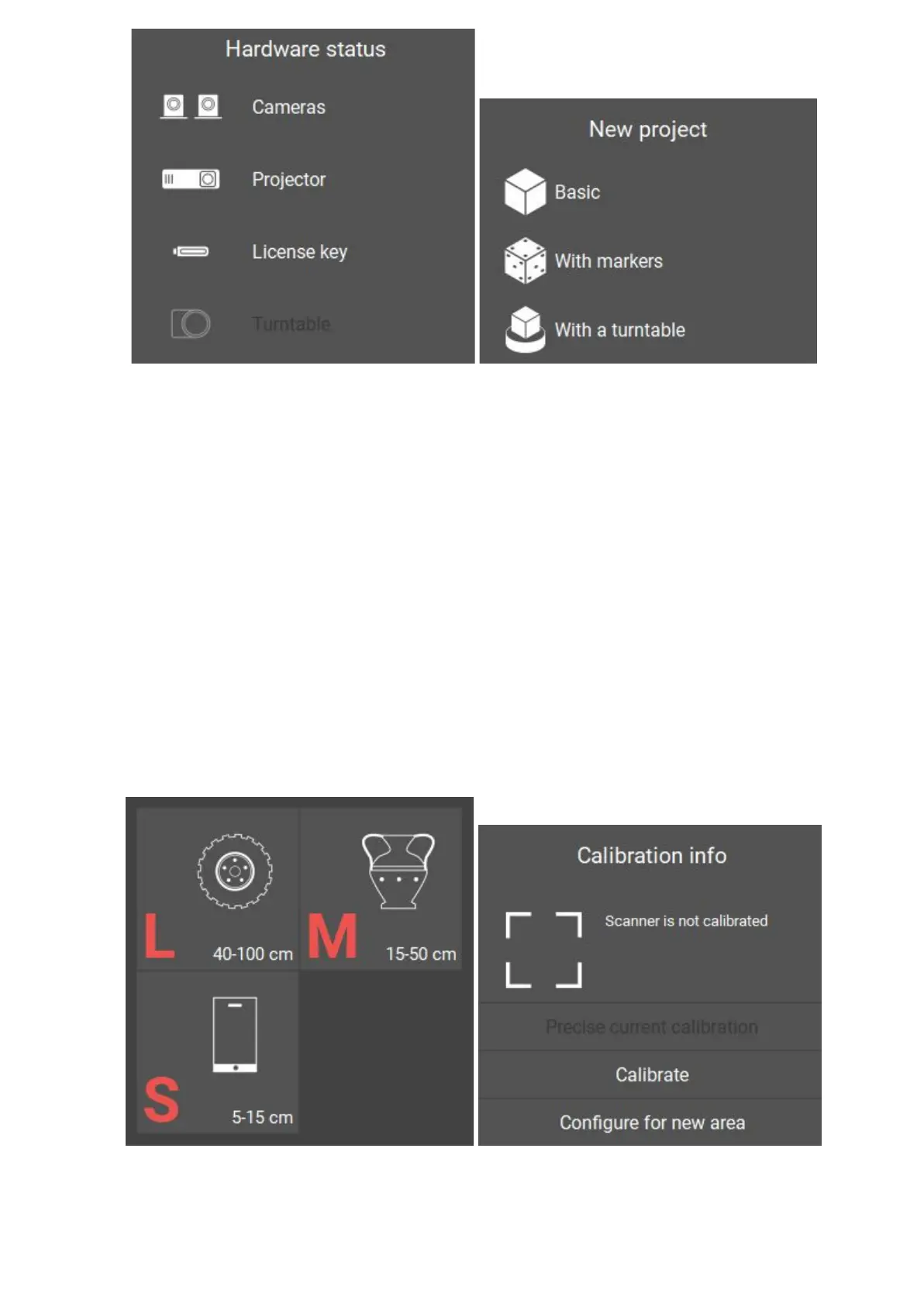
Selectscanningzone
After preparatory actions on setting up the computer, you should carry the
scanner setting procedure. Select Configure scanner for a new area in
Calibration window on the Start screen and follow the instructions for each step.
Before beginning the configuration, select the desired scan area (zone), depending on
the object scanned. Scanning area is a set of interchangeable optics, calibration plate
and standforthecalibrationplate, which help toconfigurethescannertoscan a certain
area. Inthemajorityofcases, scan areaiscorrectlymatched,ifthesizeof the object
approximately equalstothe size calibrationplate.
12


 To Next Page