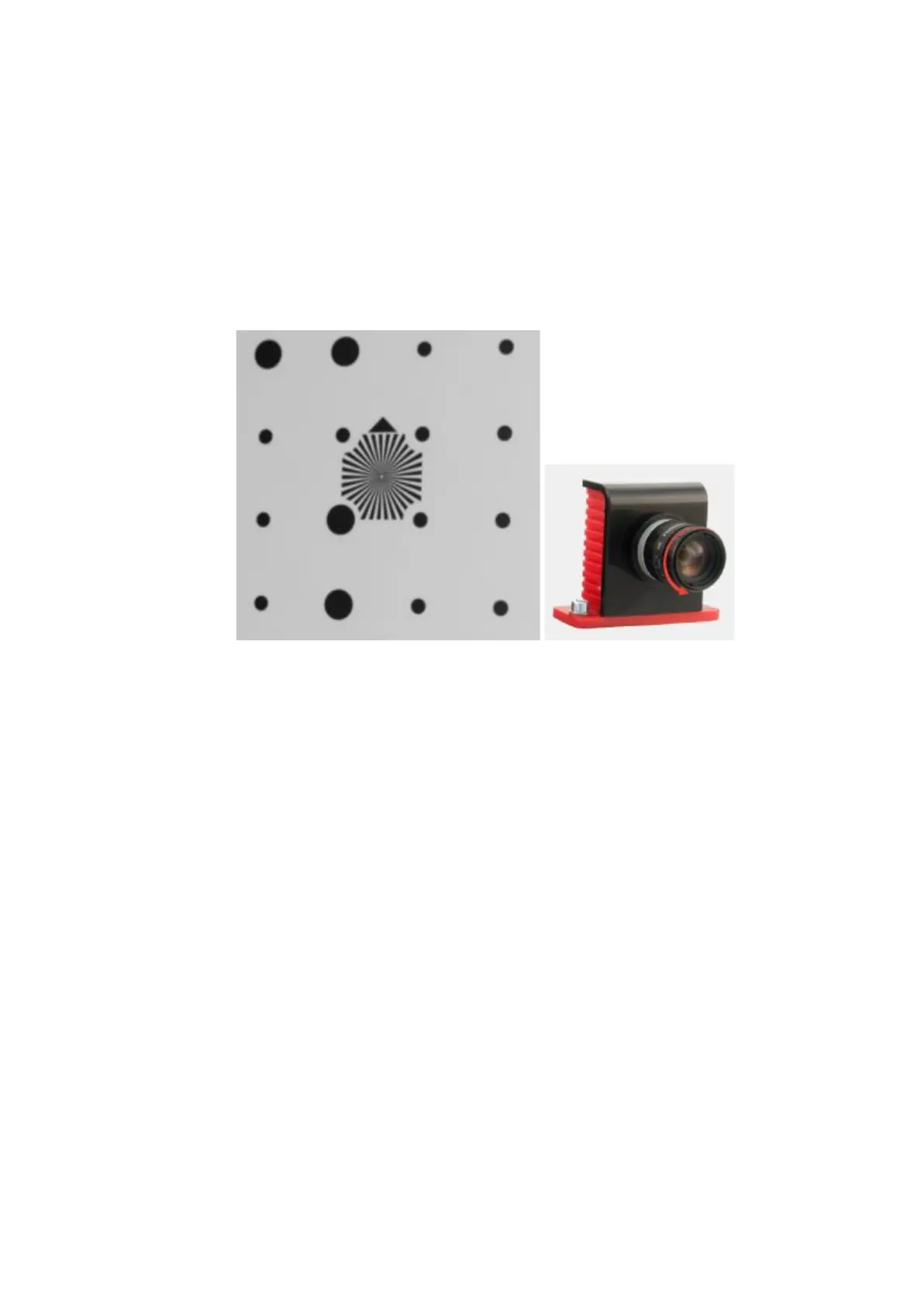
Beforesettingtheexposureadjustthesharpnessofthelenses:
1. Turnon"Blacklight"projectormode.
2. Settheminimalexposurevalue(1)usingtheslider.
3. Openthelensirisasmuchaspossiblewithoutgettingoverexposure.
4. Adjustthelenssharpness.
Itisconvenienttousecameraviewzoombyleft-clickingthecameraviewstoassess
sharpness.
Settheprojectortothelinesandstripesmode.Settheexposureforthecameras
between 30and60(lessiftheobject,whichyouareplanningtoscanisdarkand more if
it isbright).Bydefaultthevalueis45.
18


 To Next Page