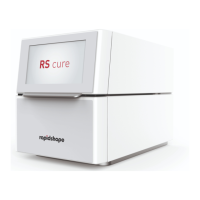
Operating Instructions RS cure │ D cure │ P cure │ SHERAprint cure │ 3Decure
Rapid Shape GmbH │ DOCR000251
6.1 Safety during Operation
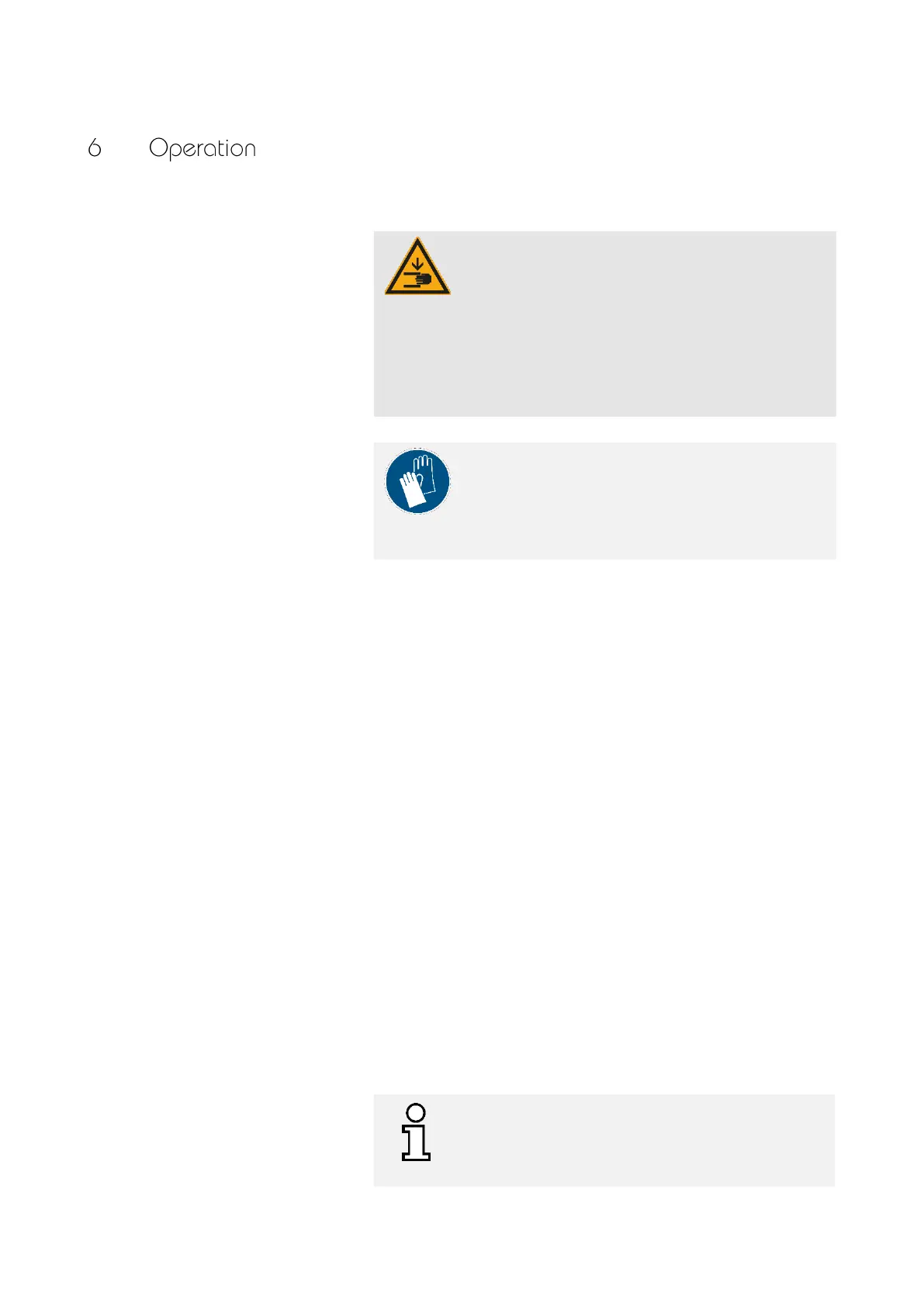
CA UT ION !
Risk of injury due to moving parts!
The machine consists in part of accessible parts that can
easily cause hand injuries through crushing or getting
caught.
— When closing the machine, do not insert any
fingers behind the shock absorbers and into the
support area of the lid.
NOTE!
Wearing protective gloves protects the skin from contact
with skin damaging materials. It is therefore essential to
observe the information provided by the material
manufacturer.
6.2 Switching On the Machine
To switch on the machine, please proceed as follows:
1. Prerequisite: The machine has already been fully connected.
→ Chapter 4.3
2. Turn the machine on using the power in/off button.
— The machine is started and performs a self-test during
start up.
— After completion of the self-test, the user interface Home
screen is displayed.
6.3 Equipping the Machine
For equipping the machine please proceed as follows:
1. Grasp the handle of the lid with one hand and push it upwards
until it locks into its final position.
2. Carefully place your clean, dry components on the glass bottom
of the exposure chamber.
Observe the instructions for equipping, see below.
3. Press the lid down slightly.
Be careful of your fingers.
4. Select the operating mode. → Chapter 6.4
The components must not be stacked on top of each
other and should not cast shadows over each other.
The maximum component height of 60 mm must not be
exceeded.


 To Next Page