4:5 Rapid Connect Monitoring System 2023-05-03
4. PORTAL
4.7. Howisthewebportalstructured?
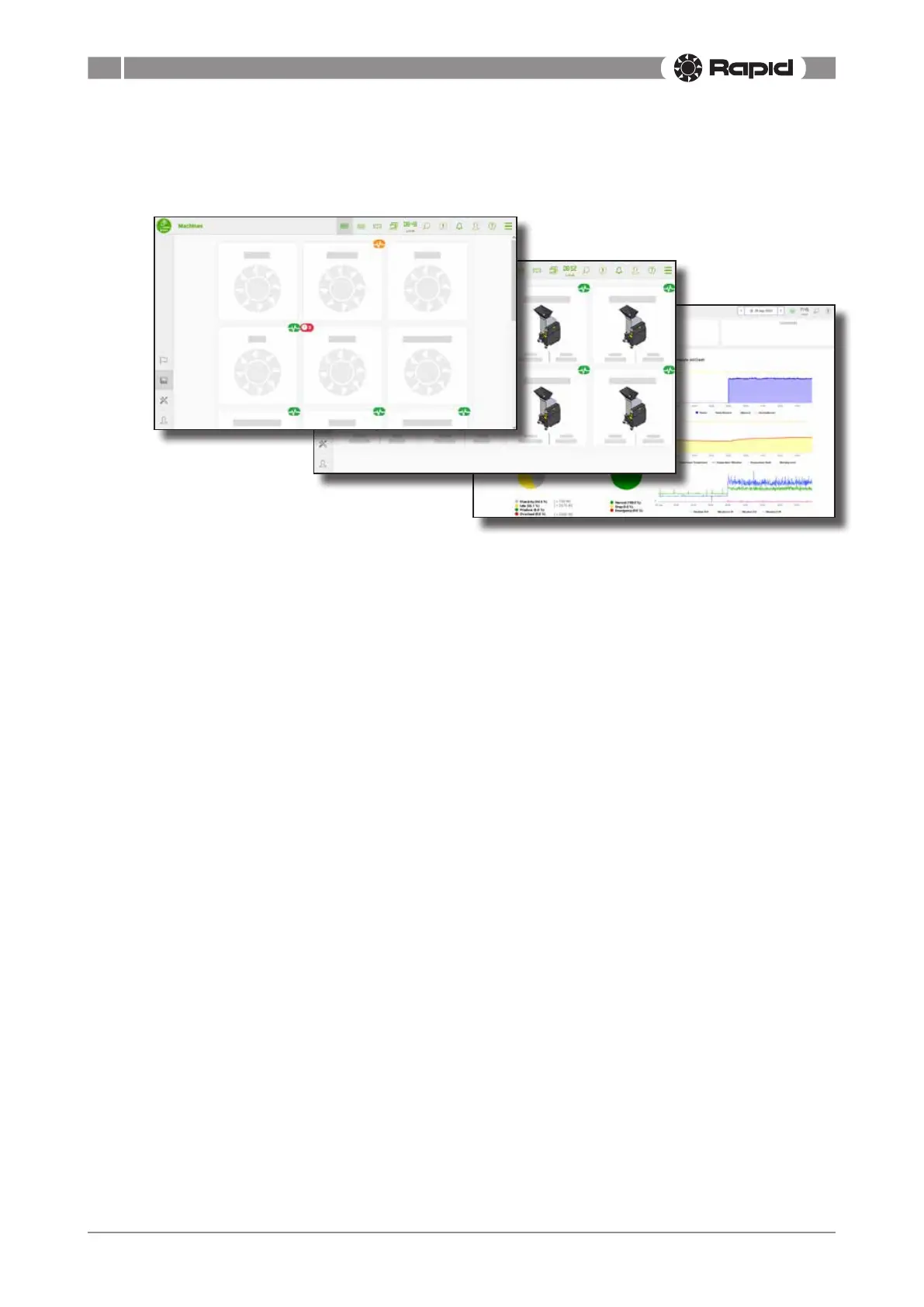
Thewebportalconsistsofdierentviews,whereyoucanseeyourproductionatdierentlevels.
Following levels can be viewed:
1. Company
2. Department
3. Machine
1. Company level shows all departments within your company. The company level is only acces-
sible if your company consists of more than one department. If your company consists of only
one department, then the department level is the topmost level.
2. Departmentlevelshowsallmachineswithinaspecicdepartment.Adepartmentcanfor
examplebealocationinsideafactory,oradierentfactory.Whatexactlymakesupadepart-
mentisdenedbytheuser.
3. Machinelevelshowsdetailsaboutaspecicmachinewithinadepartment.
Thecompanylevelanddepartmentlevelcanbeviewedindierentviews.Followingviewsare
available:
• Grid view, shows the departments and machines in a grid.
• List view, shows the departments and machines in a table.
• Mapview,shows the machines’ geographical location on a map.
• Aggregate view, shows all data collected from all departments and machines in aggregate.
Dierentstatusesforthemachinesareindicatedbyicons.Seesection“Whatdoesthestatus
icons mean?” on page 4:13.



 To Next Page