INSTRUCTION MANUAL IB 109050 02 C03b
6:2
6. USER MANAGEMENT
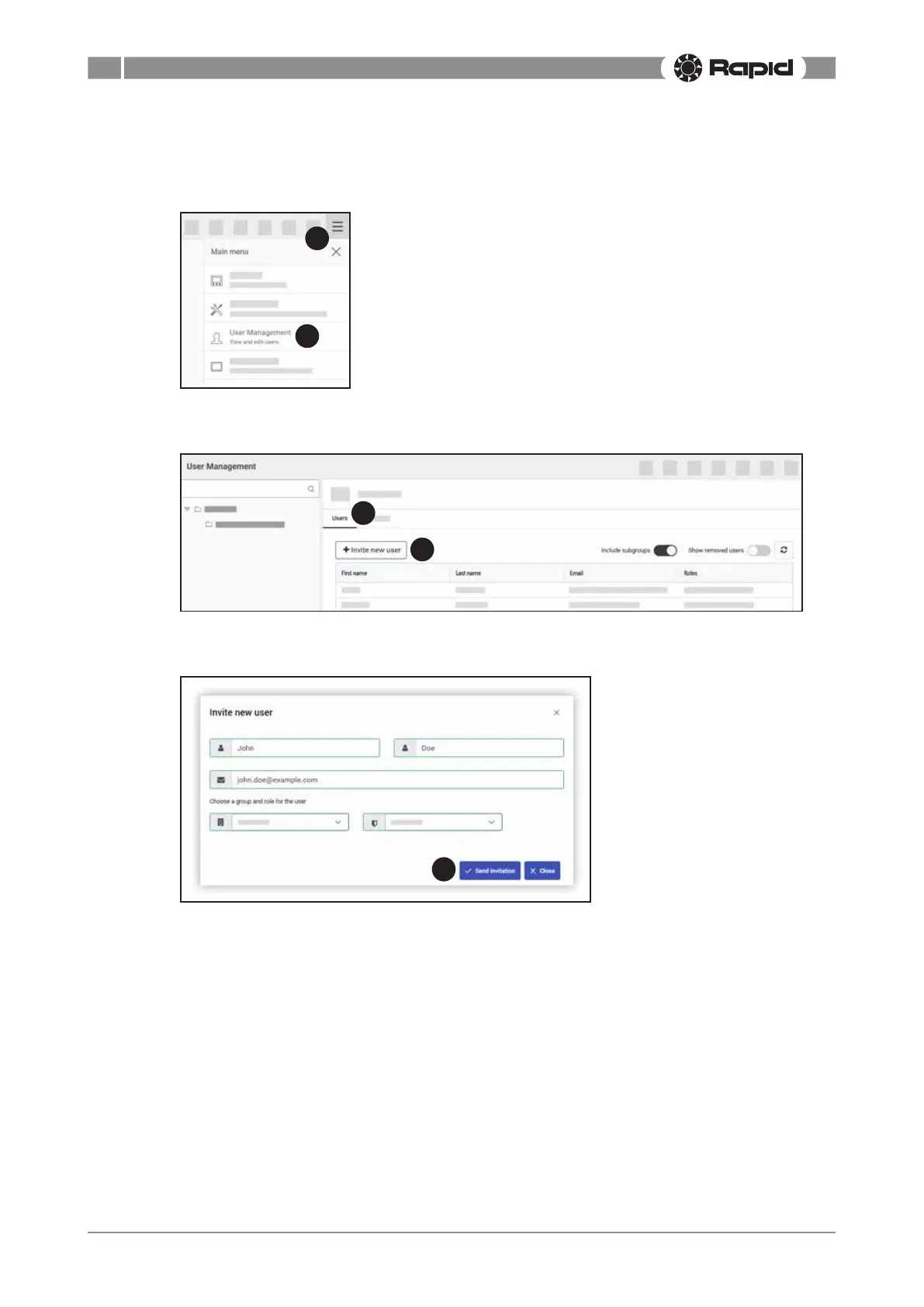
6.2. HowdoIaddmoreusers?
1. Go to the main menu.
2. Clickon“UserManagement”.
1
2
3. Makesurethatthetab“Users”isselected.
4. Click on “Invite new user”.
4
3
5. Fill out the new user’s credentials.
6. Click “Send invitation”.
6
7. An invitiation message with an activation link is sent to the user’s email address. The user must
activate their new account before being able to access the web portal. See section 4.4. “How
do I activate my account?” on page 4:2.



 To Next Page