INSTRUCTION MANUAL IB 109050 02 C03b
5:6
5. PROFILE SETTINGS
5.5. HowdoIenablenotications?
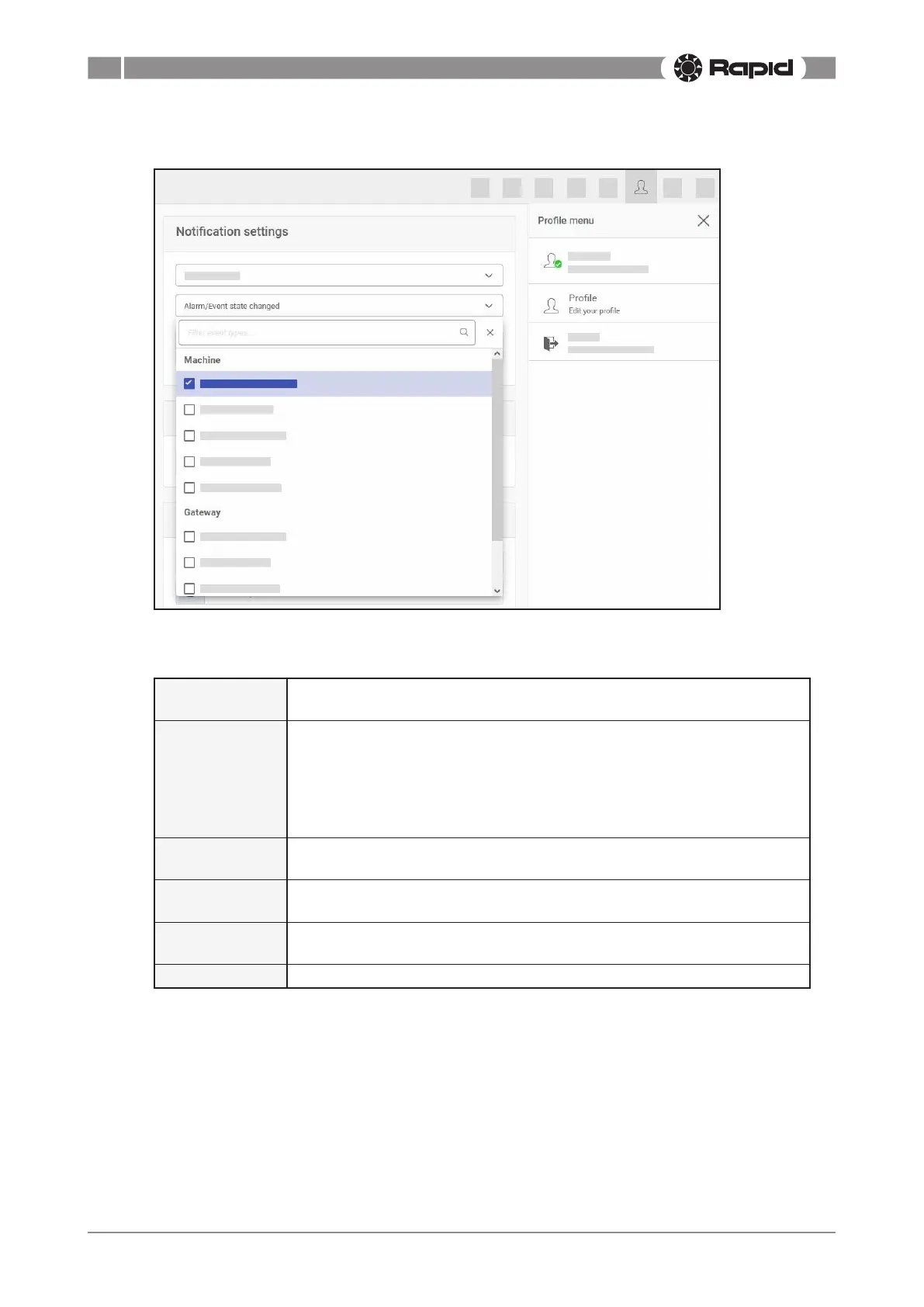
“Notifywhen”determineswhenyouwillreceiveanotication,forexamplewhenamachineisover-
loaded, or when a gateway has lost its connection.
Alarm/Event
state changed
Anoticationwillbesentifanalarmorothereventistriggered.Thetype
ofeventcanbeconguredwithalter(seebelow).
Controller
connected
A controller has established a communications link. A controller is the
communications interface between two entities. A controller can for
example be the interface which checks that LoRa has been successfully
established between the sensor node and the gateway, or the interface
whichchecksthataModbusconnectionbetweenasensorandthesensor
node is successful.
Controller
disconnected
A controller has lost its communications link.
Machine
connected
The sensor node has established a communications link with the gateway
Machine
disconnected
The sensor node has lost its communications link with the gateway.
Report created A user has created a report for the machine in the web portal.



 To Next Page