ADDITIONAL DETAILS
9
The Rapsodo Baseball Learning Center will help
you get the most out of your Rapsodo baseball
products.
SCAN the Code to visit our Learning center.
You can also visit our Youtube Channel
for more instructional content.
CONTACT SUPPORT:
Email: support@rapsodo.com
Phone: 844-772-7763
VISIT OUR LEARNING CENTER OR CONTACT SUPPORT
Device and System Requirements:
*These are our requirements as of April 2024. System requirements are subject to change.
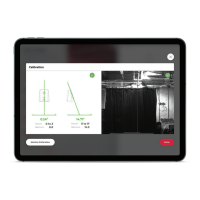
DEVICE COMPATIBILITY iOS ONLY
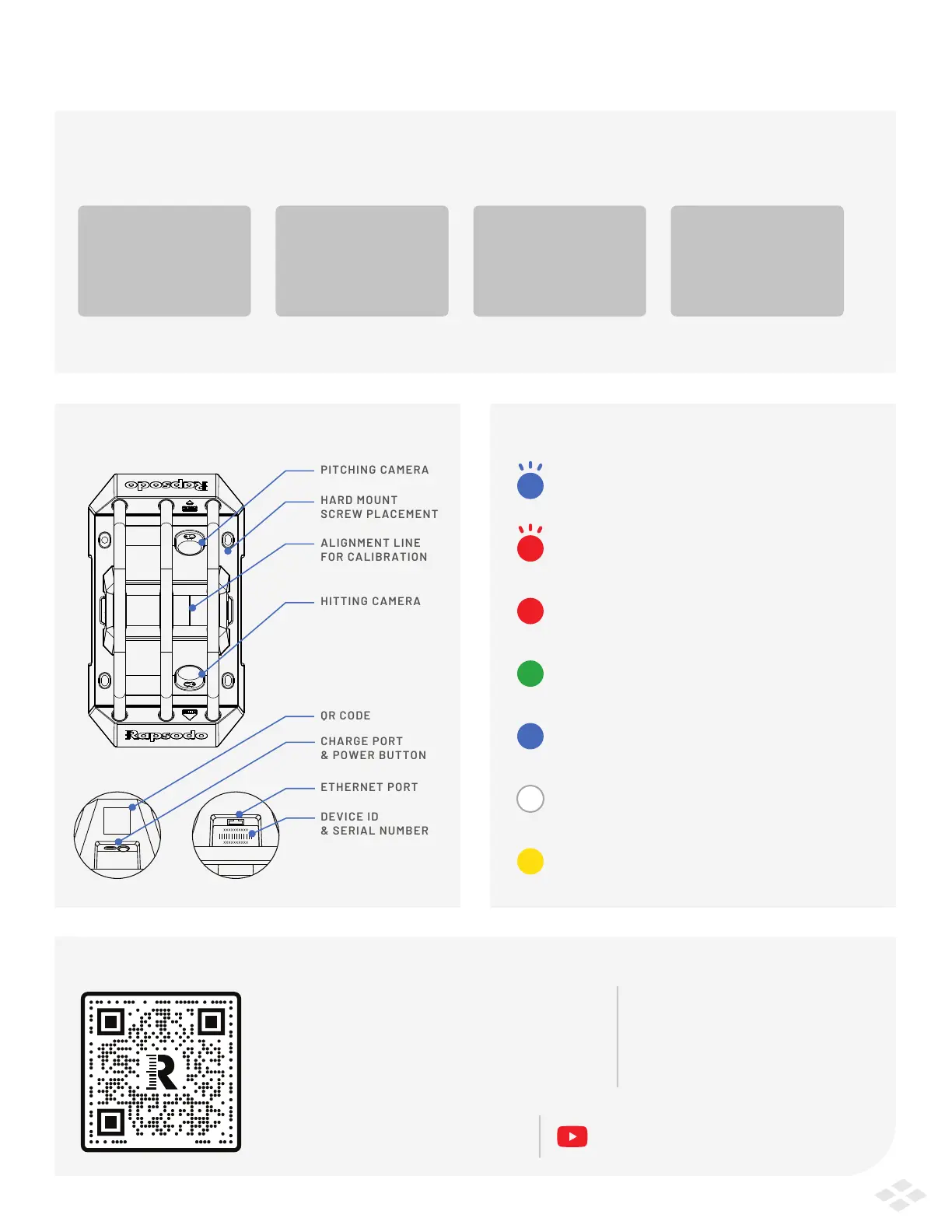
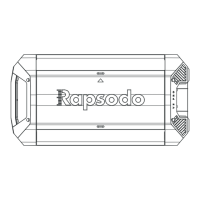
HARDWARE BREAKOUT DEVICE LIGHT READINGS
iOS
iPad OS 17
iPad Pro
3rd Gen or newer
iPad Air
3rd Gen or newer
iPad
8th Gen or newer
ALIGNMENT LINE
FOR CALIBRATION
FLASHING BLUE LIGHT
HARD MOUNT
SCREW PLACEMENT
CHARGE PORT
& POWER BUTTON
Device is powering on
FLASHING RED LIGHT
Device is powering on OR completing a firmware upgrade
BLUE LIGHT
Device is processing data after a valid hit or pitch. Wait for the
lights to turn green again before taking another shot.
WHITE LIGHT
Device is streaming calibration screens to Rapsodo Baseball App
YELLOW LIGHT
Device is powered off and charging
RED LIGHT
Device is powered on but not ready to record data
GREEN LIGHT
Device is ready to measure and collect data
@Rapsodo


 To Previous Page