STEP 4STEP 3
STEP 2
QUICK START GUIDE
WHAT’S INCLUDED
GETTING STARTED
LINK YOUR DEVICE (DEVICE REQUIRED)
STEP 1
In order to login to the Rapsodo Baseball app, you must have a COACH account with an active membership.
If you have not registered, you will do so on cloud.rapsodo.com.
We recommend charging the PRO 2.0 device before first usage, as it will likely have minimal battery life right out of the package.
Refer to Page 8 for proper charging instructions.
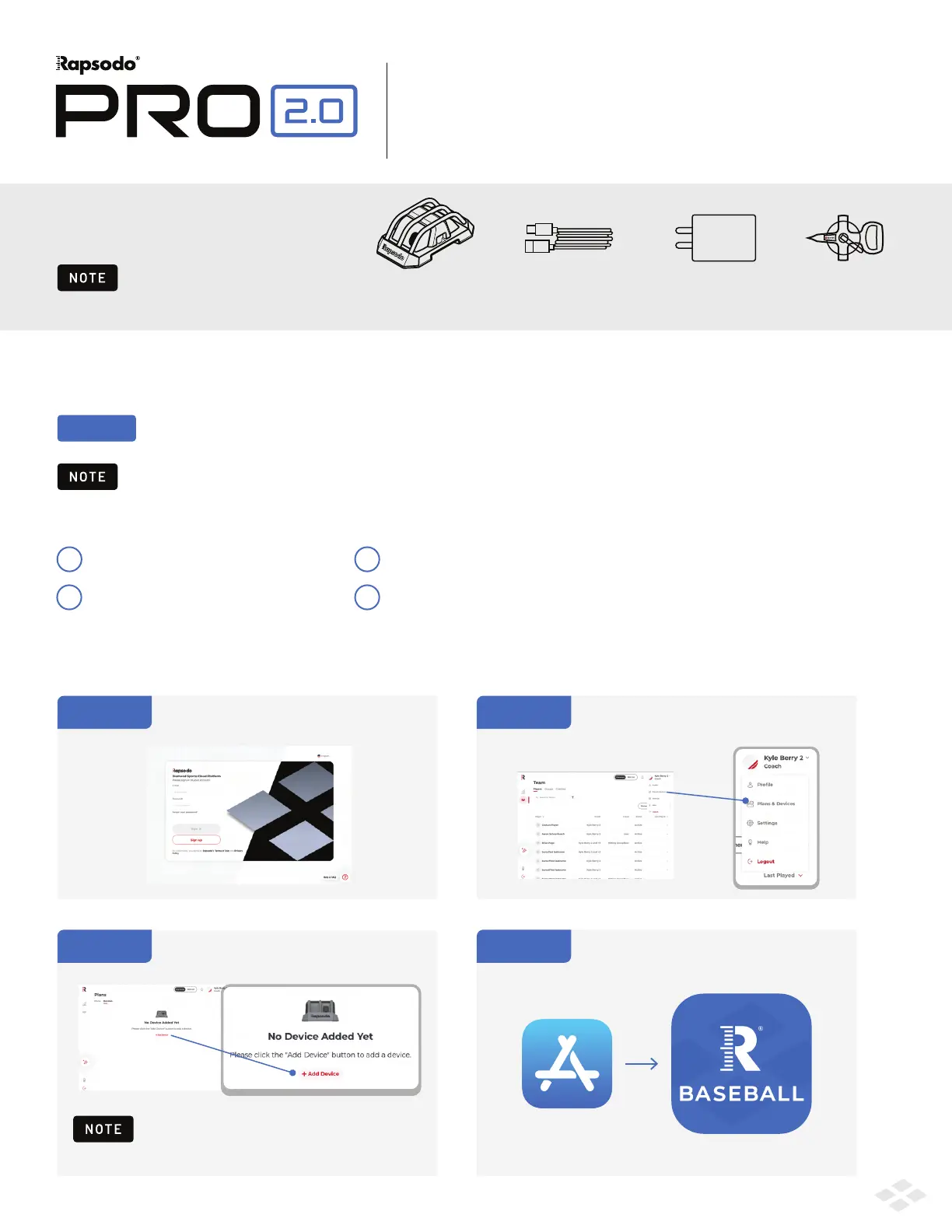
Log into your coach account
on cloud.rapsodo.com
There are 4 requirements to using your PRO 2.0:
NOTE
Rapsodo Coach Account
1
Active Rapsodo Membership
2
Download the Rapsodo Baseball app on your iPad
(See Device Compatiblity on pg. 9)
4
Click on the Account drop down in the
top right of the screen and navigate
to Plans & Devices
From the Devices tab, click Add Device
and pair your account and device
On your iPad, navigate to the App Store
and download the Rapsodo Baseball App
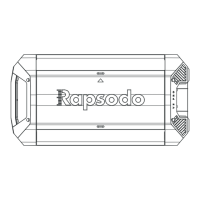
PRO 2.0
Unit
USB-C Charging
Cable
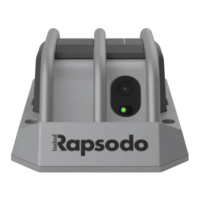
Charging
Cube
Measuring
Tape
Please use Rapsodo provided
USB-C Charging Cable and Cube.
Serial Number is required for this step. This can
be found on the device or on the outside of the box.
The Serial Number always begins with MTD.
An available PRO 2.0 device license
3
1
b
PRO TIP


 To Next Page