STEP 4
STEP 3
Check your alignment – make sure your cameras are pointed straight through the center of home plate
and the rubber.
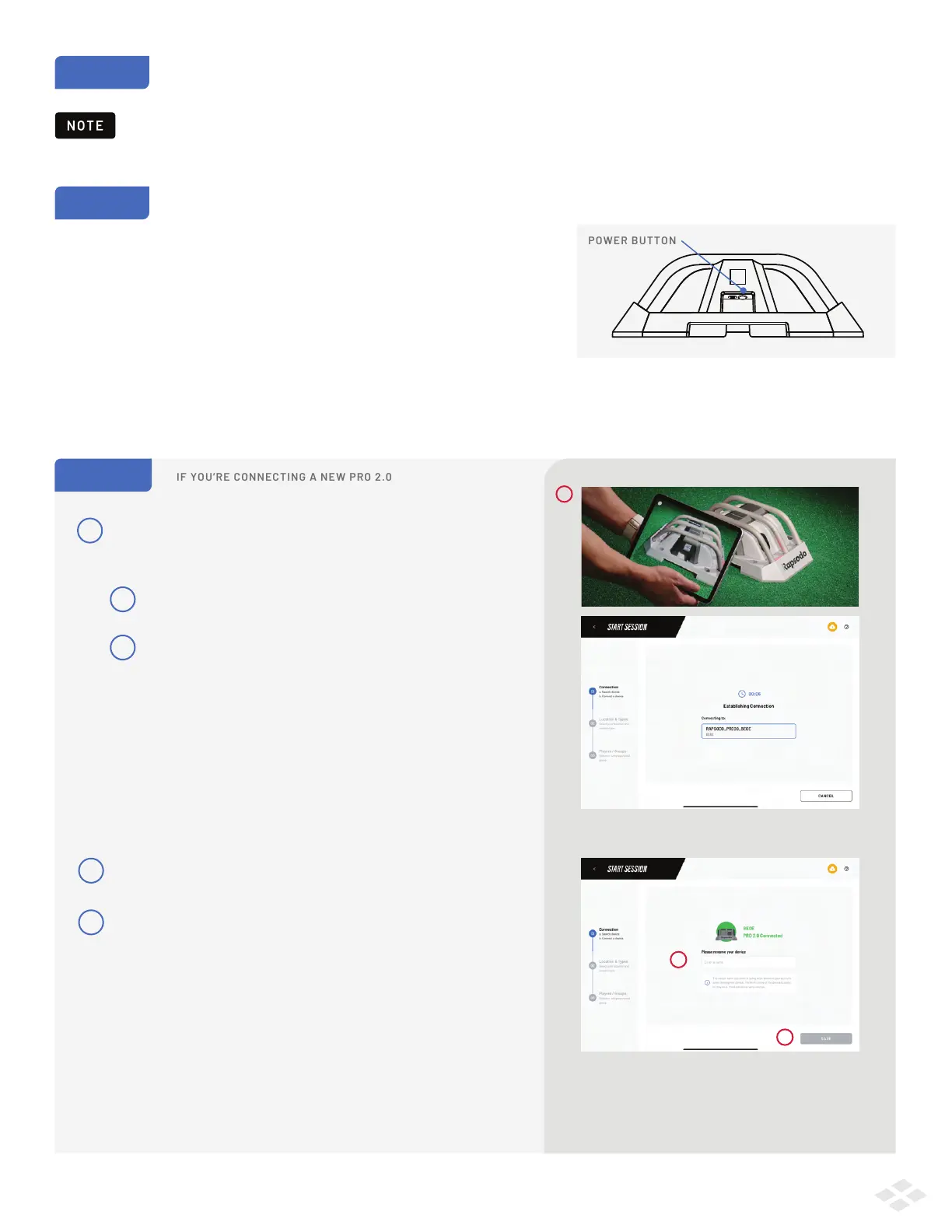
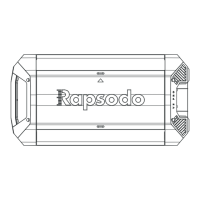
Turn on your device by pressing the POWER button (~1 second). Located on the camera side of your device
beneath the QR code.
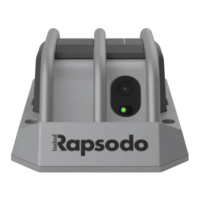
A BLUE light will start flashing below the lenses, indicating the device is
starting up. Once the device is ready to pair with an iPad, the flashing light
will turn into a steady RED light (this process should take about 20 seconds).
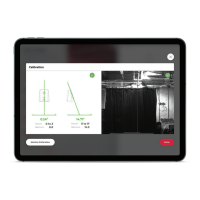
During Calibration, you’ll be able to fine tune your alignment.
Distance should be your main focus while placing your device.
QR Quick Connect:
Click SCAN, and place the QR code on the
side of your PRO 2.0 into the view of the camera.
The device will automatically attempt to pair
once a QR code is detected.
Your iPad will ask your permission to join the Wi-Fi
network called:
RAPSODO_PRO20_[last 4 digits of your device serial #].
STEP 1
1
a
b
Pairing can take up to 30 seconds.
1
IF YOU’RE CONNECTING A NEW PRO 2.0
2
3
If you have not already done so, you will be prompted
to name your device.
When you’re finished select ‘SAVE’.
This is required and will only display within
the Rapsodo Baseball app.
3
2
CONNECTING YOUR DEVICE
3


 To Next Page