CHAPTER
5
Diagnostics and Troubleshooting: Visualize Spray Data 19
CHAPTER 5
DIAGNOSTICS AND
TROUBLESHOOTING
VISUALIZE SPRAY DATA
To visualize data for field operations what is injected the last hour in case of the main flow.
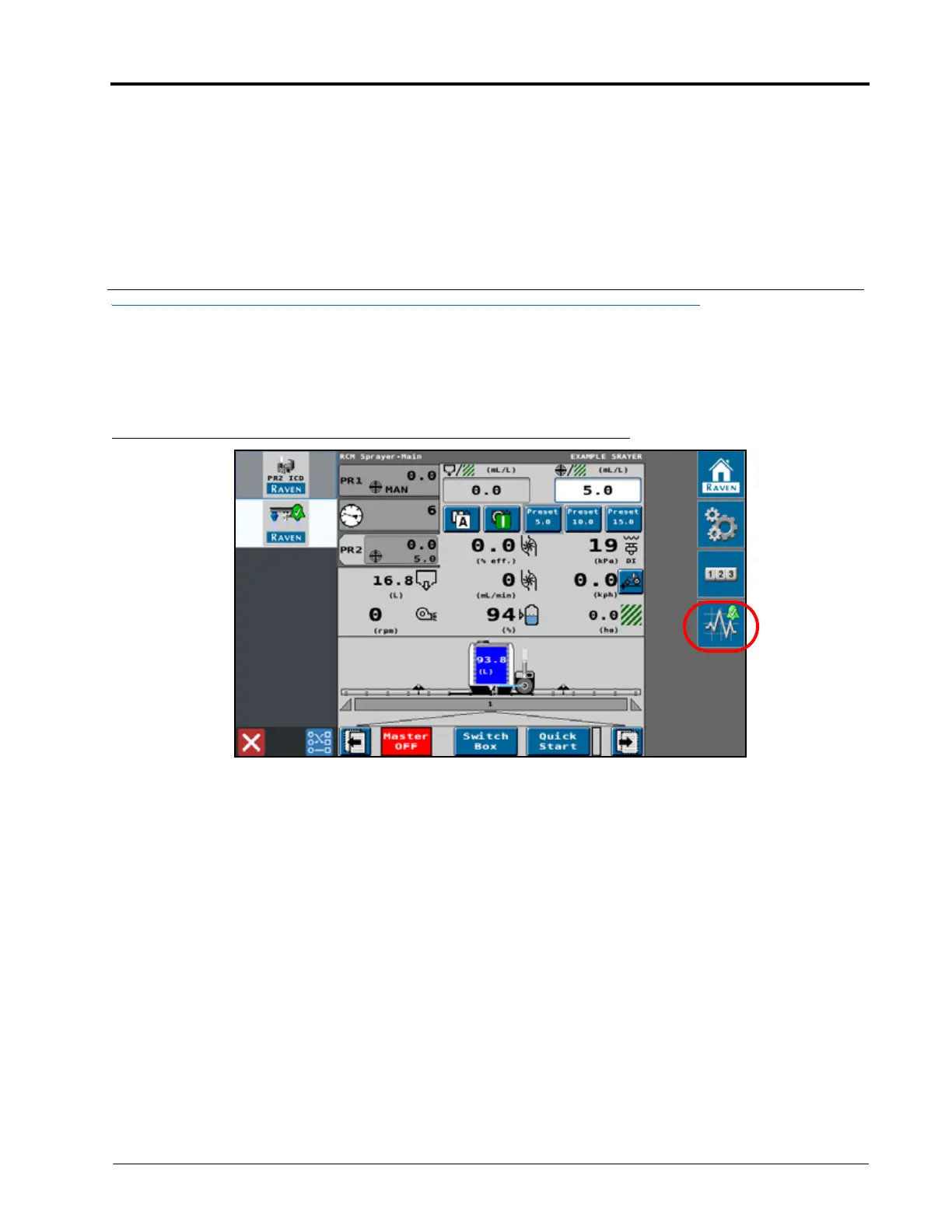
1. From the RCM-Sprayer main page, select the Diagnostics softkey.
FIGURE 1. Product 2 Operation Page
2. Select the Tests tab, select the product 2 (P2) button.



 To Next Page
 Loading...


