Chapter 5
40 SCS 660 & 660M Serial Interface for Granular Applications Installation & Service Manual
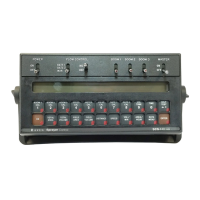
Shift the Decimal Place
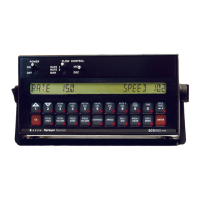
1. Press the METER CAL button.
2. Press the SELF TEST button.
3. Enter the flow meter calibration value stamped on the identification tag.
4. Press ENTER.
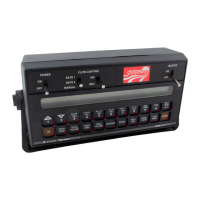
Unshift the Decimal Place
1. Press the METER CAL button.
2. Enter the flow meter calibration value stamped on the identification tag.
3. Press ENTER.


 To Next Page
 Loading...