Manual # 016-0190-074 Rev B 06/07
9
Installing the
Pressure and
Tank Lines
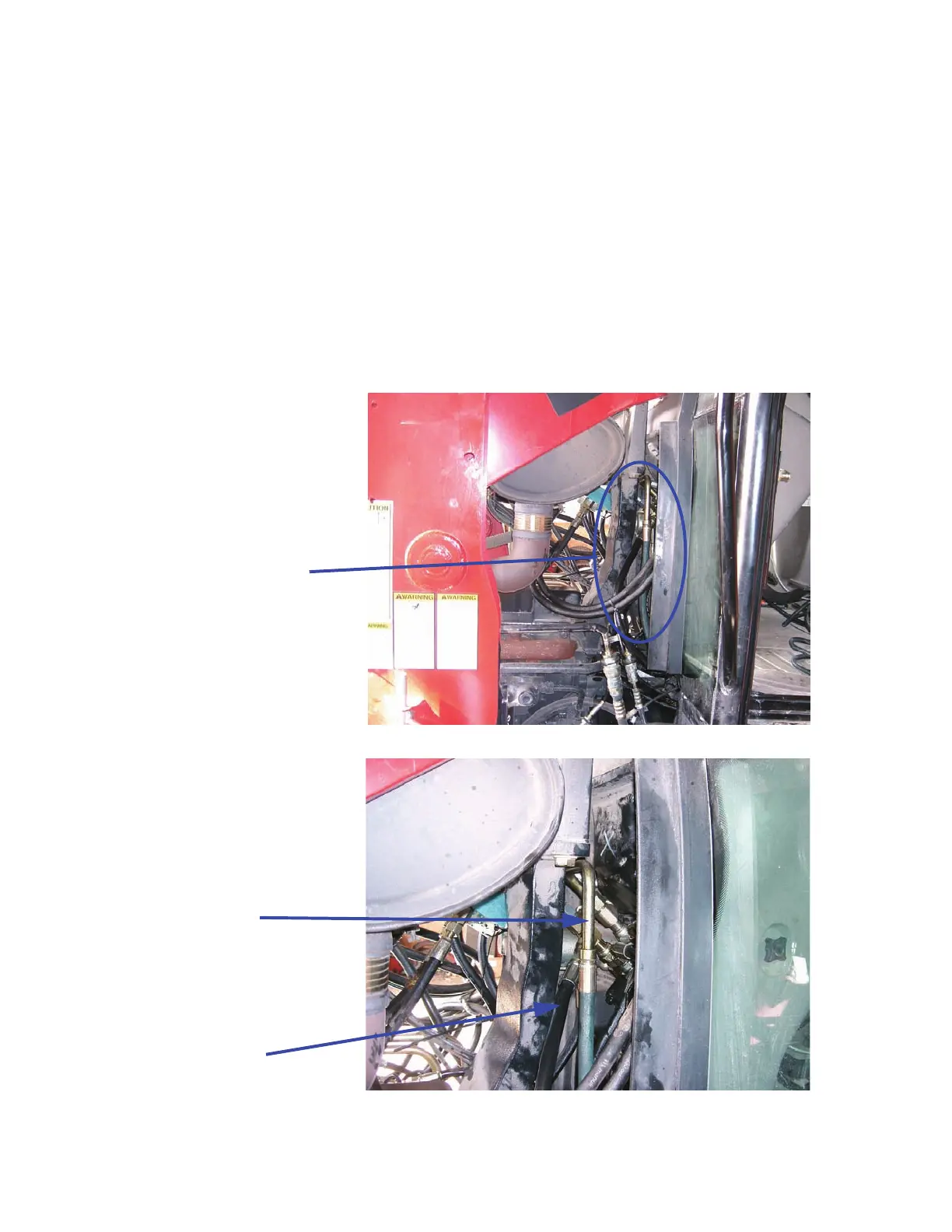
1. Locate the pressure line on the steering orbital. (if you are sitting in the
cab, it is the front, lower right port on the valve).
2. Mark the pressure line and remove it from the orbital.
3. Remove the tank line (located above the pressure line on the orbital)
and install a supplied tee on the port.
4. Attach the original tank line to the top of the tee you just installed.
5. Attach the supplied hose (P/N 214-1000-445) to the tee using the
supplied reducer fitting and the 90 degree fitting.
6. Route the hose to the SmarTrax valve and attach it to the “T” port using
a 90 degree fitting.
Steering
Orbital
The original pressure line shown above was replaced with a new one due to wear.
Tank Line
Pressure Line



 To Next Page
 Loading...




