https://rayconglobal.com
08
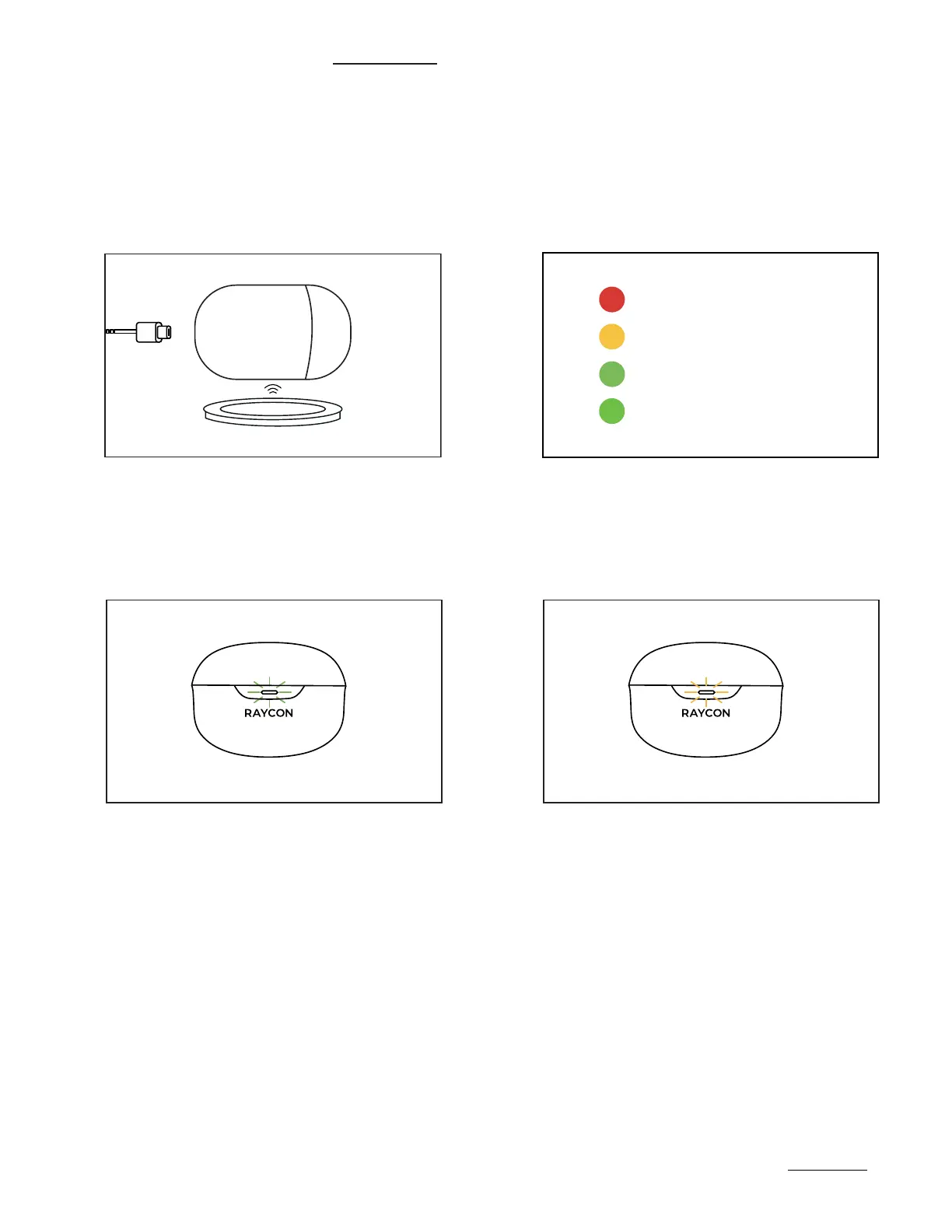
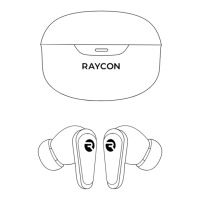
CHARGING YOUR DEVICE
Plug the USB-C connector in the
Capsule Port or place on Wireless
Charging Pad.
When charging, the Capsule LED will
start to breath. The LED color will indicate
capsule battery. Once fully charged, the
LED will hold a Green light.
1.
2.
When placing or removing the
earbuds in the Capsule, the LED
will blink Green.
A breathing Amber LED indicates that
the earbuds are charging.
3.
4.
<25% Battery
25% - 75% Battery
>75% Battery
LED Stays green



 To Next Page