https://rayconglobal.com
10
RESETTING DEVICE
FACTORY RESET / UNPAIRING
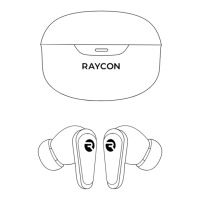
First, delete the “Raycon Everyday Earbuds Pro” from the Bluetooth settings on your device, and
place your earbuds back in the charging capsule
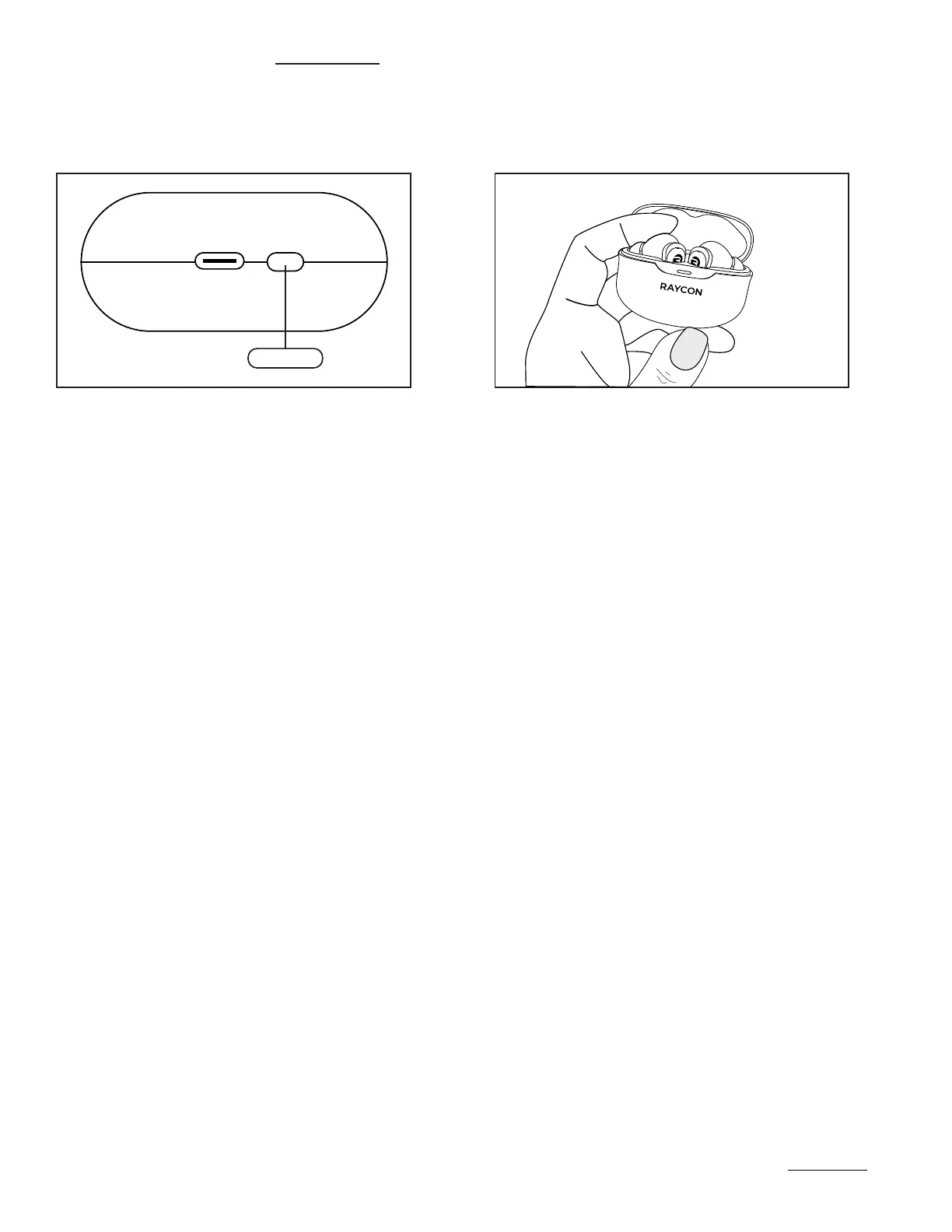
While the earbuds are in the capsule locate the reset button, which is near the charging port. With
the charging capsule lid open, hold the Reset button for 5 seconds or until the capsule LED flashes
yellow 3 times. Close the capsule to complete the reset function.
You are now able to reconnect to your source device - please follow the instructions earlier in the
manual for set up instructions.
RESET



 To Next Page