PART II. Service Manual
110 1417WCE
4.2 Lost IP Address (Use one of the methods below)
1. Use a second IP address (192.168.124.80) and change the IP address
2. Press the “Reset” button to reset the IP address. (Default IP : 2.2.2.100)
4.3 When using a reciprocating bucky
If there is image noise casued by the electromagnetic, follow the instructions below.
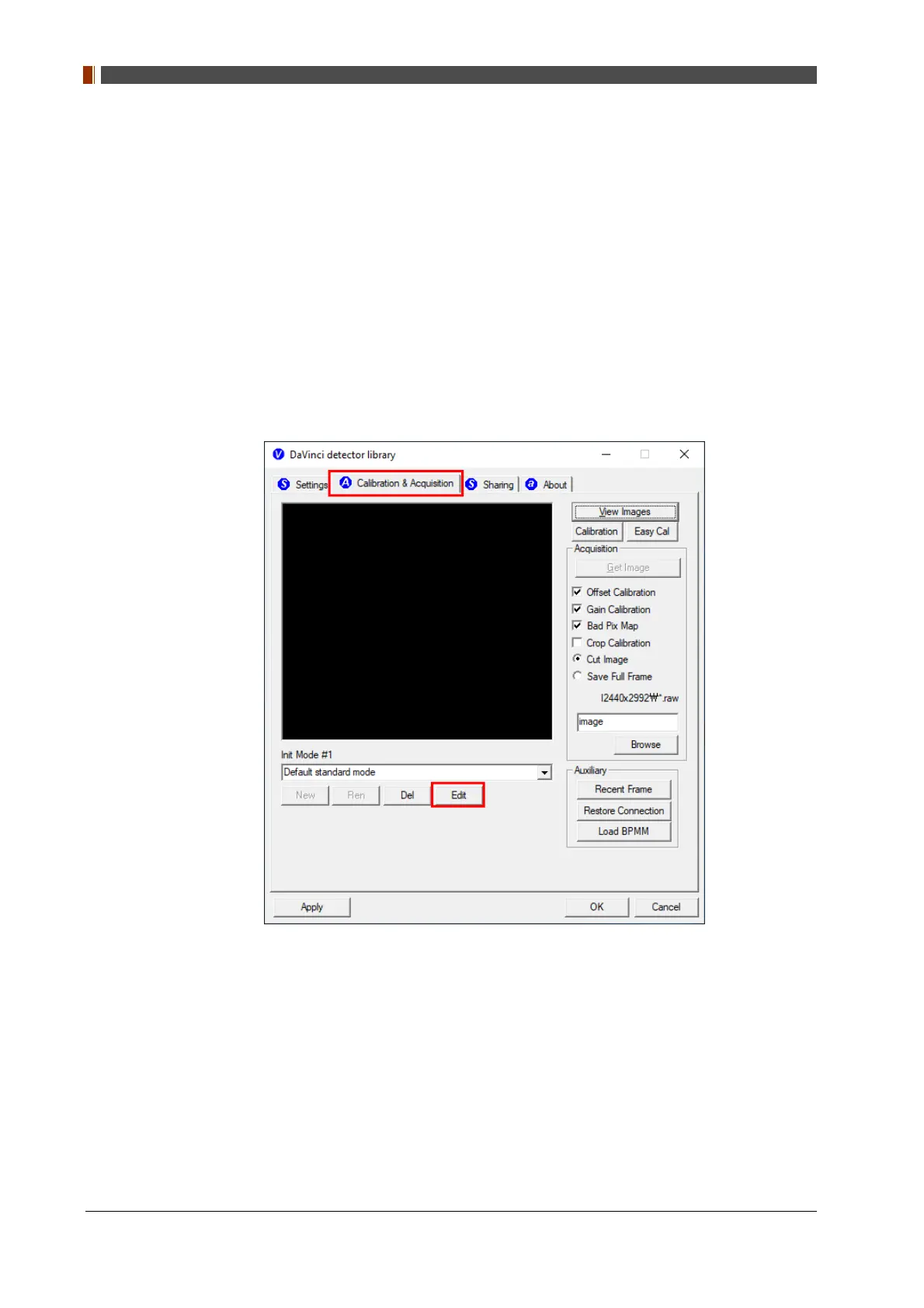
1. Open “_vadav.lnk” from "C:\Davinci”.
2. Go to the "Calibration & Acquisition" tab.
3. Click "Edit".



 To Next Page