PART I. User & Installation Manual
1417WCE 67
4. Usage
4.1 Set Up
4.1.1 Product Connectivity
1. Connect the detector and turn on the power.
2. Open “_vadav.lnk” from “C:\Davinci”.
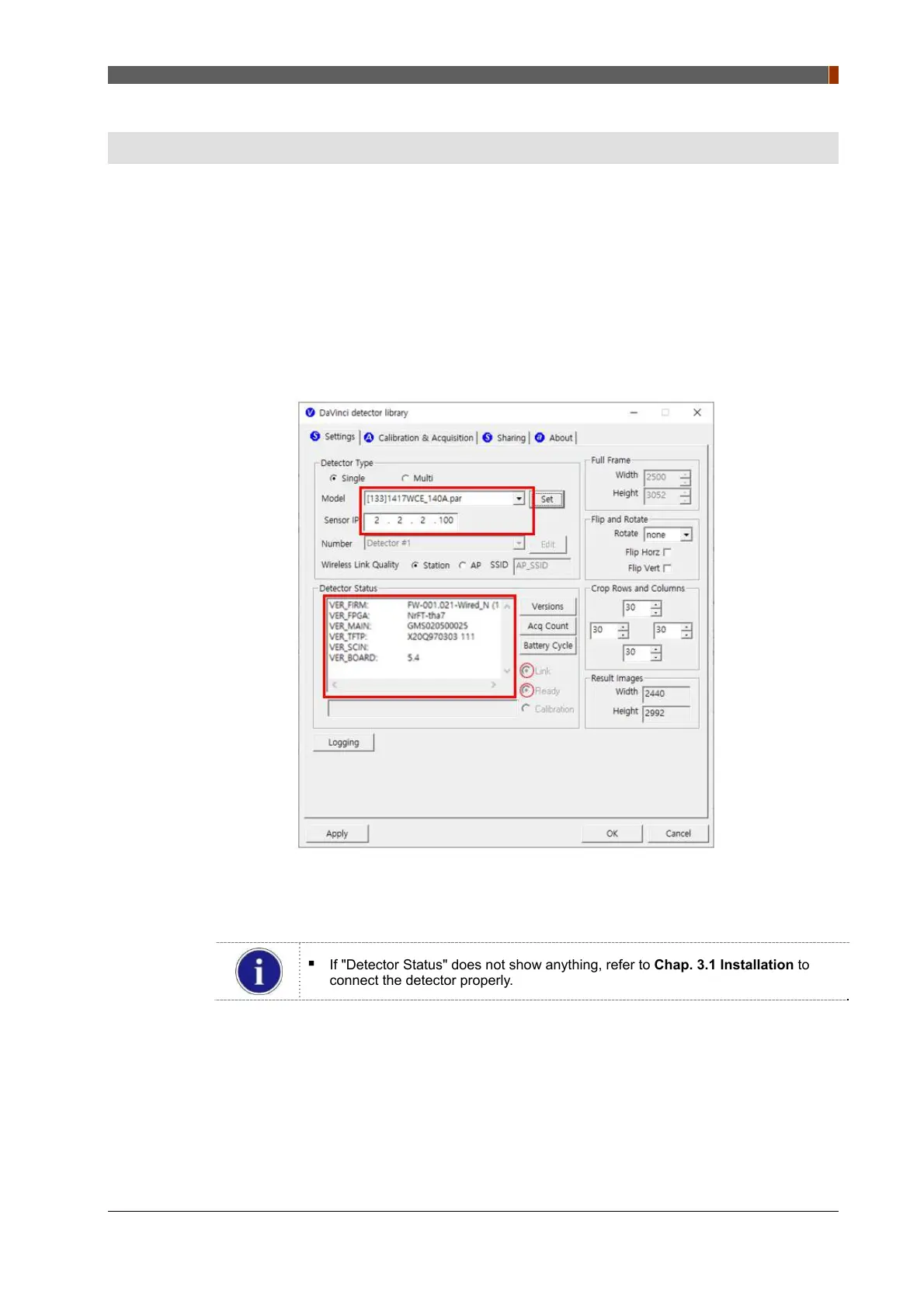
3. Once the detector is connected, detector information is displayed in “Detector Status” and
“Link” and “Ready” indicators are marked as below.
If "Detector Status" does not show anything, refer to Chap. 3.1 Installation to
connect the detector properly.



 To Next Page