PART I. User & Installation Manual
1417WCE 33
2.3 Part Names and Functions
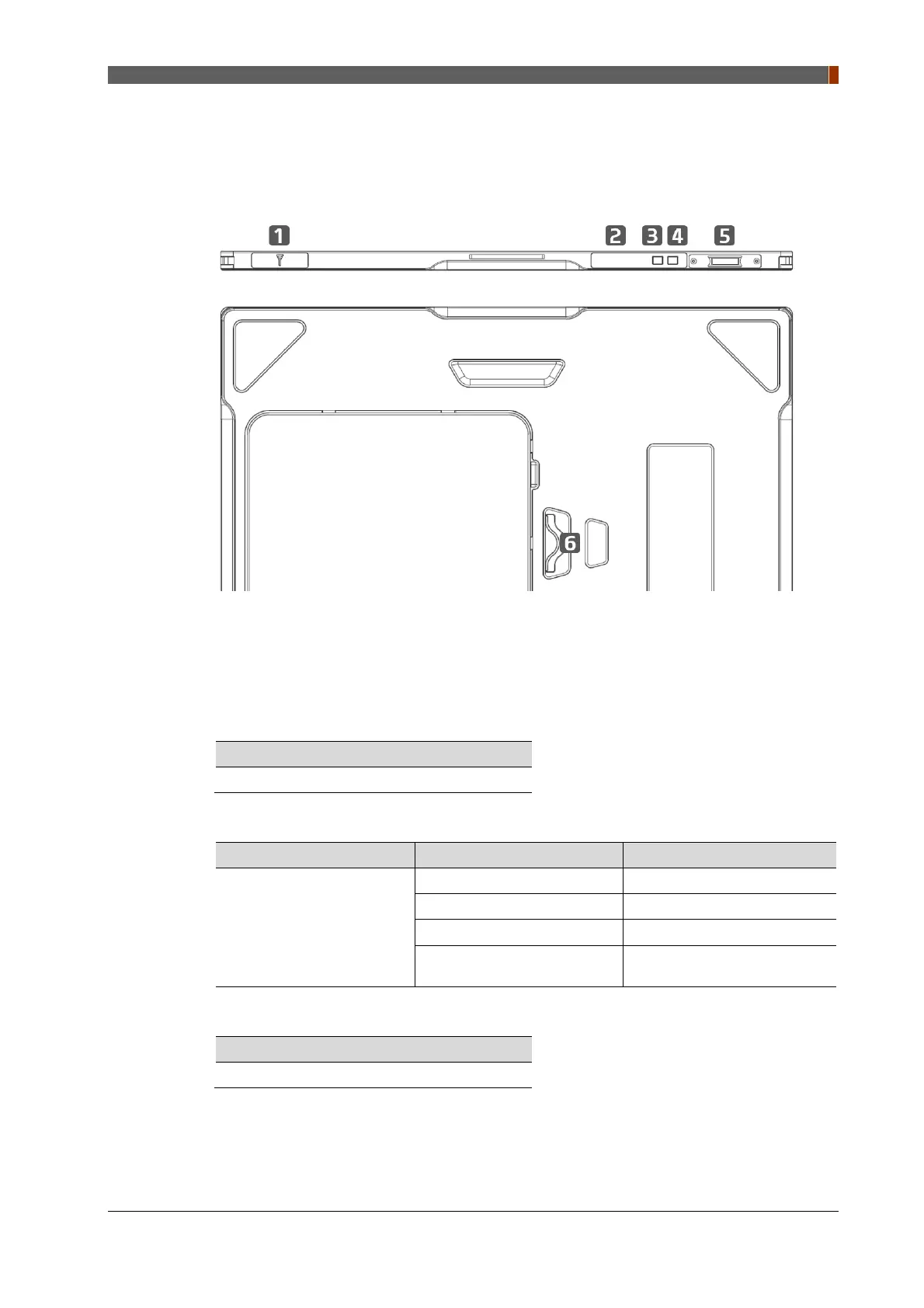
2.3.1 Detector
1. Wireless Antenna
2. OLED window
Informs the detector status.
3. Mode select button & LED indicator
Mode Change
Press the 1 second
Indicates current mode of detector.
Name of LED Status of LED Status of product
Mode
Orange on Station mode(wireless)
Green on AP mode(wireless)
Off Wired mode
Blinking Orange and Green
alternatively
Sleep mode
4. Power button & LED indicator
Power On / Off
Press over than 3 seconds



 To Next Page