PART I. User & Installation Manual
1417WCE 63
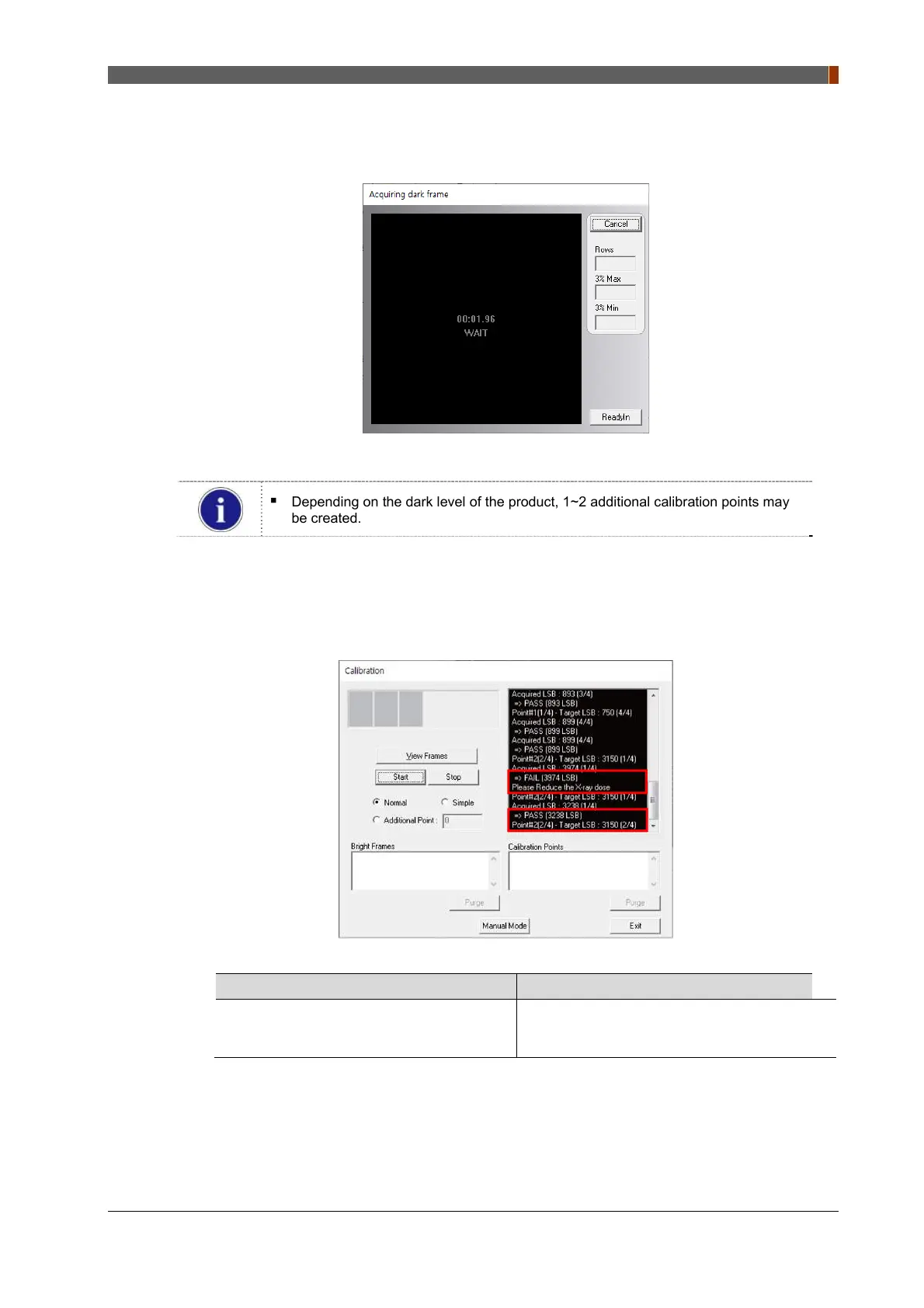
4. After acquiring the dark frame, shoot an X-ray when the “Acquiring bright frame” window
pops up.
Depending on the dark level of the product, 1~2 additional calibration points may
be created.
5. “Acquiring bright frame” is closed after radiation is detected, and the program will show if
the detected radiation is within acceptable range.
When PASS is displayed When FAIL is displayed
Shoot X-ray with the same exposure
condition when “Acquiring bright frame”
window pops up again.
Adjust the exposure condition to get acceptable
value and shoot X-ray when “Acquiring bright
frame” window pops up again.


 To Next Page
 Loading...
