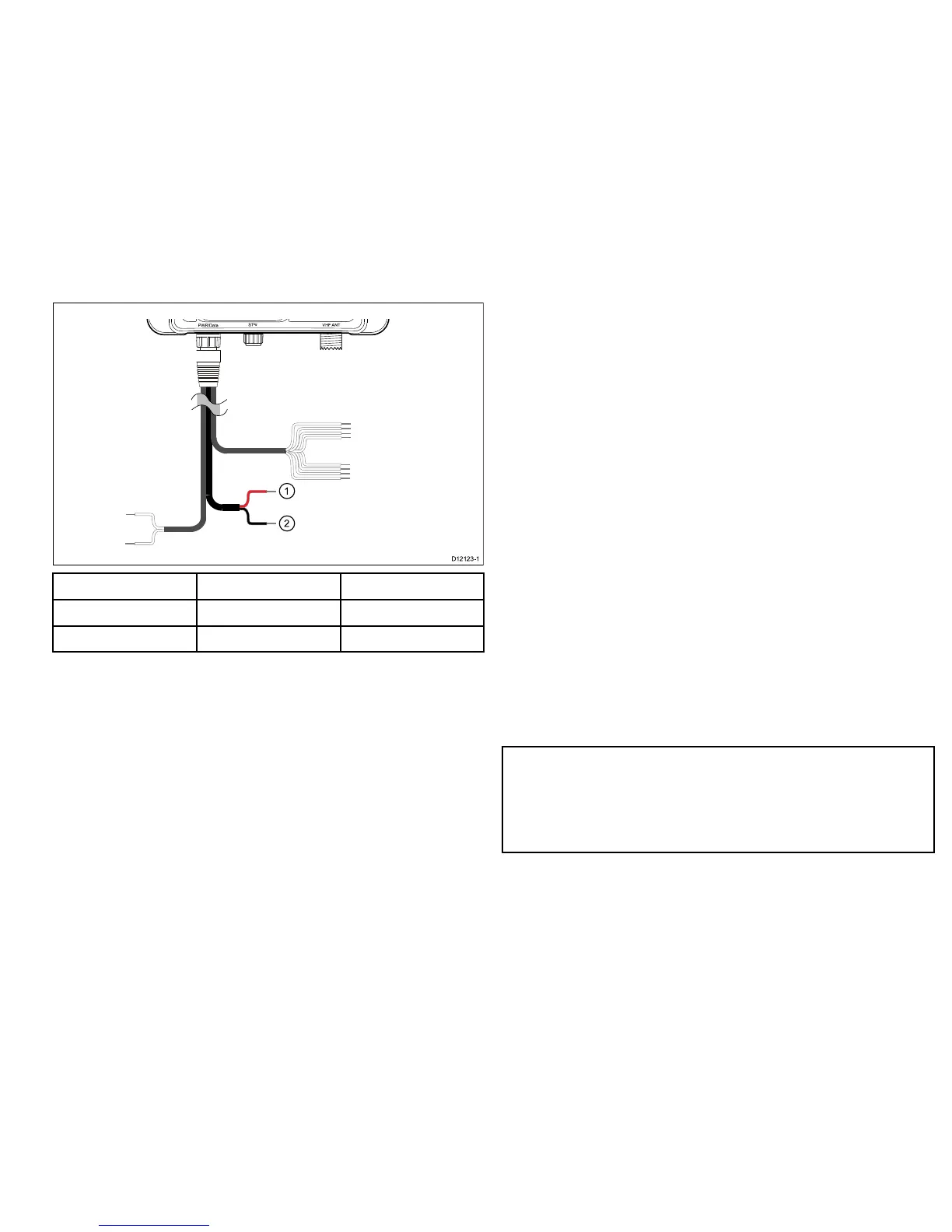
ItemWirecolorDescription
1.Red
PowerSupply+
2.BlackPowersupply–
2.8USBconnection
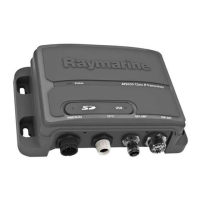
TheAISunitincludesaMini-BUSBportwhichprovidesPC
connectivity.T oenableconnectionoftheAISunittoaPCtheUSB
drivers,suppliedonthesoftwareCDROMmustbeinstalledonthe
PC
TheUSBportcanbeusedto:
•UseofPCbasedchartingsoftwarewhenconnectedtoAIS.
•Performsoftwareupdate
InstallingUSBdrivers
PriortoconnectingtheAIStoAPCtheUSBdriversmustrstbe
installed.T oinstallfollowthestepsbelow:
1.InsertthesuppliedCDROMandnavigatetotheUSBdrivers
folder.
2.Doubleclickonthesetup.exeletolaunchtheinstaller.
3.Followtheonscreeninstallationinstructionstocomplete
installation.
4.OnceinstalledtheAISunitcanbeconnectedtothePC.The
USBdriverswillbeinstalledautomaticallyandtheAISwill
appearasanewCOMportdevice.
5.SelecttheAISCOMportandabaudrateof38400inPCbased
navigationsoftwaretomakeuseoftheAISdata.
Note:IftheUSBconnectionisremovedfromthePCduring
useyoumustresettheconnectionbeforefurtheruse.Toreset
theconnectiondisconnectthenreapplypowertotheAISbefore
closingandre-launchinganyPCapplicationsusingtheUSB
connection.Finally,reconnecttheUSBcablebetweenthePC
andAISunit.
AIS350Receiver25



 To Next Page
 Loading...