11
1. T
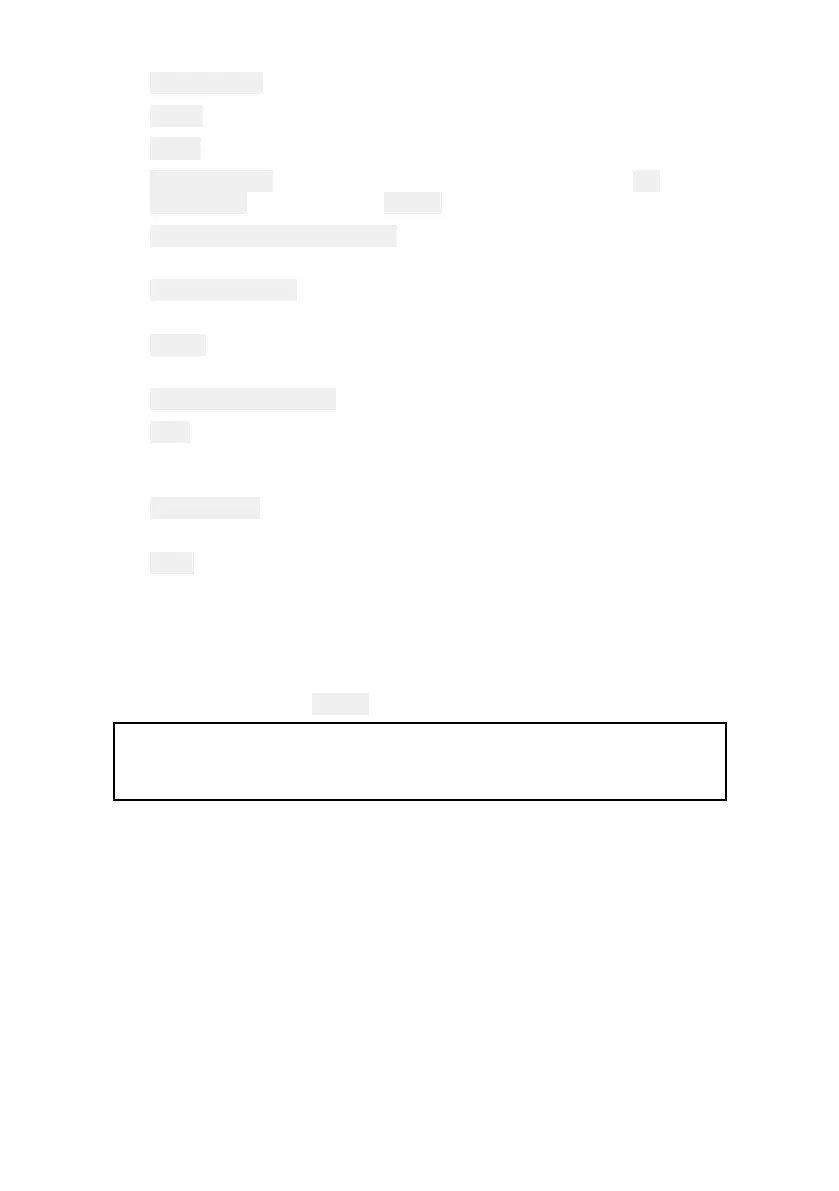
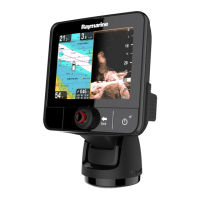
ouchscreen—ThetouchscreencanbeusedtocontroltheMFD.
2.Home—PresstodisplaytheHomescreen.
3.Menu—Presstoopenorclosemenus.
4.
Uni-controller—TheUni-controllerconsistsofacenter OKbutton,
Directionalcontrolsanda R
otaryknob.
5.
UserProgrammableButton—Y
oucanselectafunctionforthis
button.
6.
W
aypoint/MOB—Pressmomentarilytoplaceawaypointatyour
vessel’slocation.AlongpressactivatestheManoverboardalarm.
7.
Power—PresstopowerontheMFD.Whenpoweredonpressto
opentheShortcutspage.
8.MicroSDcardreader—2xMicroSDcardslots.
9.Pilot—PressmomentarilytodisplayorhidethePilotsidebar.
Alongpressengagestheautopilotinlockedheadingmode,or
disengagesanactiveautopilot.
10.Switchpane—Pressmomentarilytoswitchtheactivepaneina
splitscreenpage.Alongpressexpandstheselectedpane.
11.Back—Presstoreturntothepreviousmenuordialog.
Poweringonthedisplay
1.Pressthepowerbuttontopoweronthedisplay.
Poweringoffthedisplay
1.Pressandholdthe
Powerbuttonforapproximately6seconds.
Note:Whenpoweredoff ,theunitmaystilldrawasmallamountof
powerfromthebattery,ifthisisaconcernunplugthepowersupply
orswitchoffatthebreaker.
FirstpowerupDatamasterselection
Network scontainingmorethan1MFDmusthaveadesignatedData
master.TheDatamasteristheprimaryMFDinthenetworkandshould
betheMFDthatisconnectedtotheSeaTalkng®/NMEA2000CAN
busnetworkandanyotherdevicesandsourcesofdatainyoursystem.
TheDatamasterbridgesthedataovertheSea Talkhs™networktoany
compatiblenetworked‘repeater’MFDs.
BydefaultyourMFDwillbesetasaDatamaster.Ifyouareconnecting
toanetworkthatalreadyincludesMFDsthenonfirstpowerupyou
willberequestedtoconfirmyourDatamaster.
The“MultipleDatamastersfound”warningwillbedisplayedwhenever
anewMFDisaddedtoyournetwork.



 To Next Page