34
Control Lockout
The heater is equipped with a Control Lockout feature
to prevent unauthorized tampering or adjustment of the
control settings. To lock out the controls, press the MODE
and DOWN keys simultaneously for 5-seconds. Choose
a three-digit PIN, using the UP and DOWN keys to select
the digits and the MODE key to lock in selections. Conrm
your selection and record your PIN.
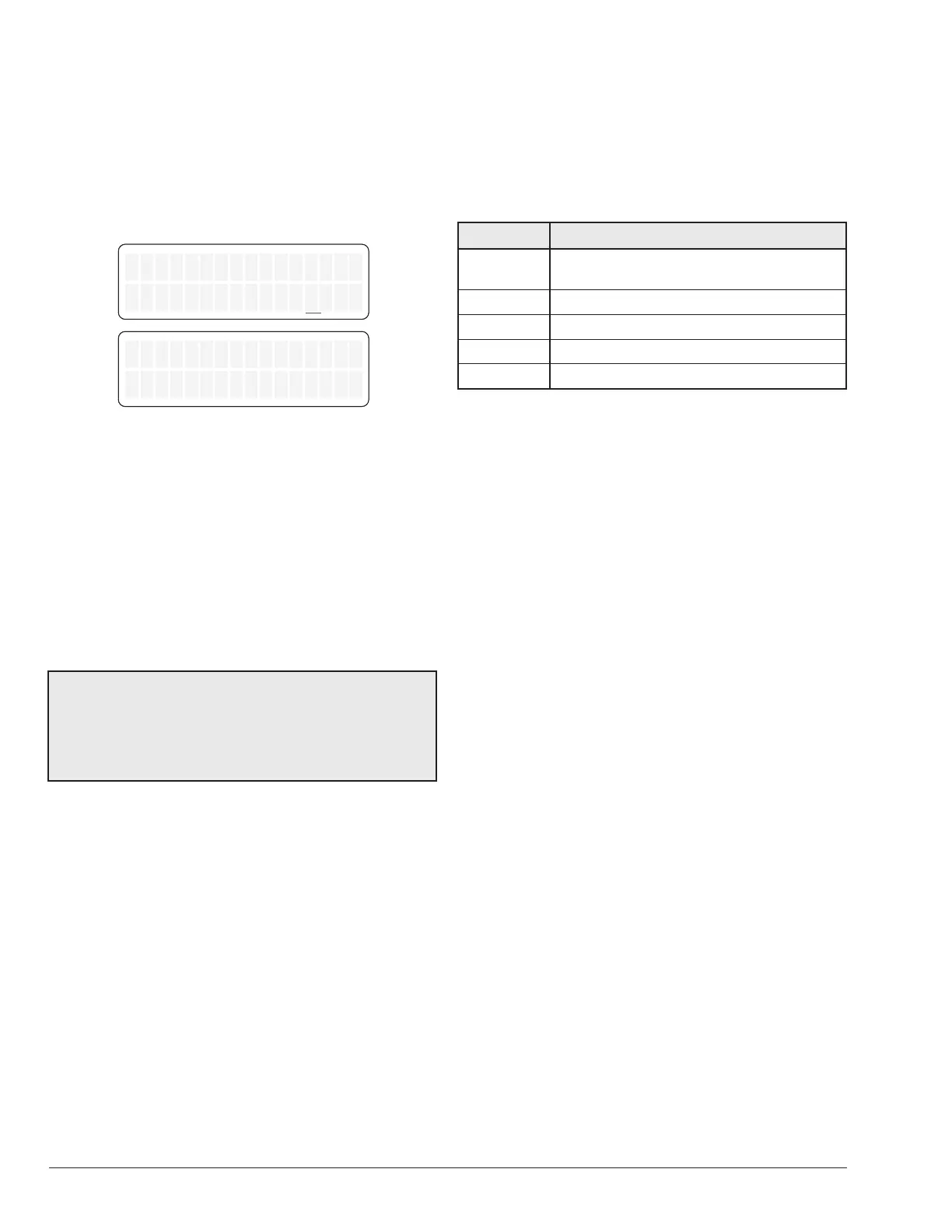
Control Lockout
Enter PIN 000
Confirm Lockout
Yes
Figure 53. Control Lockout
To unlock the controls, press MODE, UP or DOWN key
to bring up the ENTER PIN menu. Enter the PIN that
was used to lock the control. Note that power cycling will
not clear the lockout. Successfully unlocking the control
will display "LOCKBOX CLEARED". Failure to enter the
correct PIN will display "INVALID PIN".
In the event that the user-selected PIN is lost or does not
clear the Control Lockout, use the Program Menu to SET
FACTORY DEFAULTS. This will clear the PIN and allow
normal operation and selection of a new PIN if desired.
See the "Program Menu" section on page 31 for details.
NOTE: By setting FACTORY DEFAULTS, both the POOL
and SPA setpoints will revert back to 65°F (18°C) and the
POOL and SPA maximum temperature settings will be
104°F (40°C). These setpoints will need to be readjusted
to desired settings. Other default congurations are also
applied.
Keypad Lockout
After 30-minutes of inactivity, the controller will automatically
lockout all User Interface keys to avoid unintended key
press. Follow on-screen instruction to unlock keys. Press
UP key 3 times, followed by MODE key to unlock.
To lock keypad manually, press SERVICE, MODE and
DOWN key simultaneously for 3 to 5 seconds.
Status and Diagnostics
The LCD displays a variety of status and diagnostic
messages, depending on the operating conditions.
The following heat status messages are displayed in Pool,
Spa, and Remote modes when there are no active fault
conditions.
Display Condition
No Demand
Water temperature is equal or above
setpoint.
Pre-Purge Call-for-heat established.
Spark Spark operating.
Heating Flame present. Unit is heating.
Post-Purge Heating is terminated. Unit cool down.
Table O. Heater Status Messages


 To Next Page