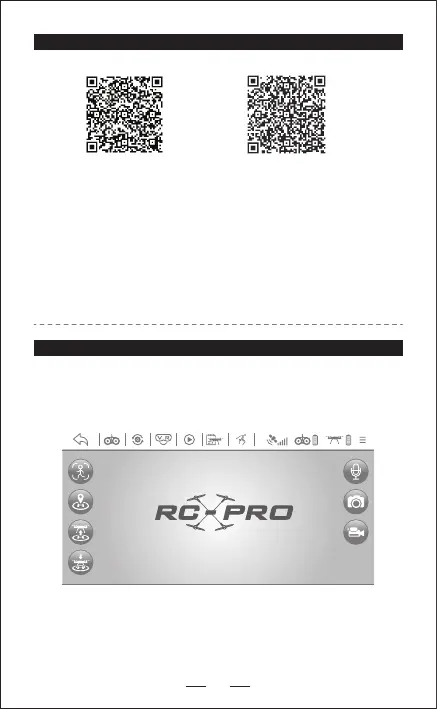
Waiting for GPS Signal D:00 H: 0.0 DS: 0.0 VS: 0.0
11
- Connect the power of this drone, and then access into “SETTING”
in the mobile phone, open the “WIFI” and nd the “RC-PRO GPS”.
When the link is successfully connected, please exit the“Setting”option.
- Open “RC-PRO GPS” APP in the mobile to access into the control
interface.
QR code of “RC-PRO GPS”
APP for Apple IOS system
(Please scan this QR code to
install this software).
QR code of “RC-PRO GPS”
APP for Android system
(Please scan this QR code to
install this software).
SOFTWARE DOWNLOAD AND INSTALLATION
APP INTRODUCTION
Wait until the Drone Status says “Ready to Fly” before initiating ight.
This will ensure that your GPS is synced and your drone is ready to
y.


 To Next Page