63
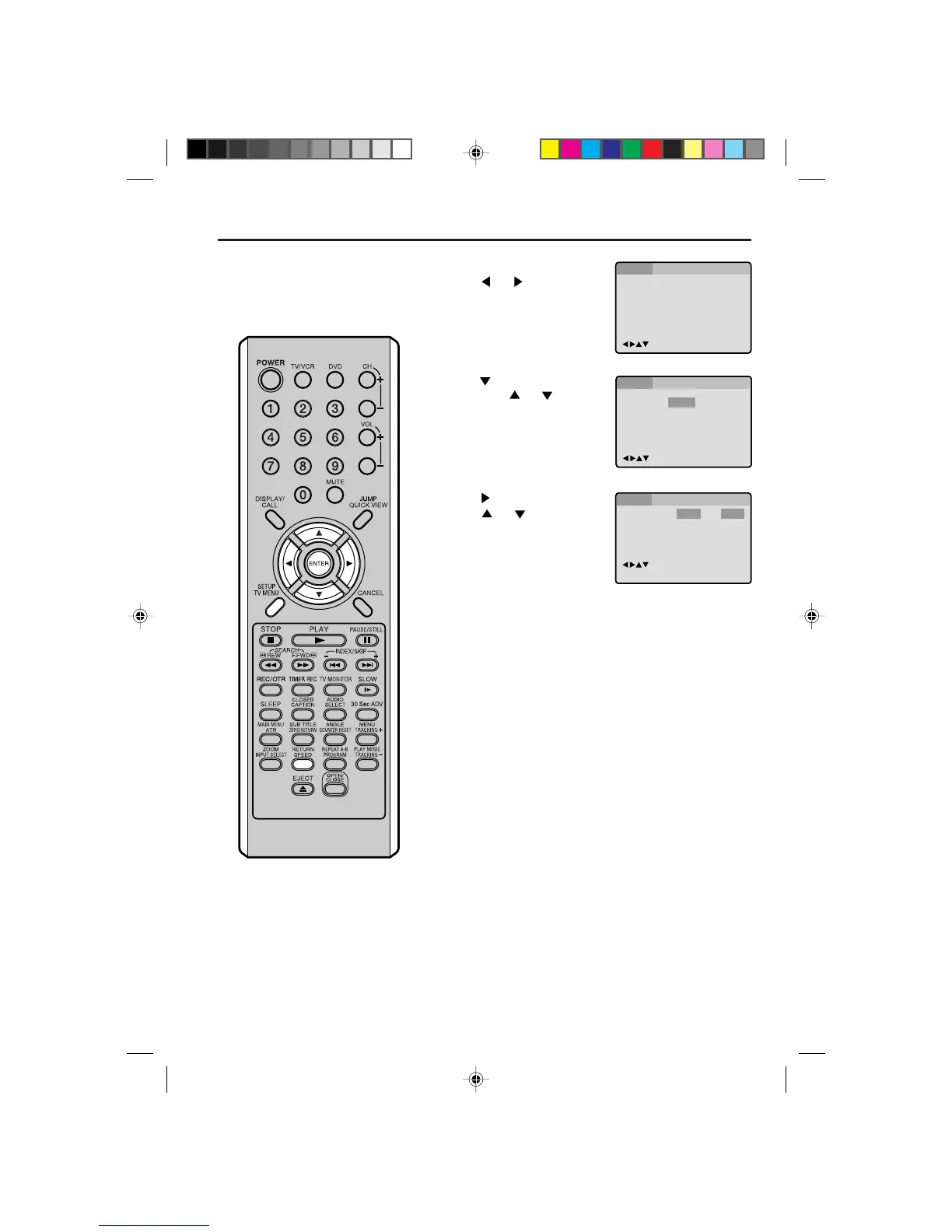
Setting menu language
Press or ENTER.
Press
or to select your
desired language, then press
ENTER.
1
2
3
Press SETUP or RETURN to remove the MENU screen.
Press
or ENTER.
Then press
or to select
“Menu”.
4
You can select the language of the
disc menu messages of DVDs.
Press SETUP in the stop mode.
Press
or to select “Lan-
guage”.
Menu
Subtitle
Audio
English
Automatic
English
English
Francais
Espanol
Other
/Enter/Setup/Return
Language Picture ParentalSound Other
/Enter/Setup/Return
Language Picture ParentalSound Other
Menu
Subtitle
Audio
/Enter/Setup/Return
Language Picture ParentalSound Other
English
Automatic
English
English, Francais, Espanol:
The selected language will be heard or seen.
Other:
Other language can be selected (see the “Language code list” on
page 66).
5L00101AE(58-65) 2/25/04, 3:10 PM63



 To Next Page